Aqua Barrier Vertical
Creation Mode: Draw Line on Terrain
Purpose and Effect: This action represents one of six barriers designed for planning mobile protection measures. It consists of Euro pallets, supports, and a row of sandbags in front. To place the barrier, draw a line on the terrain. The barrier type and its orientation can be changed in the Action Settings Panel.
Barrier Limits
Maximum Height
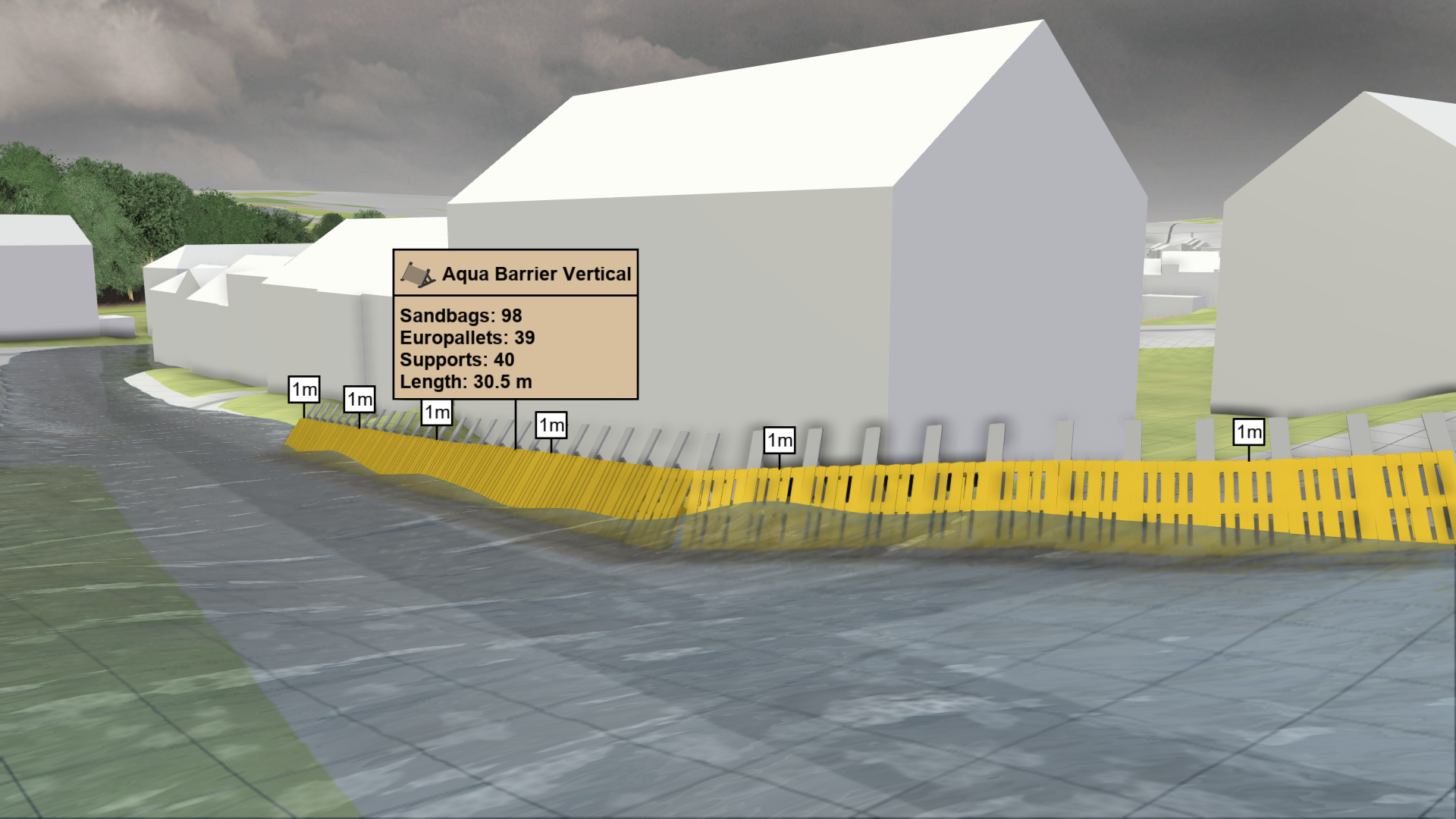
The required materials are automatically determined per time step based on the water depth at the barrier. Vertical pallets cannot be stacked as the horizontal pallets of Aqua Barriers. The barrier can retain water up to a depth of 0.9 meters.
| Low water depth: Pallets are only placed where water reaches the barrier. | 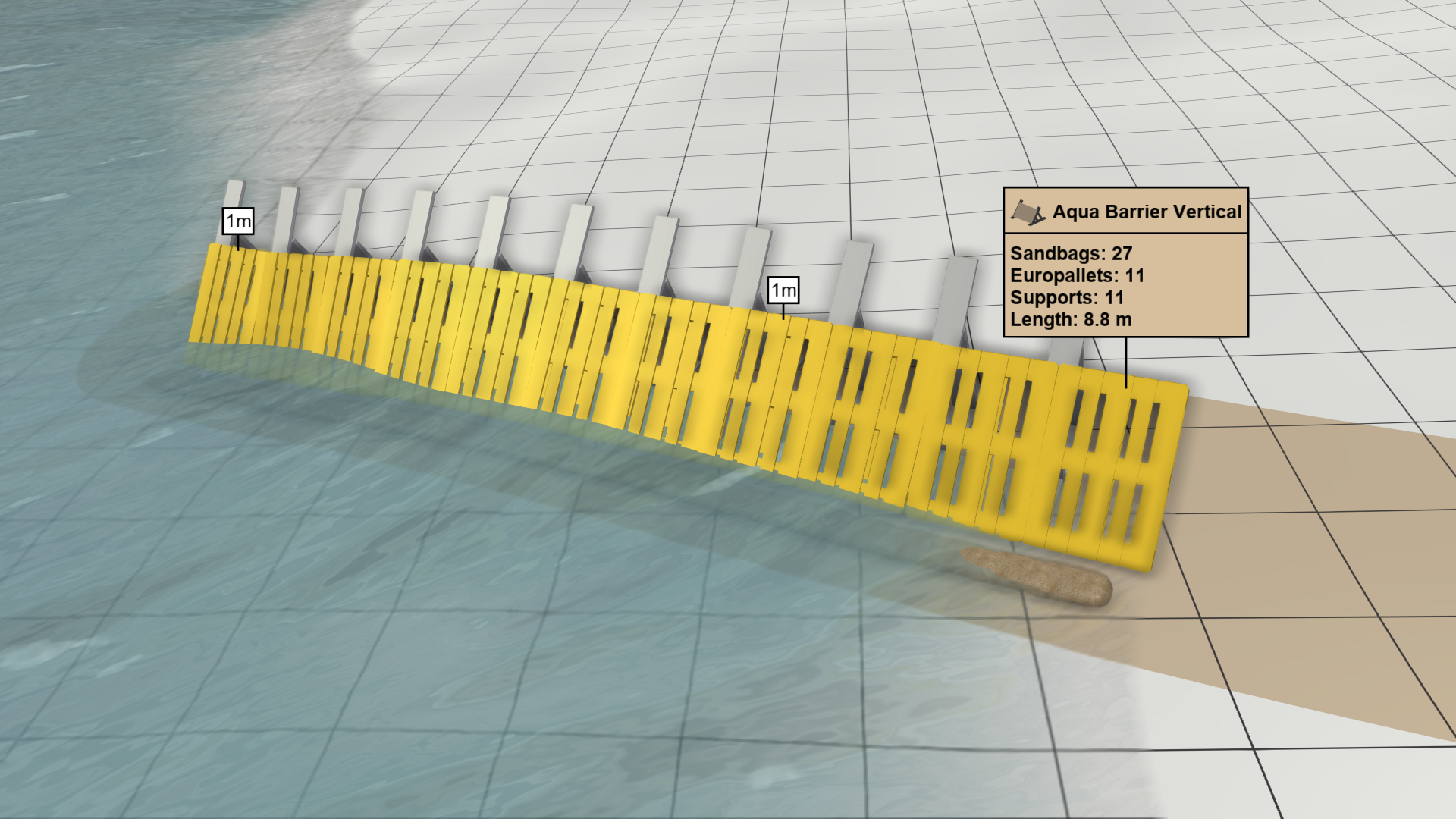 |
|---|---|
| High water depth: The barrier has to be longer and requires more materials to hold the water back. | 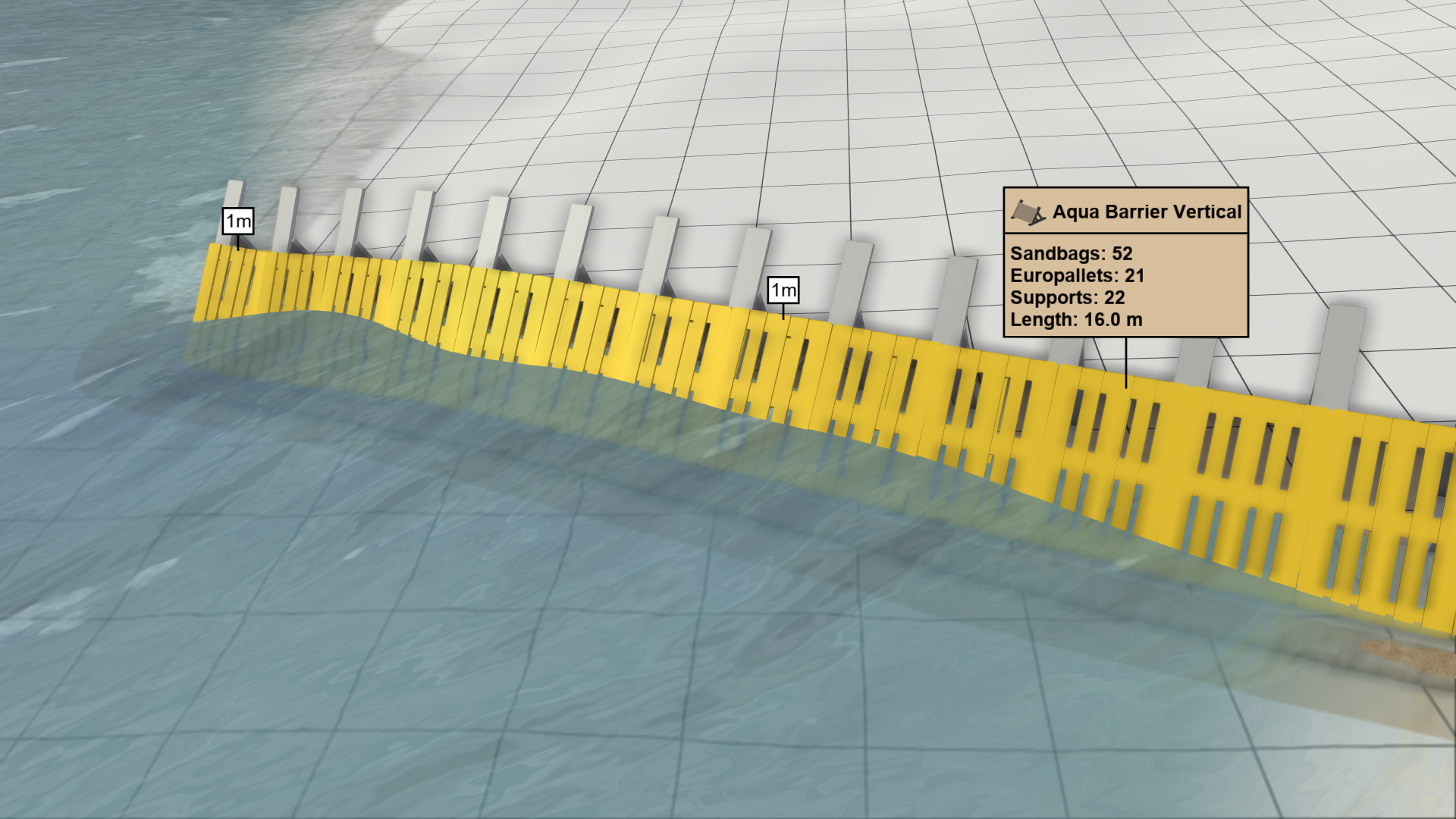 |
| Water depth > 0.9 m: The barrier is overtopped because the water reaches the maximum depth the barrier can hold. | 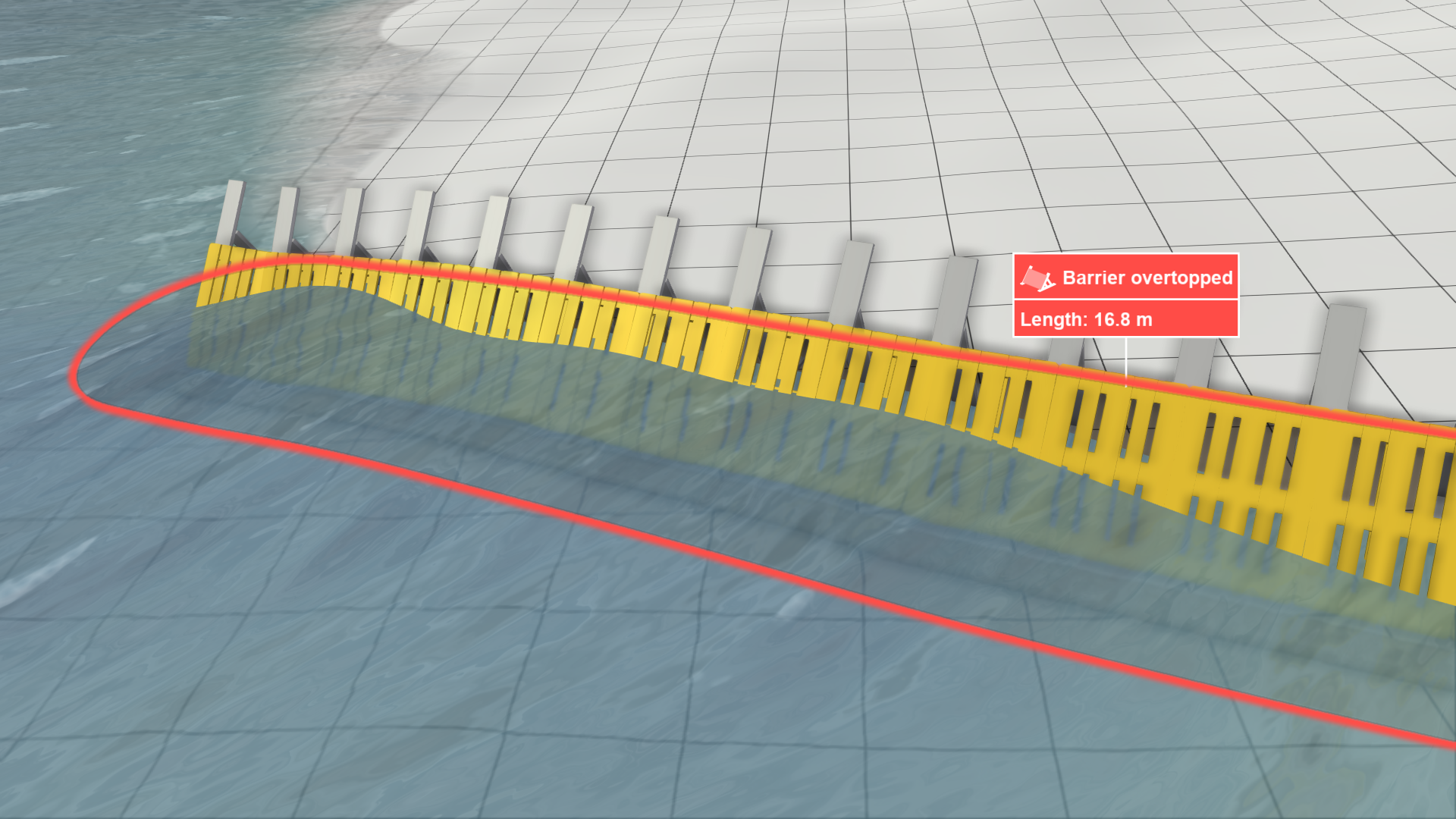 |
Maximum Slope
To ensure stability, vertical Aqua Barriers are only placed along their lines where the slope of the terrain does not exceed 12°. Below is an example where the terrain slope is too steep to place the barrier.
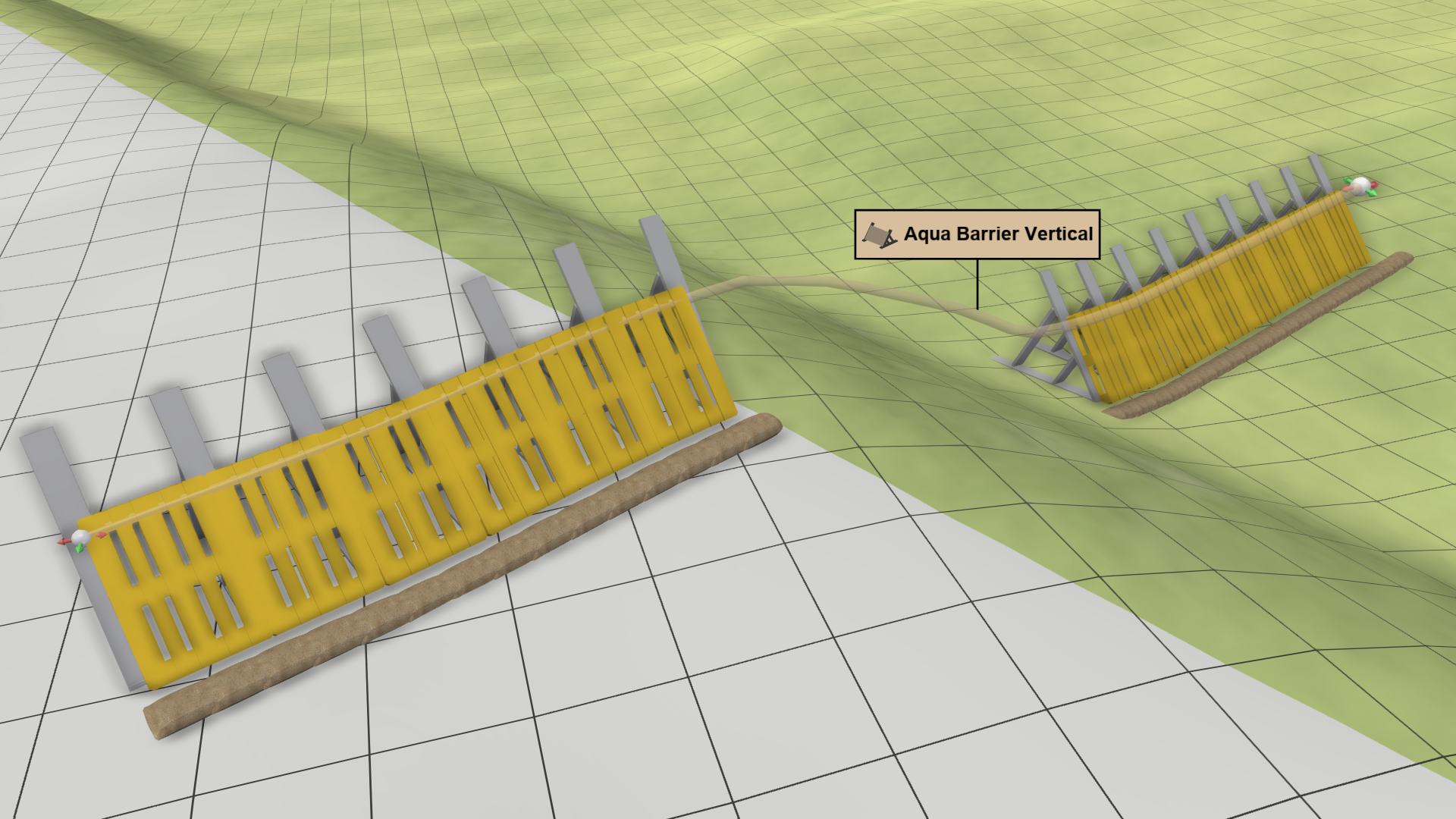
Building Walls
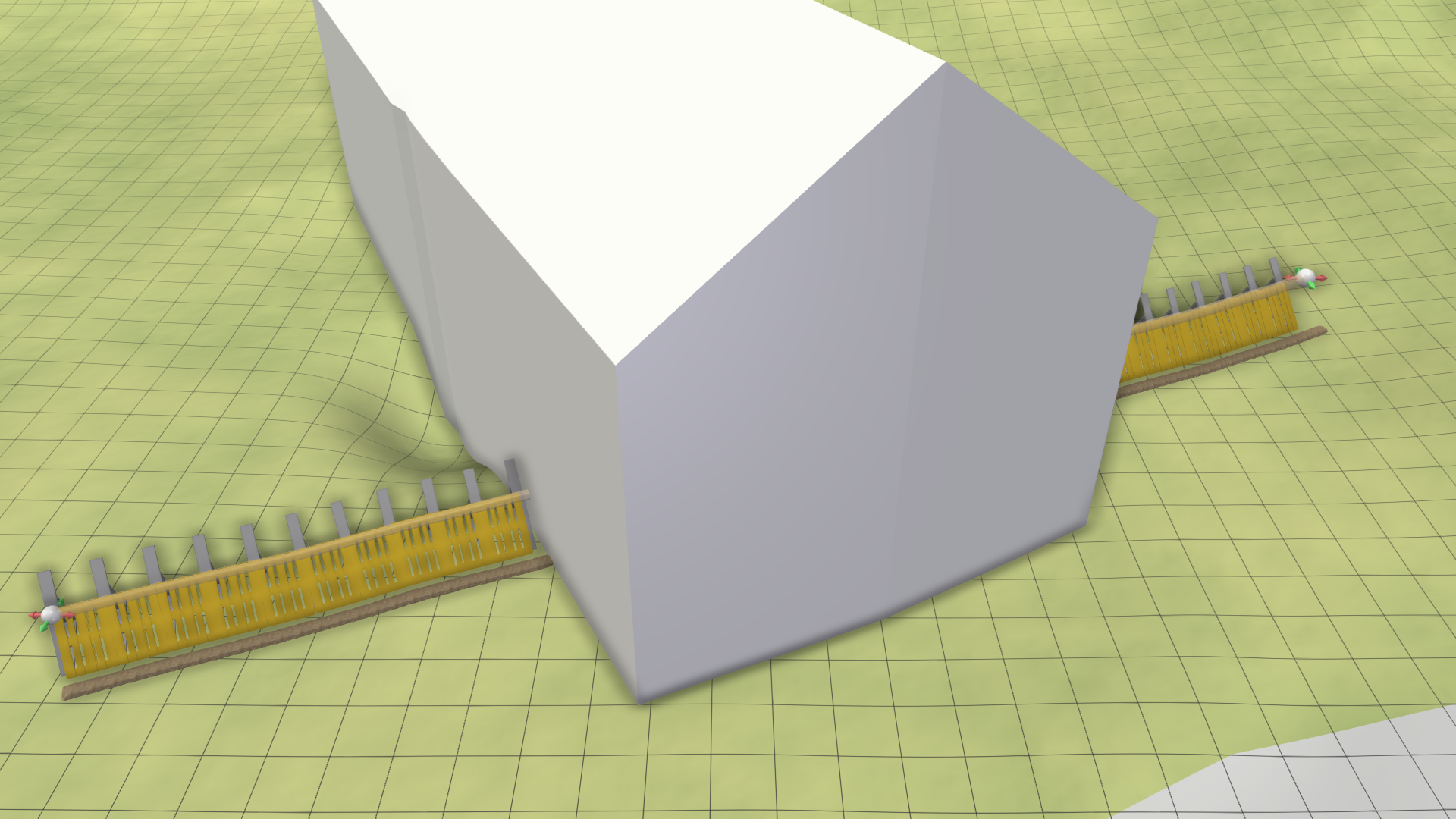
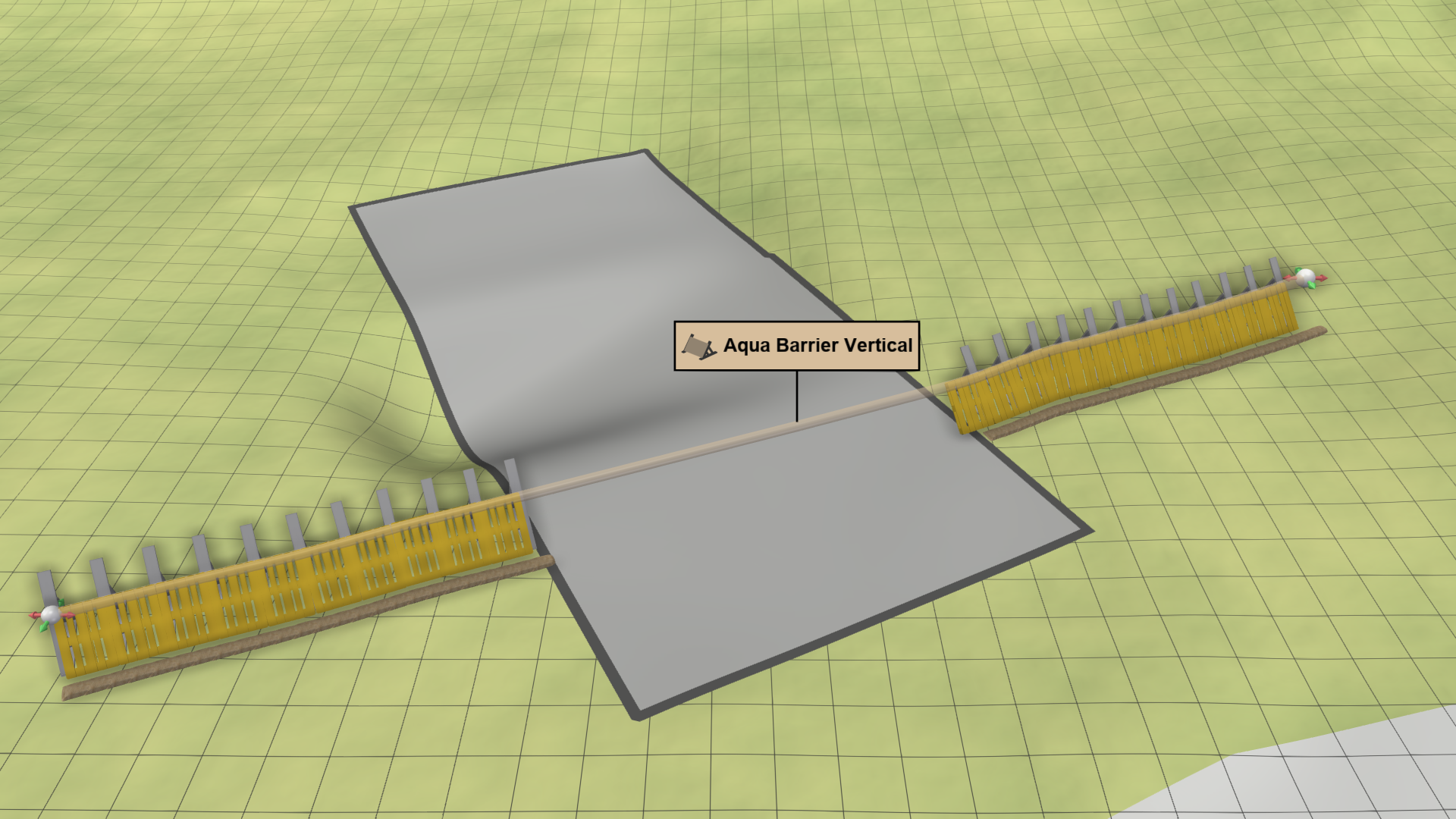
Barrier lines can be drawn through buildings and the barrier placement stops automatically at walls to prevent their placement inside buildings.