
Complex Structure Removal
Creation Mode: Draw Line on Terrain
Purpose and Effect: The Complex Structure Axis action together with the Complex Structure Boundary action allow you to cut out linear features that are incorrectly represented in the terrain, such as rivers and tunnels. Unlike the Structure Removal action, these actions enable you to define curved cut-outs with varying widths, providing more precise control over the removal process.
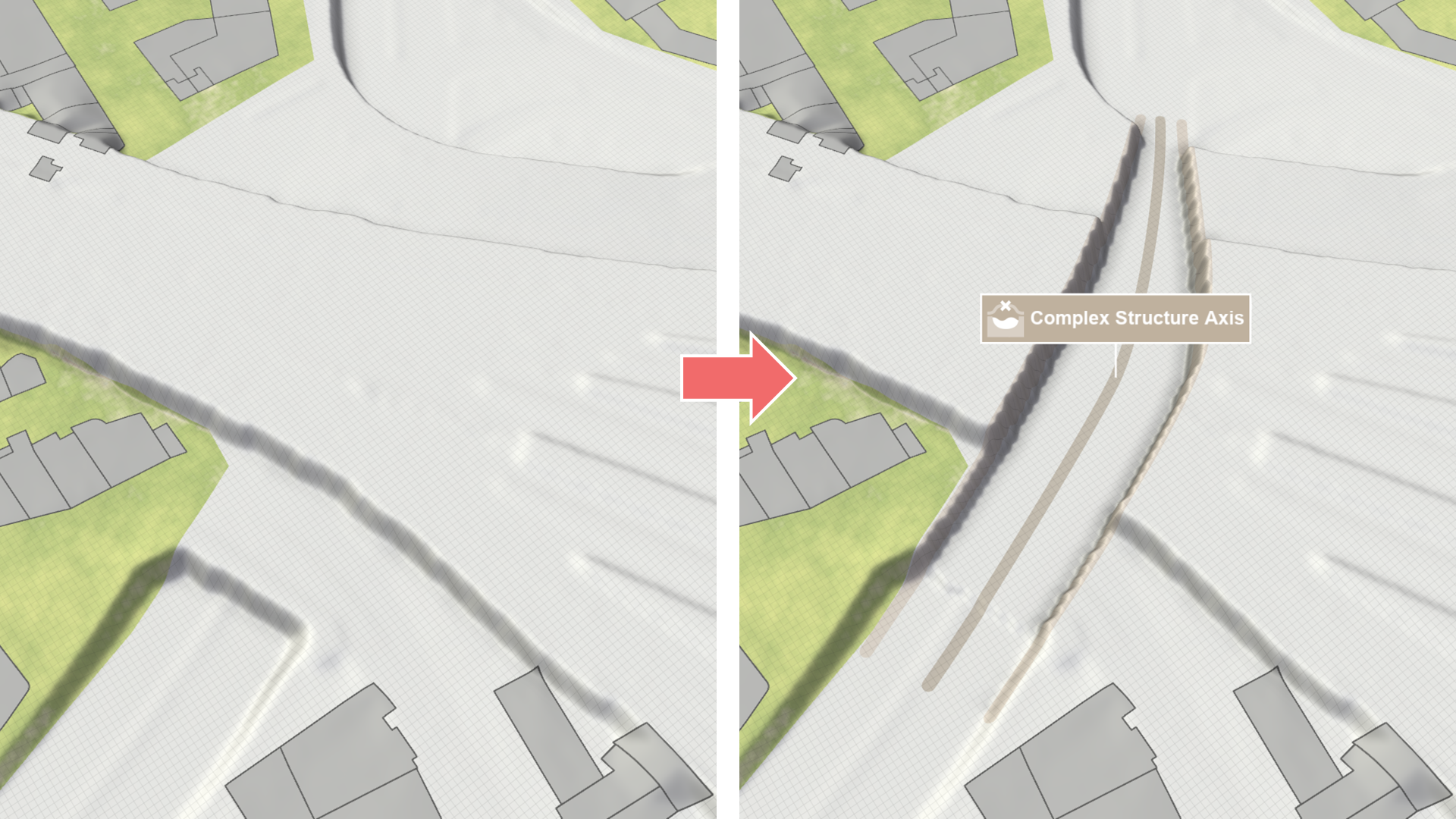
| Draw three lines to remove a complex structure from the terrain: | |
|---|---|
| 1. Use the Complex Structure Axis action to draw a center line along the structure you want to remove. | 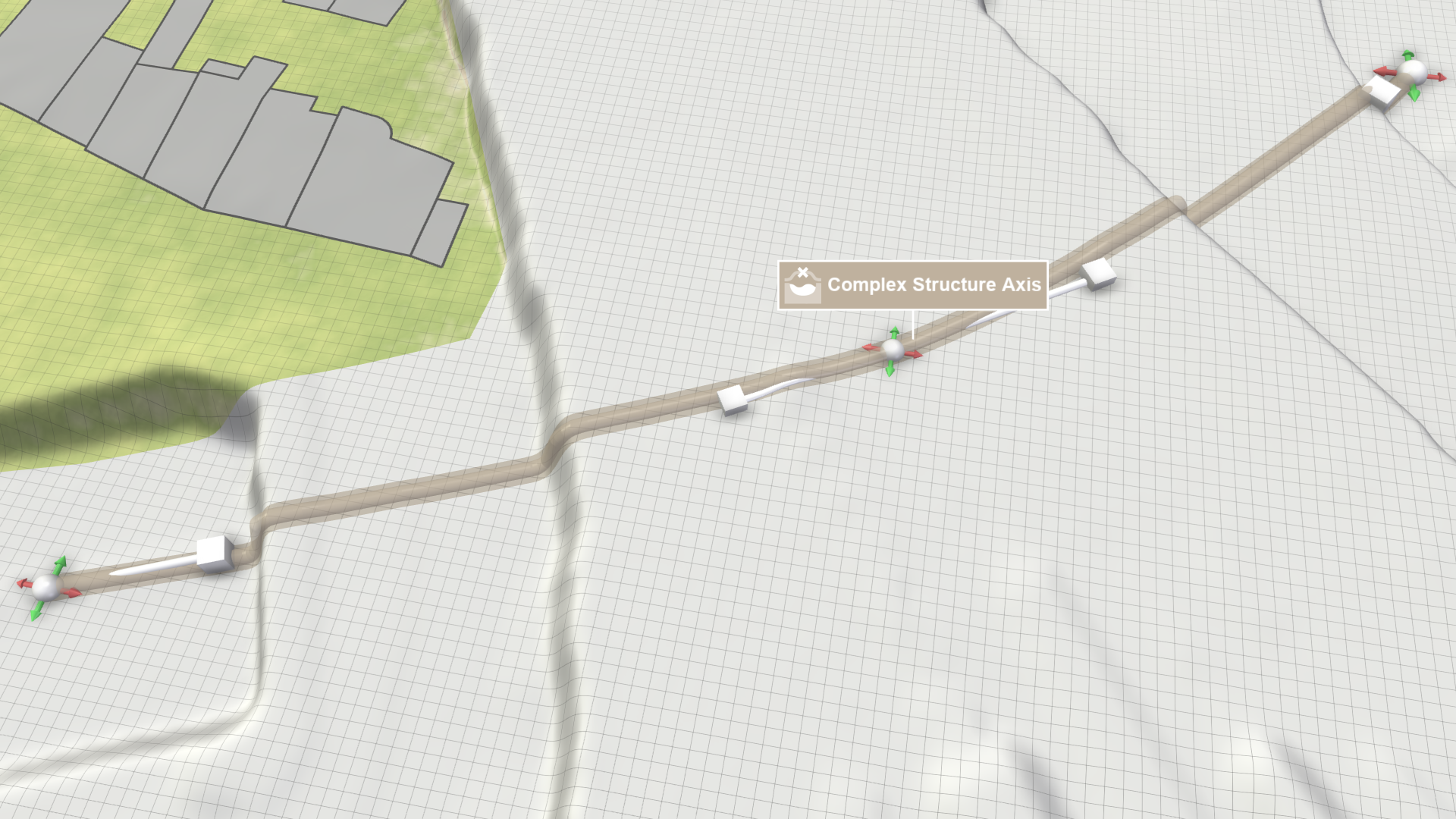 |
| 2. Use the Complex Structure Boundary action to draw two boundary lines on either side of the axis line. They determine the width of the removal along the axis line. | 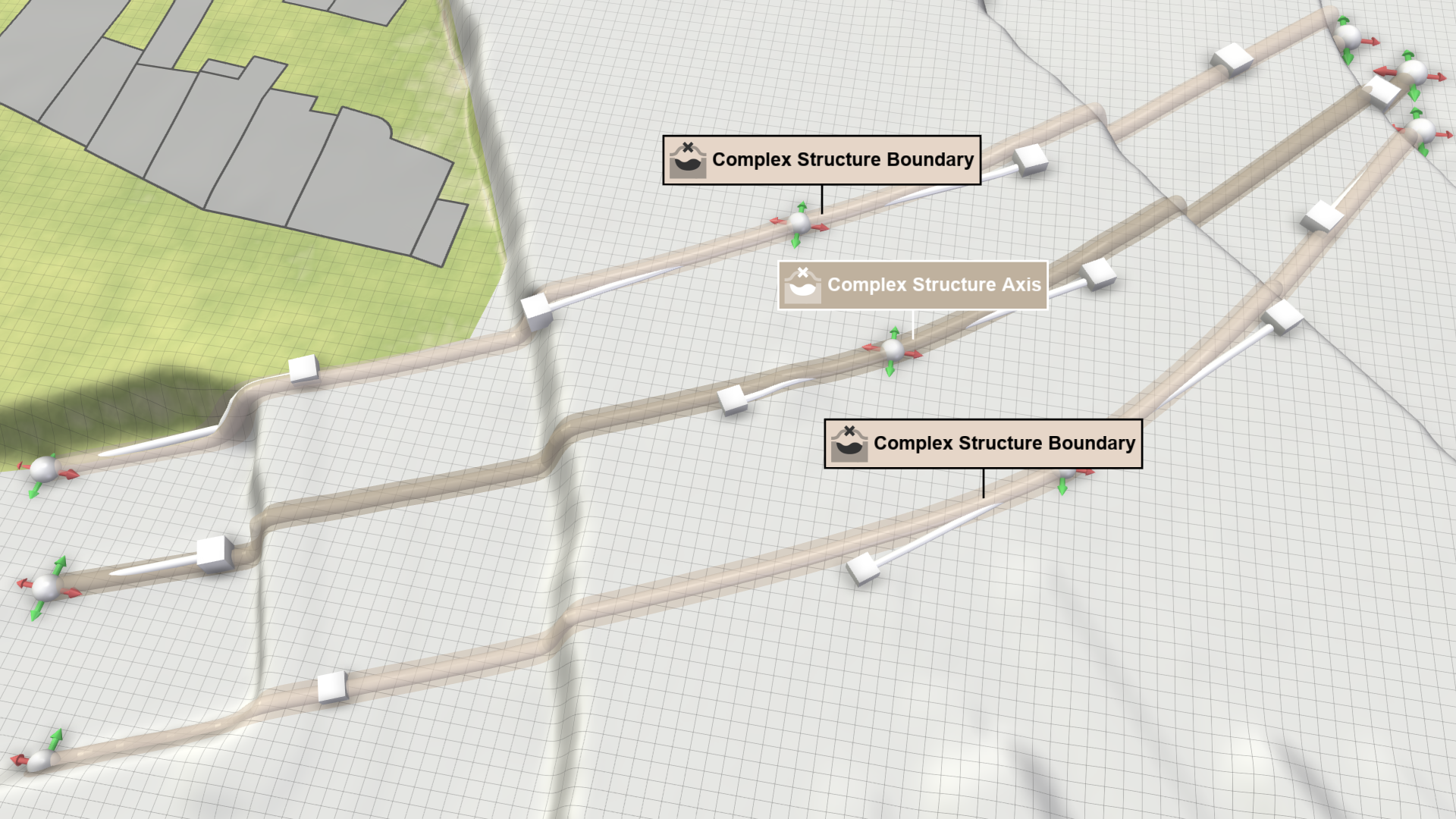 |
The Algorithm
For this terrain modification, the elevation values between the boundary lines have to be determined. The process involves the following steps:
- Identify cross-sections: The algorithm searches along the axis line for the shortest lines that intersect with the boundary lines to determine cross-sections, which can vary in width.
- Determine elevation: The cross-section lines are used to interpolate elevation values along the axis line between the endpoints.
Hint: If the algorithm does not detect two boundary lines along the axis line, it defaults to removing a width of 10 meters along the axis line.