
Important Building
Creation Mode: Assign to Building
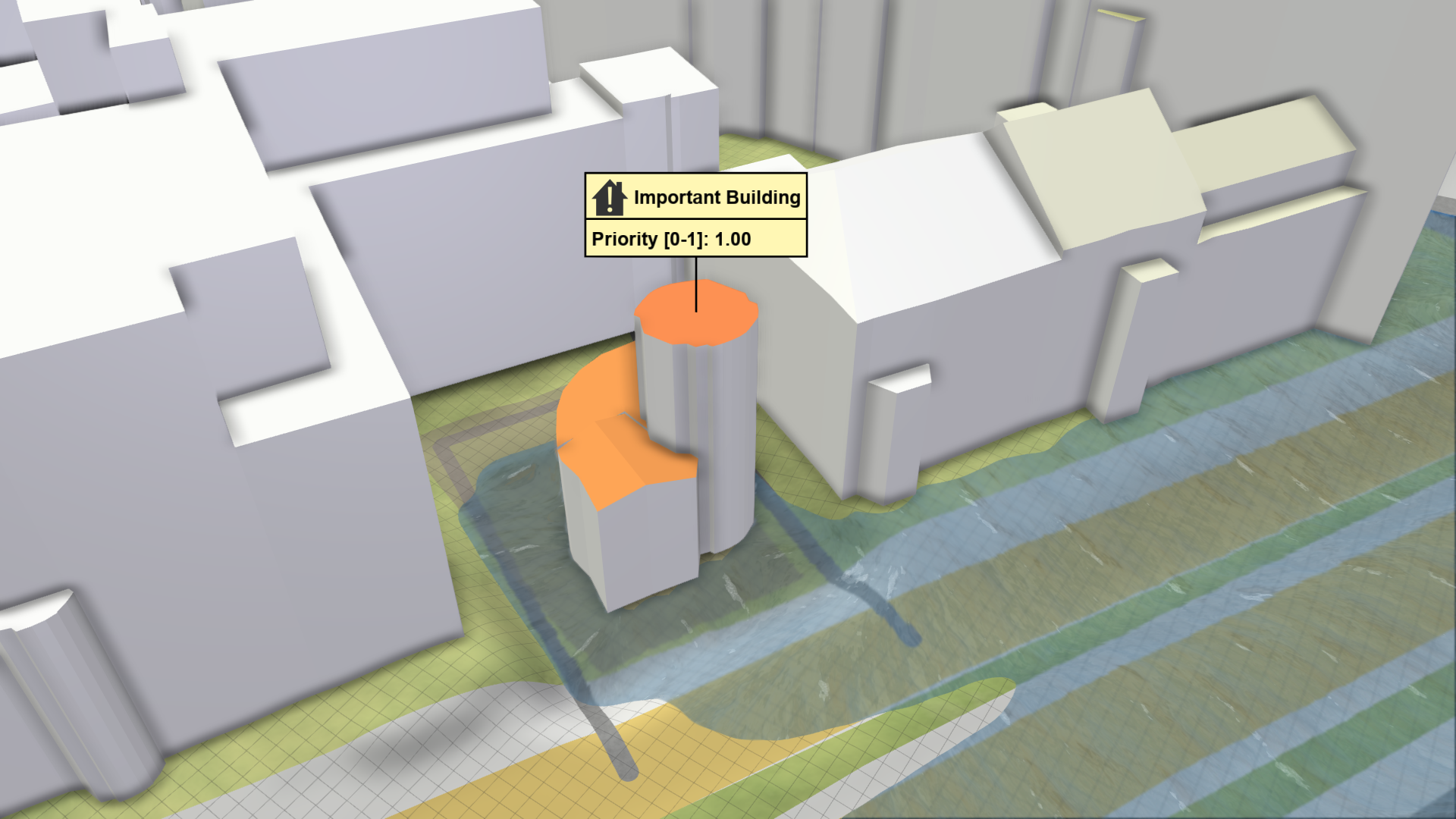
Purpose and Effect: This action helps you to keep track of changes within the simulation domain that impact important buildings. Select a building and assign a priority between 0.0 and 1.0 via the Action Settings Panel to define its importance. You can set an icon that matches the building type, e.g. a cross symbol for hospitals, to distinguish between different types of important buildings.
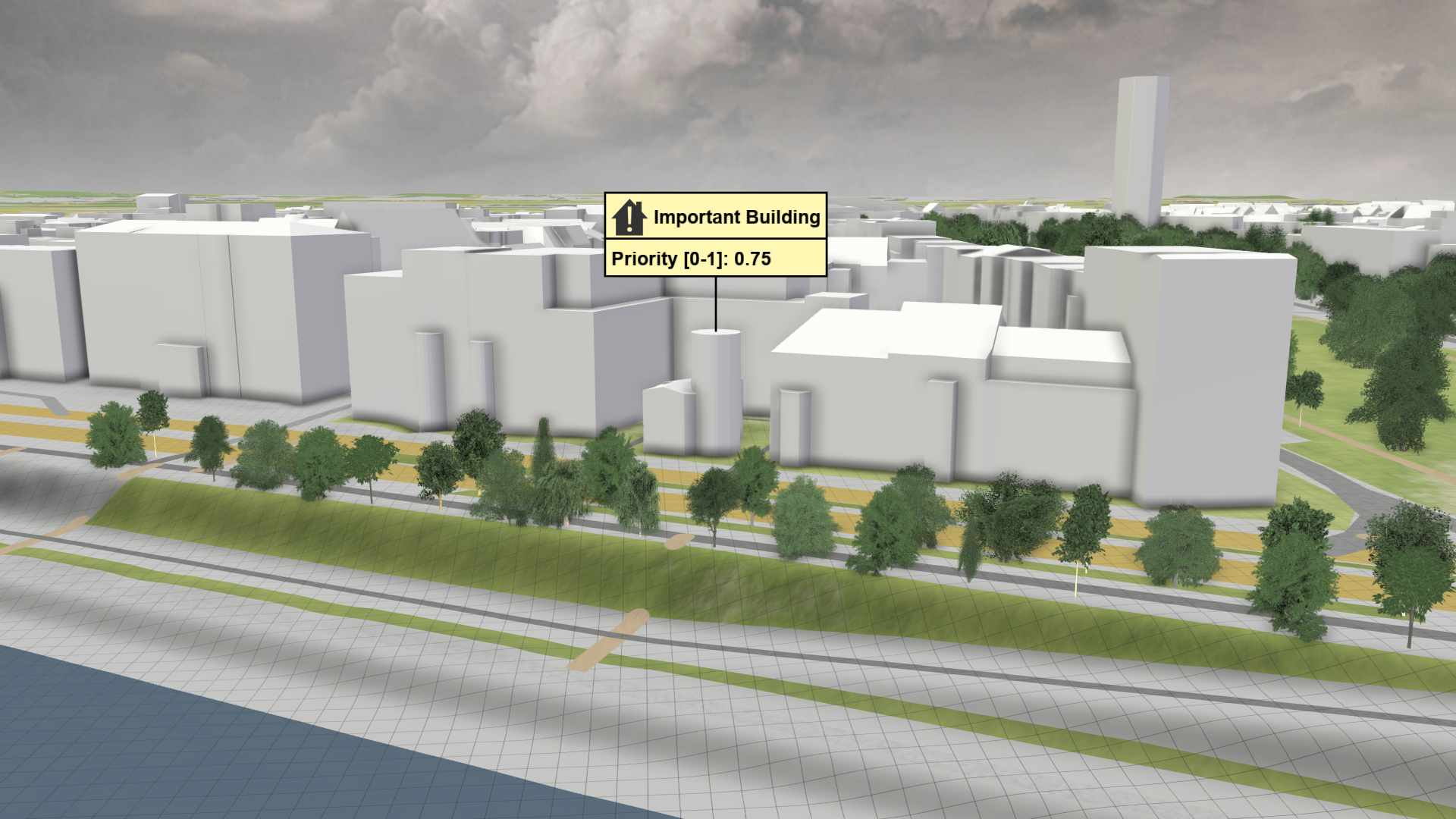
Hint: You can find important buildings that are already registered in the Visualization Settings Panel under Setup Visual Context: Open Street Maps (OSM) > Building Priorities, Colors, and Icons of OSM POIs, where you can configure their representation.
Average Water Depth at Buildings
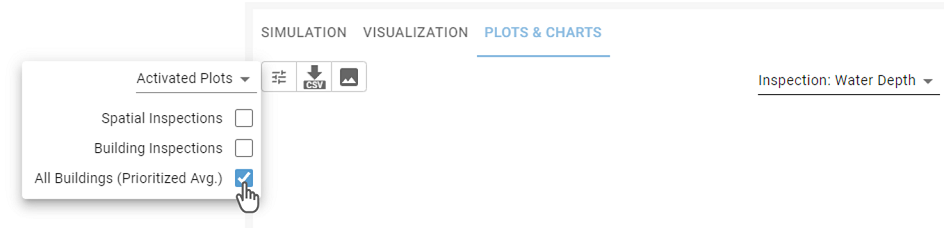
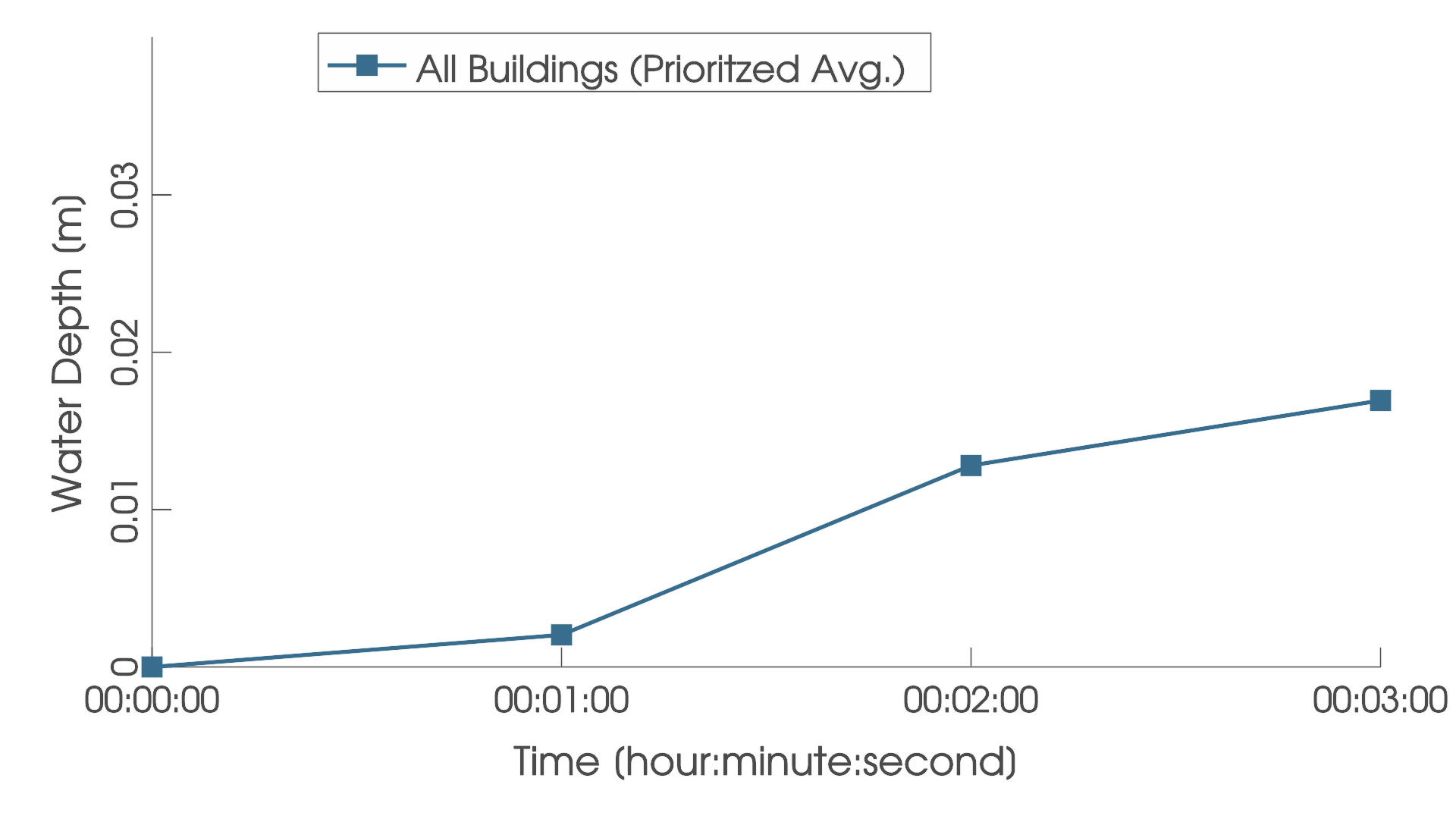
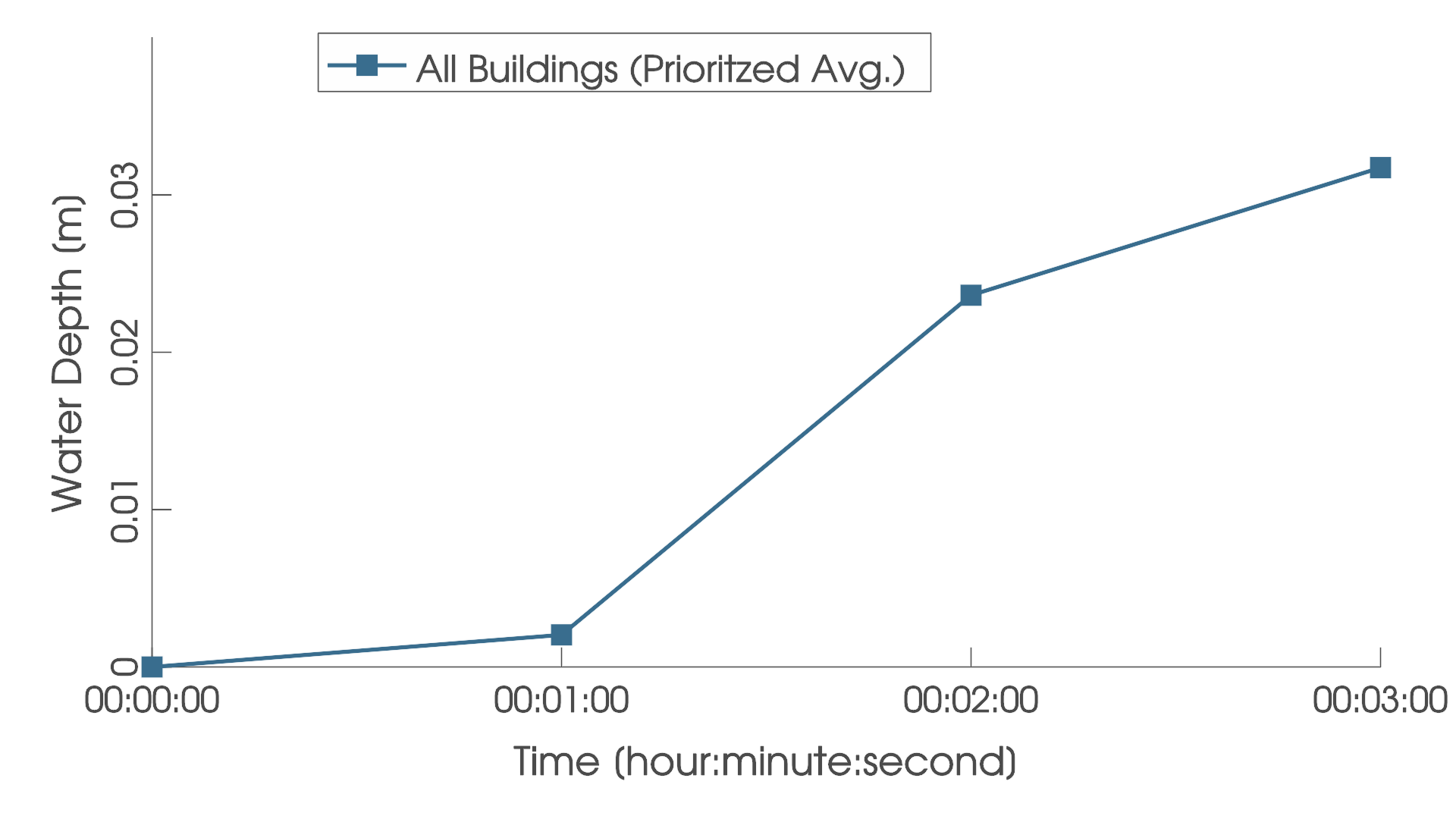
When testing new protection measures, you can avoid negative side effects on buildings by monitoring the water depth around them via the prioritized average water depth plot. The maximum water depth at each building is weighted by its priority and averaged over all buildings for individual time steps. You can find the resulting plot at the Plots & Charts Panel under Inspection: Water Depth by enabling the prioritized average of all buildings, as shown below.
Influence of Building's Priority
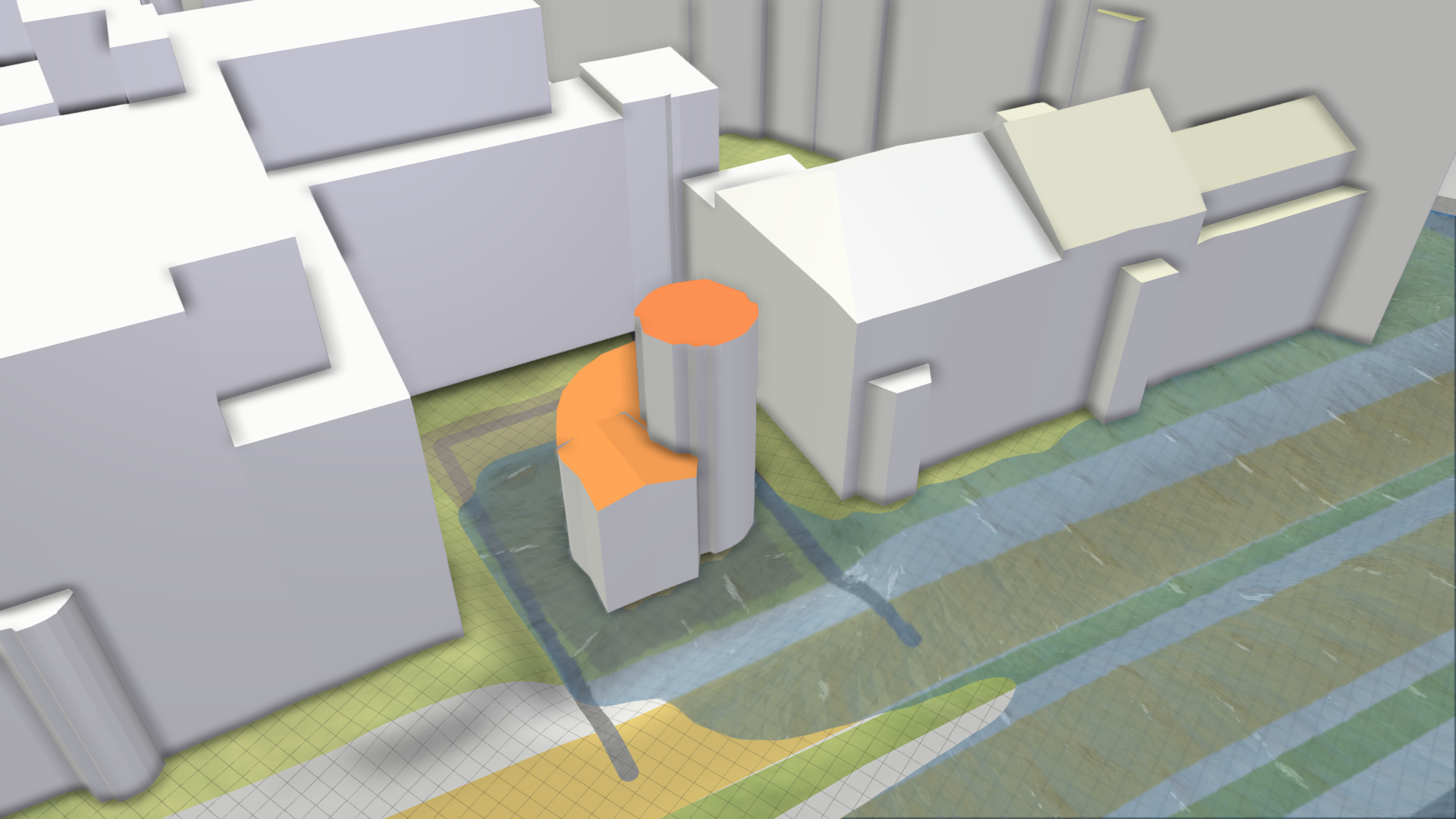
For buildings belonging to the core infrastructure, the priority can be increased with the Important Building action. Below you can see two scenarios with the same flooding. By increasing the priority of a building that is affected by the flood after one minute, the prioritized average becomes much higher afterwards.
| All buildings with priority 0.25 (default) | |
|---|---|
 |
 |
| One important building with highest priority 1.0 | |
 |
 |