
Catchment Inclusion
Creation Mode: Assign to Catchment
Purpose and Effect: This action enables users to set up a simulation domain based on catchment networks. Consequently, it is only supported for base models that include a catchment network.
How to use
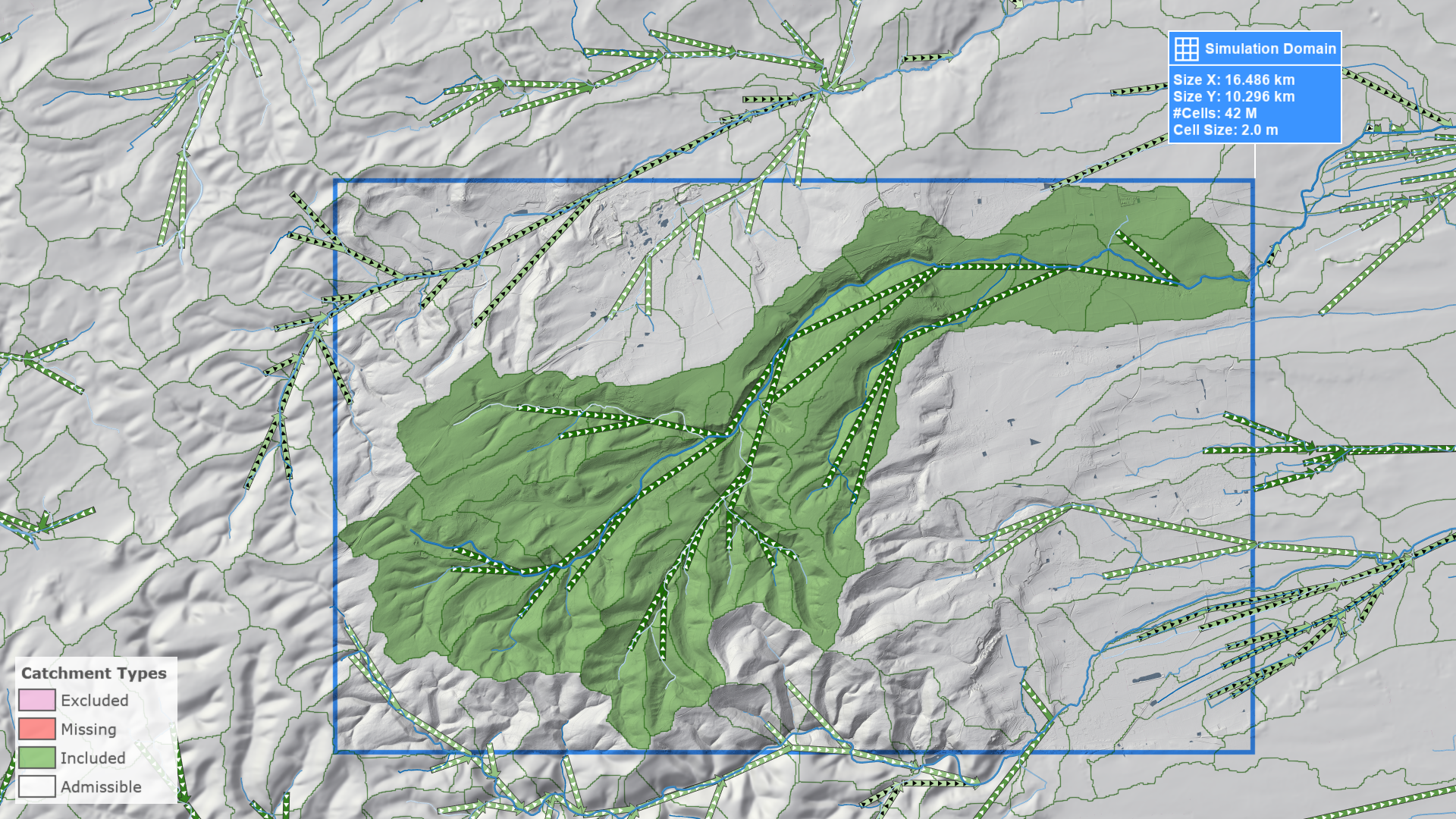
To begin the setup, select the Domain Setup: Catchments visual preset. Then, choose a catchment for simulation and select it using this action. The selected catchment will be highlighted in red if it is not fully contained within the current simulation domain, or in green if it is fully encompassed. All upstream catchments will be highlighted in the same way.
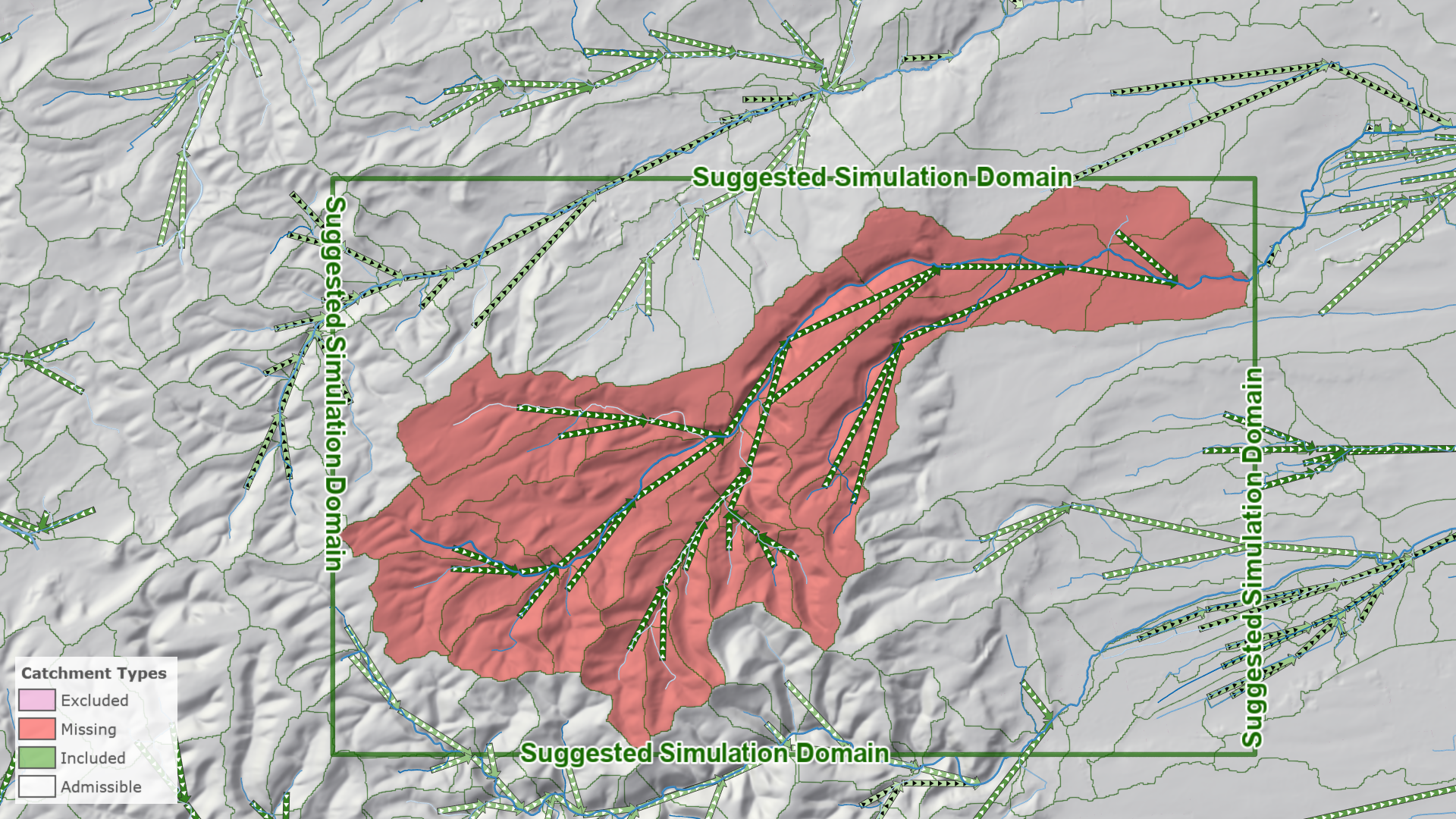
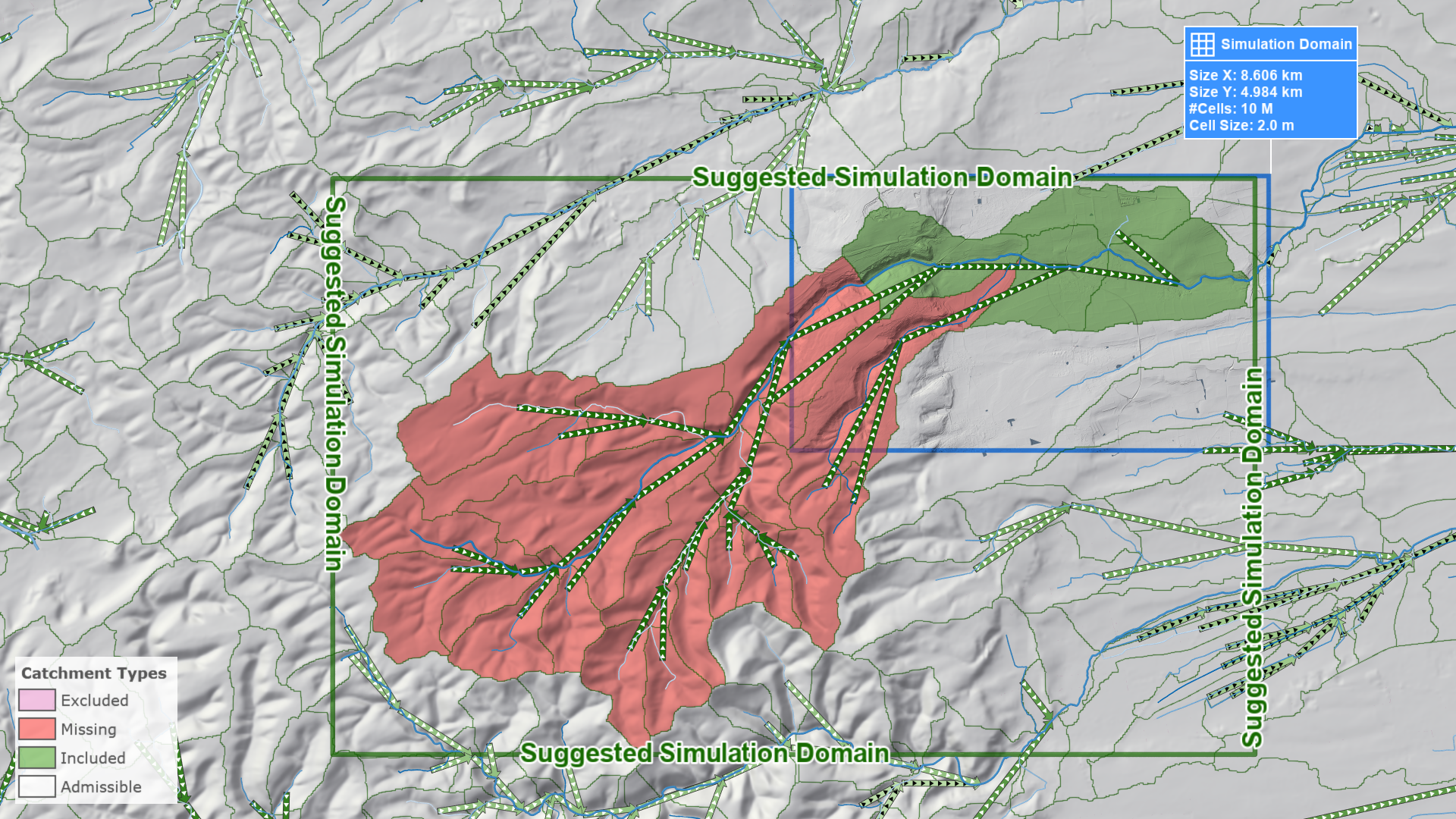
The Suggested Simulation Domain box includes all relevant catchments. The fastest way to fit a simulation domain onto the catchment tree is to select the Simulation Domain action and click on the suggested box.
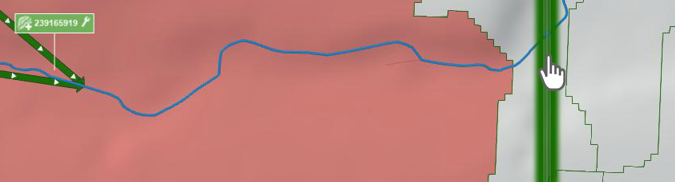
Cells outside the selected catchment tree will be invalidated, except for a buffered zone around the tree. This buffer enhances accuracy and prevents border artifacts. You can visualize the valid simulation domain by using the Domain: Invalid Cells domain coloring property, which can be activated in the Layers: Visualization category.

Hint: You can truncate the catchment tree and reduce the number of valid cells by using the Catchment Exclusion action.