Catchment Exclusion
Creation Mode: Assign to Catchment
Purpose and Effect: This action refines a simulation domain initially created using the Catchment Inclusion action. Consequently, this action is only supported for base models that include a catchment network.
How to use
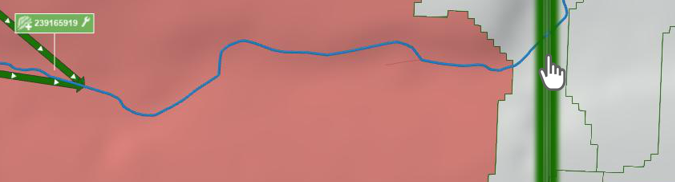
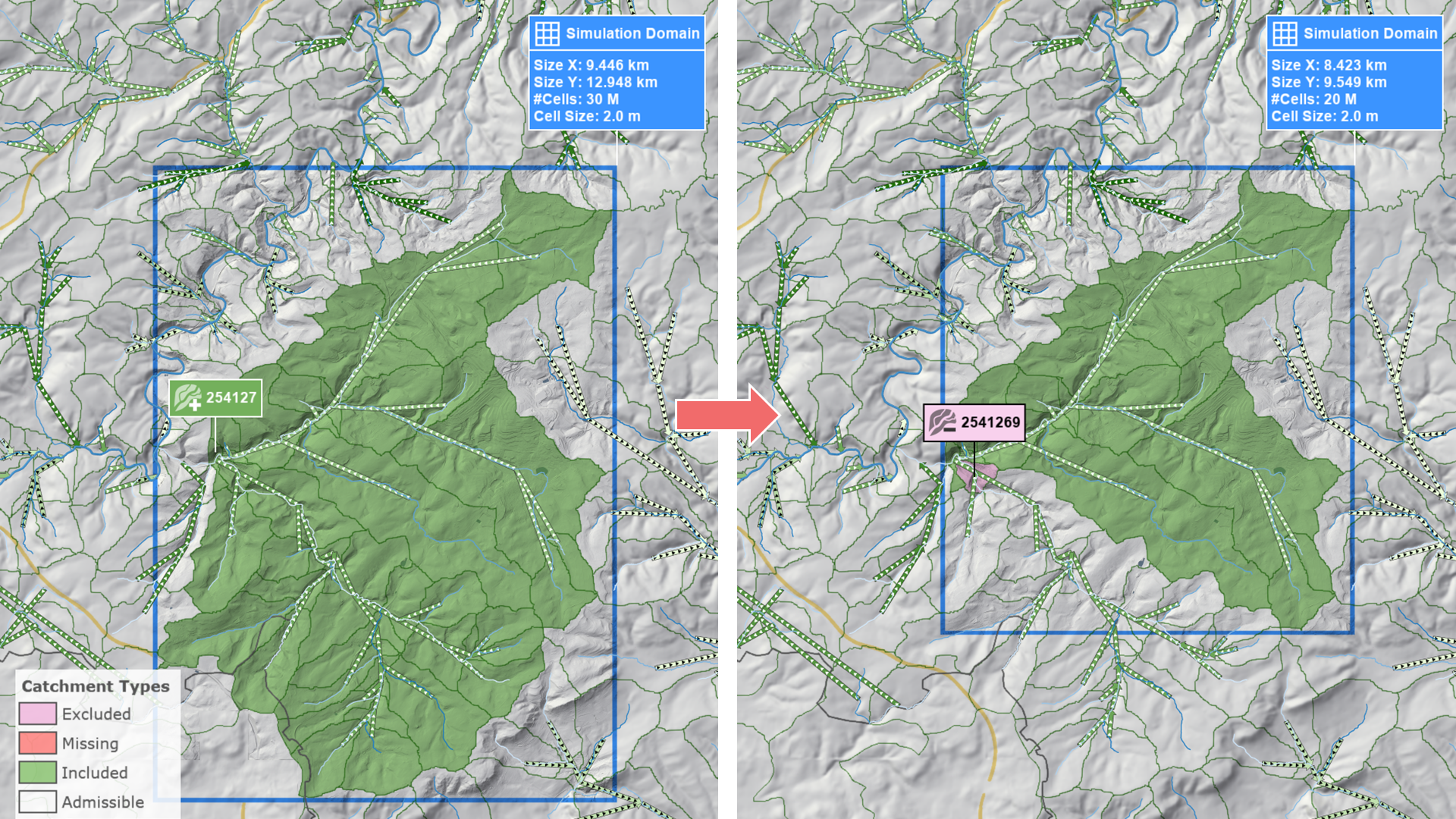
First, switch to the Domain Setup: Catchments visual preset. Next, select a catchment within the catchment tree defined by the Catchment Inclusion action. Catchments in this tree will be colored either red or green. Selecting a catchment will truncate the corresponding branch, reducing the number of valid cells. In some cases, a green box may appear within the domain, indicating that the revised catchment tree can fit within an even smaller domain. To adjust your domain, select the Simulation Domain action and click on the green box.