
Invalidation Point
Creation Mode: Select Point on Terrain
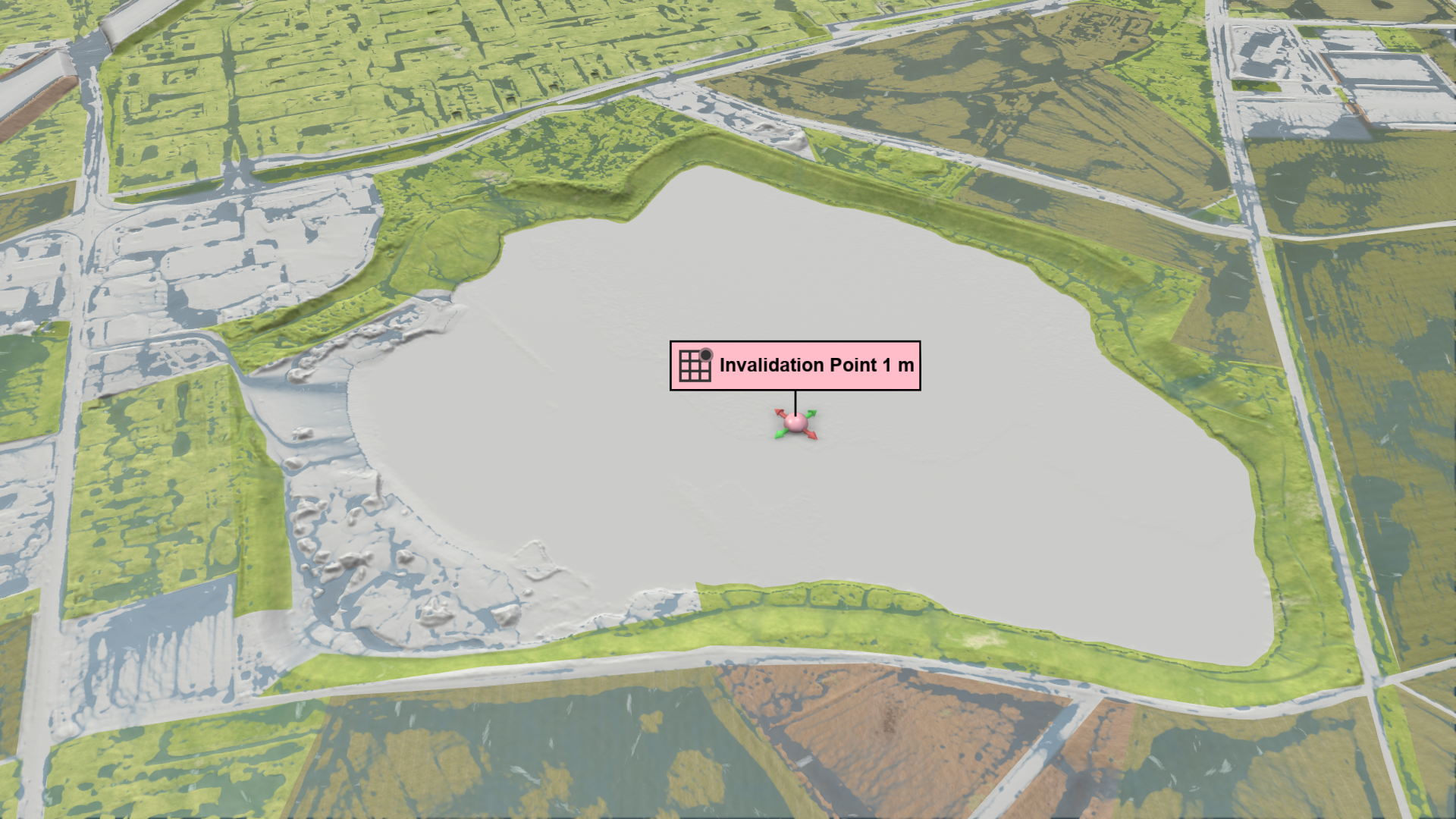
Purpose and Effect: Allows users to exclude depressions such as lakes from the simulation by restricting the flow of water in cells with a bathymetry lower than a selected reference point. It utilizes the Water-Filling Algorithm to invalidate all cells that can be reached from the reference point without crossing walls, invalid cells, or higher terrain elevations. The boundaries of these invalidated cells are modeled using Free Outflow Boundary Conditions.
Action Settings
Water Depth
By default, this action invalidates cells with a bathymetry lower than the invalidation point. An offset can be applied to also invalidate cells with higher bathymetry, avoiding the need to adjust the invalidation point’s height.
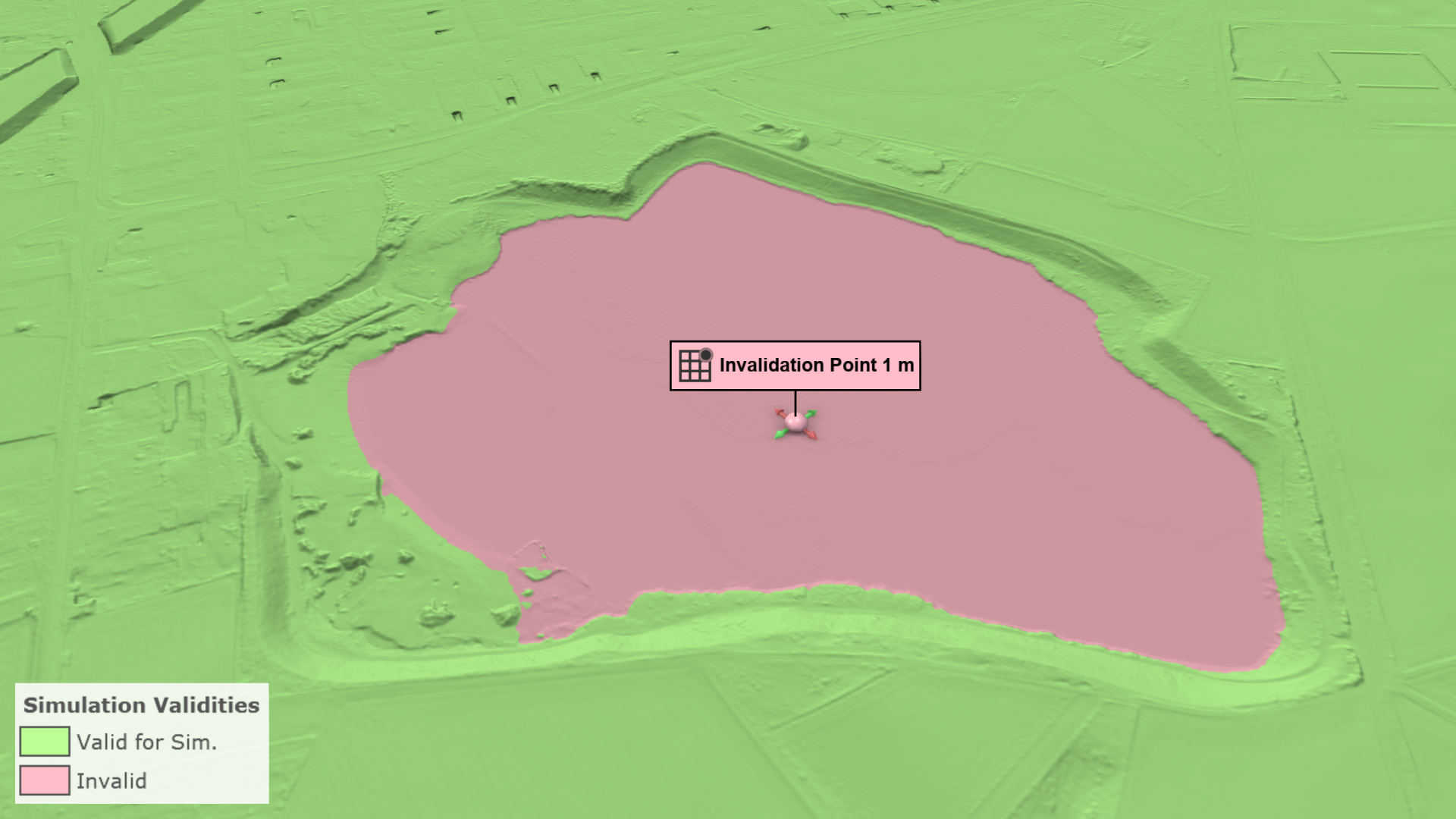
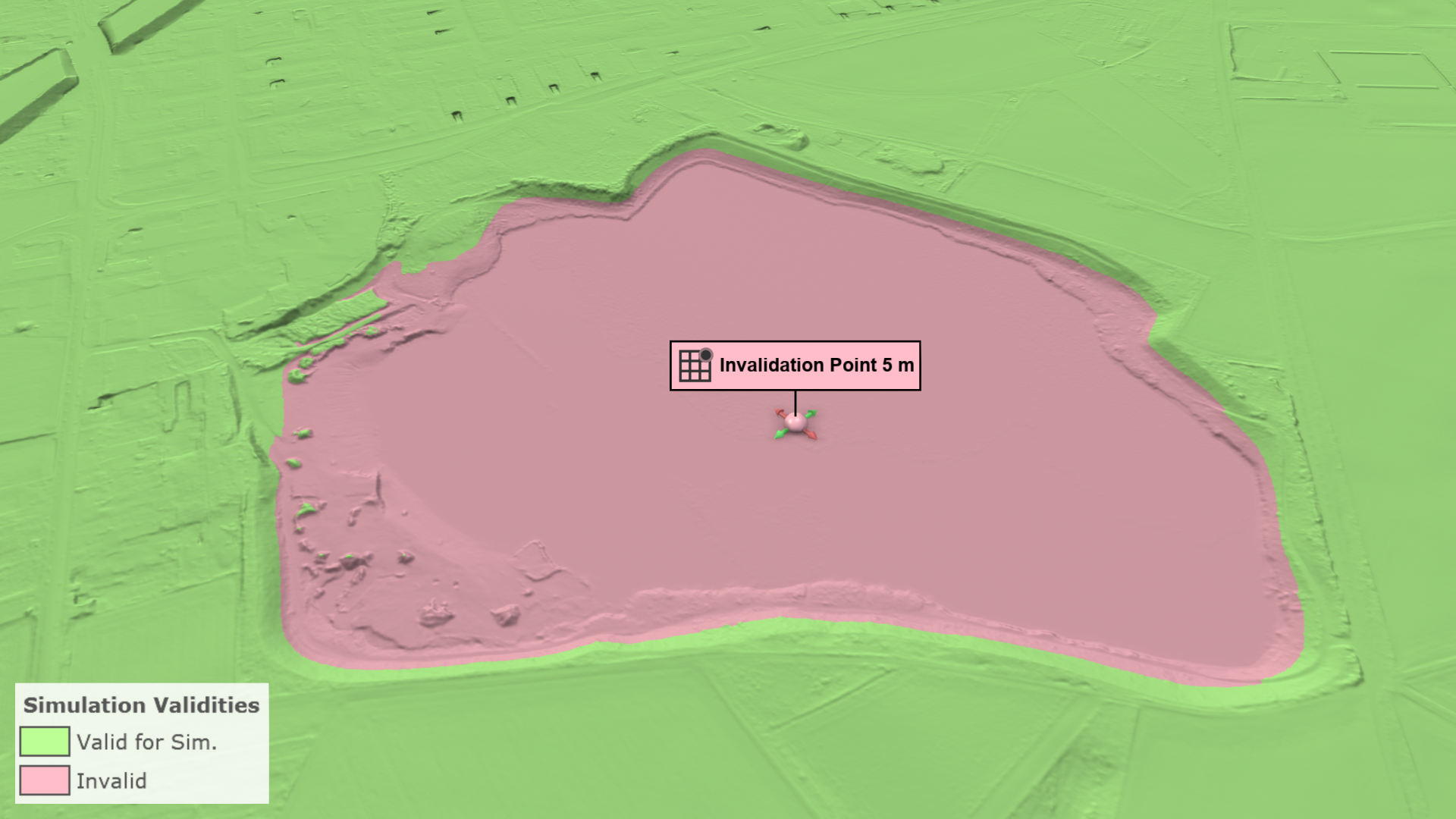
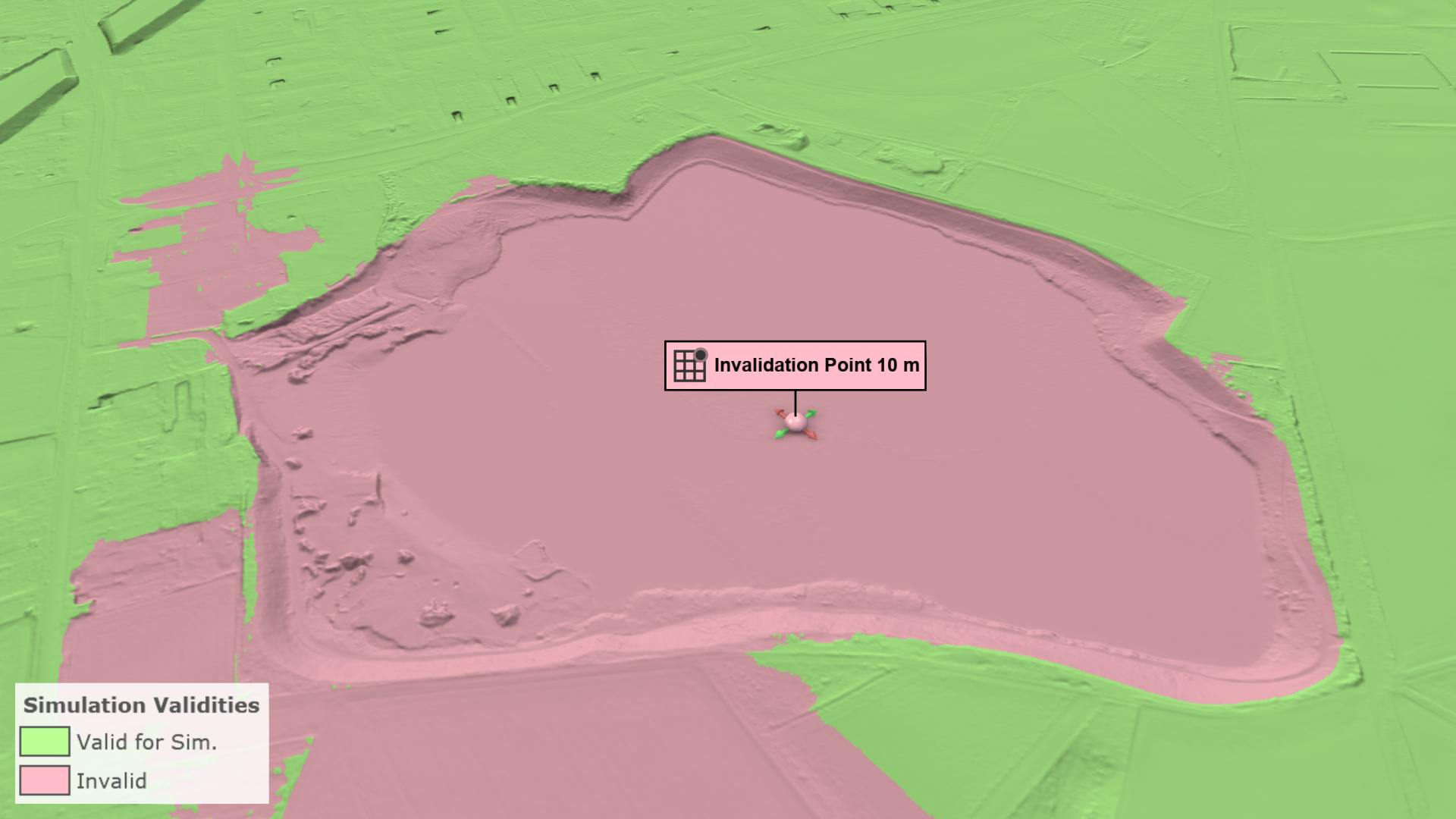
Hint To invalidate water bodies with a known depth, place the invalidation point at the lowest point and set the Water Depth to the known value.
Disabling the Water Depth setting with the checkbox bypasses the bathymetry comparison. The propagation algorithm will then invalidate all reachable cells, stopping only at walls and invalid cells.