Results
Simulation results are available as results per time step and per scenario. The main result on the surface and in the sewer network are water depths and flow velocities for each time step of the scenario. On the surface, maximum water depths and flow velocities over the entire scenario duration typically serve as the basis for flood hazard maps.
Derived Results:
Scenarify provides a variety of additional results derived from simulation outputs combined with GIS data. These help deepen the analysis and support better decision-making.
Some examples include:
- Building Water Depths – Calculated by sampling surface water levels around each building. See Building Water Depth Calculation for details.
- Damage Potential Estimation – Assess economic impact using the BEAM model. Learn more in Estimating the Damage Potential with BEAM.
- Additional Outputs
- Shear Stress
- Wave Arrival Time
- Road Driveability
- Sewer Node Overflows
- Sewer Inflow Volumes
- Roof Excess Water Volumes
- ...
Most of these results can be visualized or downloaded via the Visualization Settings Panel, under Layers: Visualization.
Main Simulation Results per Time Step
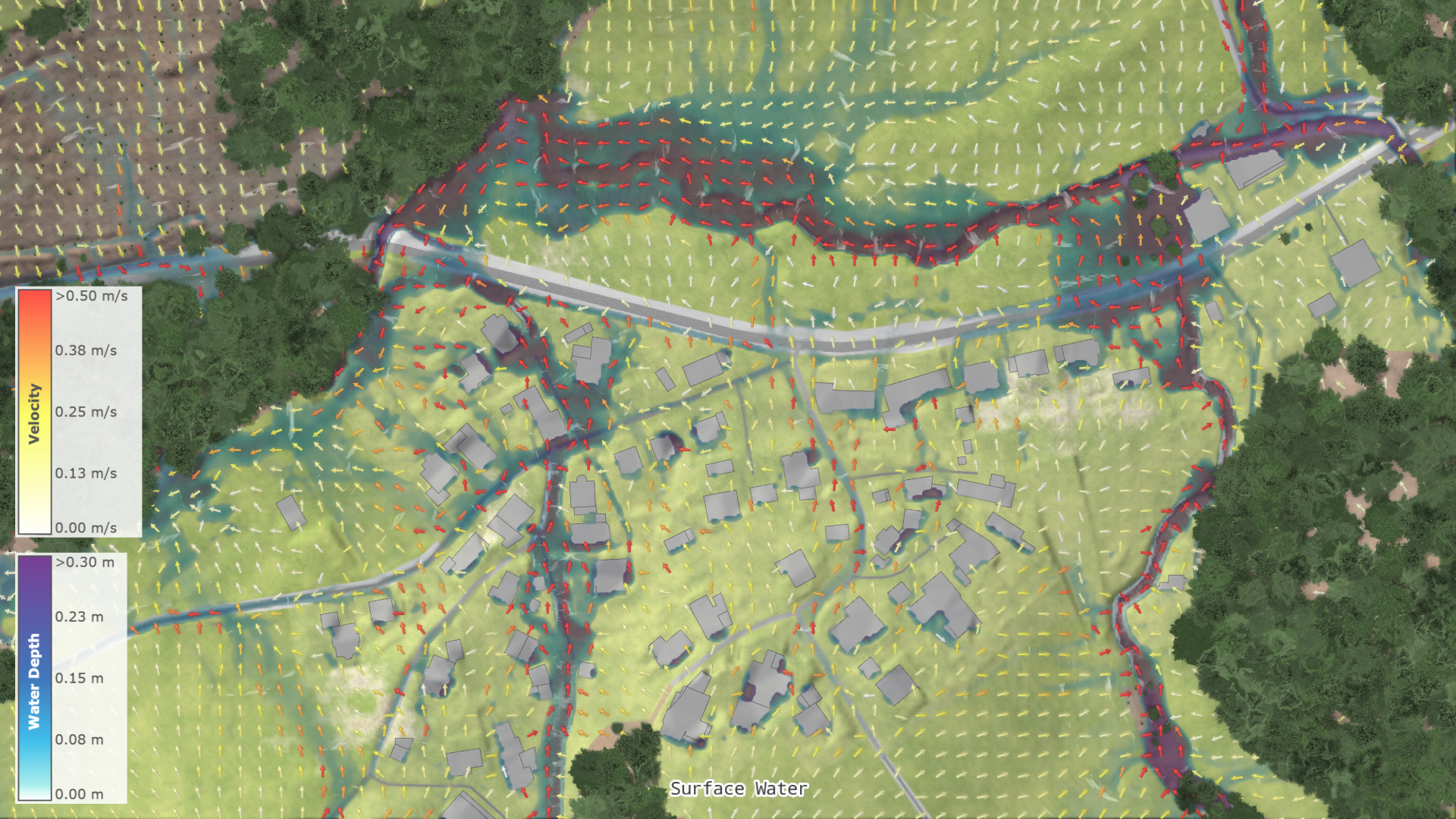
Water Depths: Water depths represent flood extent and water height at the current time step. They are calculated directly by the simulation.
Water Levels: Water levels at the current time step are calculated as the sum of the water depths and the terrain levels.
Max. Water Depths: Maximum water depths represent the highest recorded water depths up to the current time step. They are calculated at every internal simulation time step, which is given by the temporal discretization. Thus, they are independent of the scenario's time step size, ensuring precise tracking of peak water depths.
Infiltrated Heights: Amount of water infiltrated and stored in the soil, calculated per simulation cell and time step.
Specific Discharges: Specific discharges in x and y directions at the current time step are calculated directly by the simulation. As the product of water depths and velocities, they provide insight into the mass flux of the water flow.
Velocities: Water velocities in x and y directions represent speed and direction of the flow at the current time step. They are calculated from the simulation's conserved variables, i.e. from water depths and discharges.
Main Simulation Results per Scenario
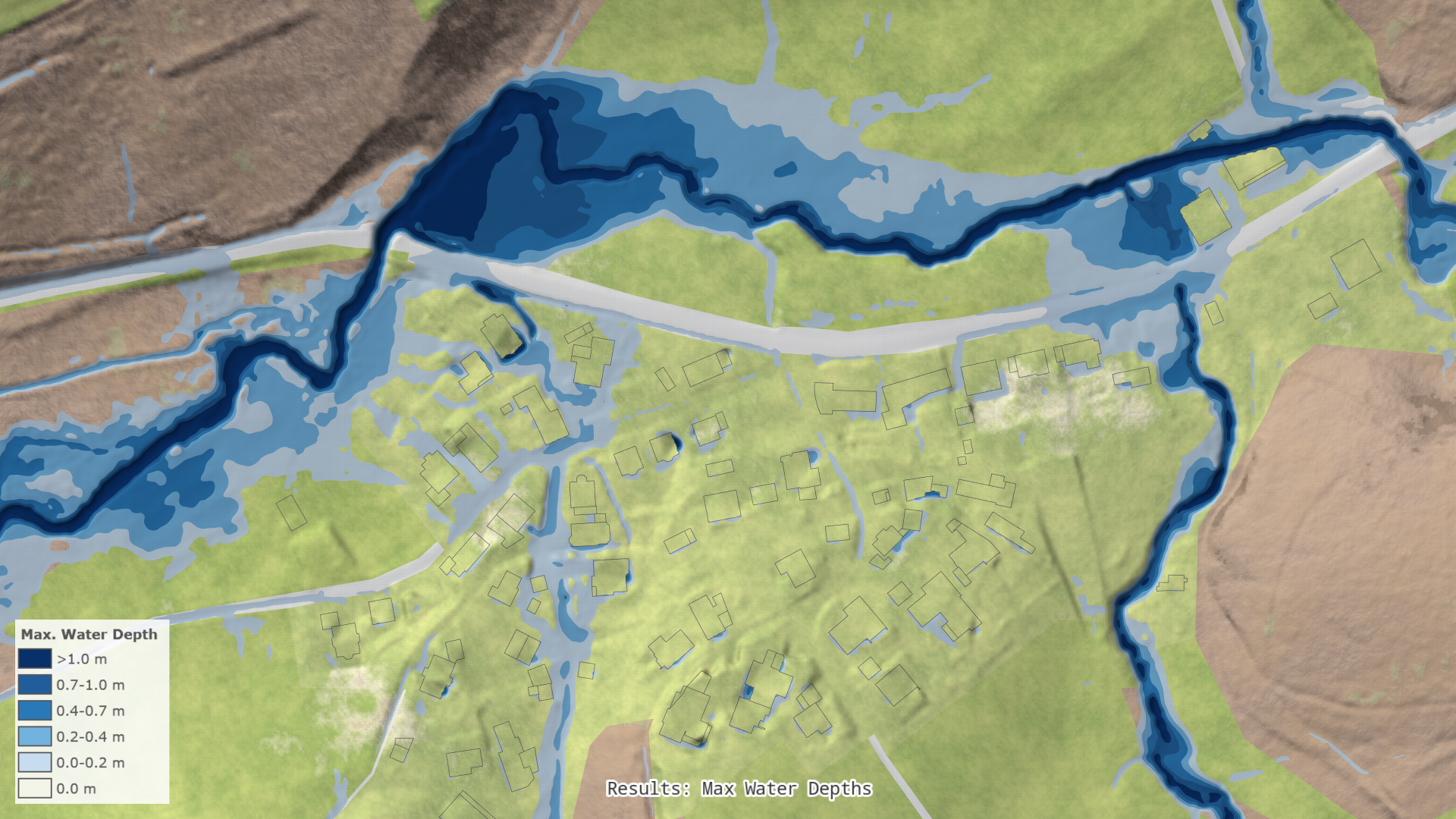
Max. Water Depths: Maximum water depths represent the highest recorded water depths throughout the entire duration of the scenario. They are calculated at every internal simulation time step, which is given by the temporal discretization. Thus, they are independent of the scenario's time step size, ensuring precise tracking of peak water depths.
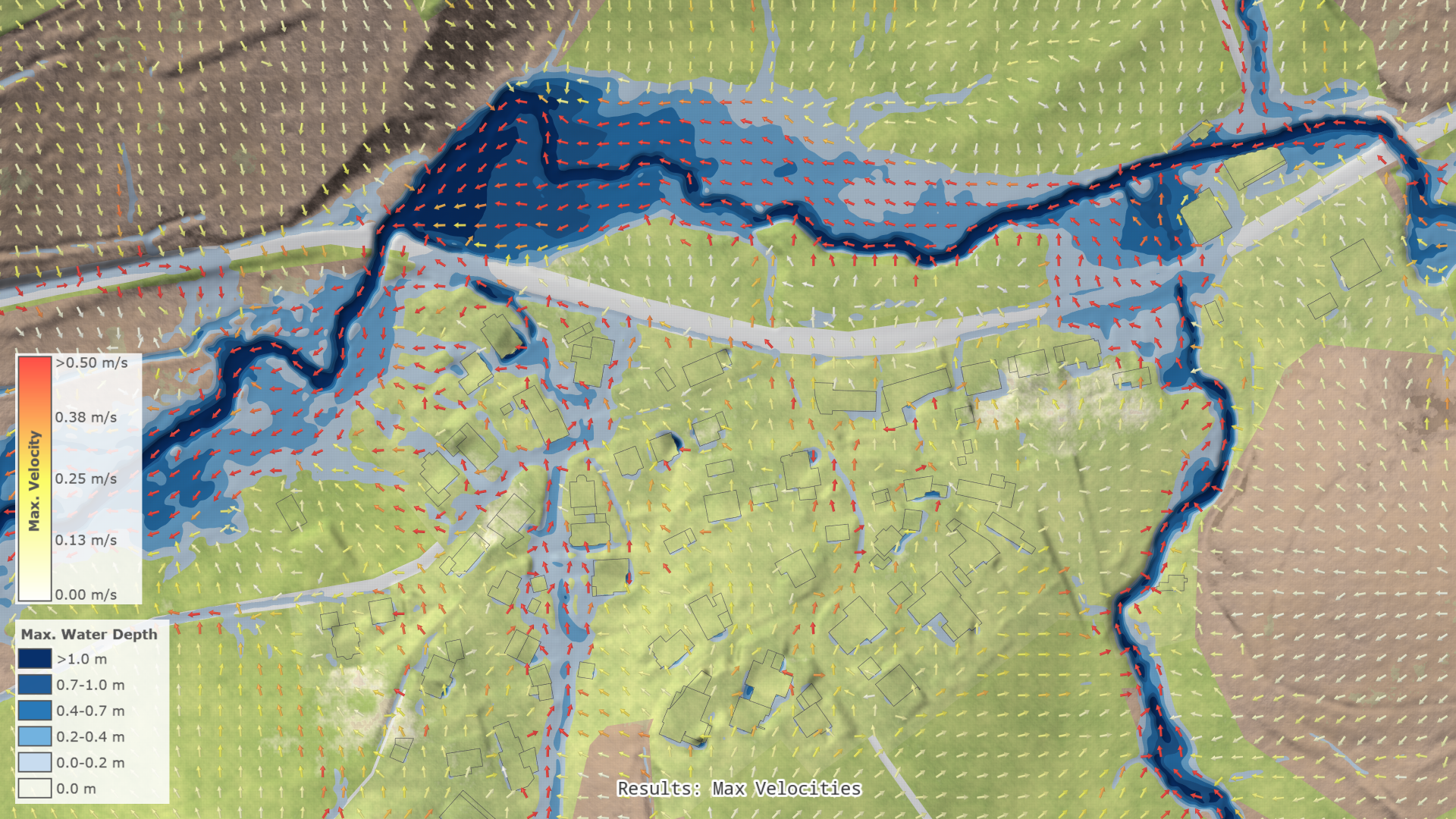
Max. Velocities: Maximum velocities in the x and y directions represent the highest flow speeds encountered throughout the entire duration of the scenario. These values are derived from the maximum velocity magnitude observed across all the time steps of the scenario.
Hint: By default, maximum velocities are aggregated over the scenario time step sizes. Enable Accurate Tracking of Maximum Velocities in the Batch Processing settings in the World Lines Settings Panel for precise tracking of maximum velocities by evaluating them at every internal simulation time step.
Water volume balance
To ensure the physical consistency of the simulation, scenarify offers mass conservation statistics through water volume balance charts, available in the Plots and Charts Panel. Water volume balance can be tracked for both the surface and sewer network.
Surface by Hydrological Processes
Broken down to individual hydrological processes, the water volume balance equation at any time step looks the following way:
where
- \(\textit{Cur}\) is the current surface water volume within the simulation domain,
- \(\textit{Pen}\) stands for the currently pending precipitation volume,
- \(\textit{Soil}\) denotes the cumulative infiltrated water volume,
- \(\textit{Veg}\) represents the cumulative water volume intercepted by vegetation,
- \(\textit{Out}\) is the cumulative water volume that has left the simulation domain through outlet boundaries,
- \(\textit{Beg}\) represents the water volume of the initial state,
- \(\textit{Rain}\) stands for the cumulative effective precipitation volume, and
- \(\textit{In}\) denotes the cumulative water volume that has entered the domain through inlet boundaries.
Sewers by Components
The water volume balance equation for the sewer network simulation, broken down to modeling components, at any time step can be expressed as follows:
where
- \(\textit{Cur}\) is the current water volume contained within the sewer network,
- \(\textit{CorOut}\) denotes the outflow component of the estimated flow routing error provided by the simulator,
- \(\textit{Over}\) stands for the cumulative sewer overflow volume,
- \(\textit{Excess}\) represents the cumulative excess water volume originating from roofs or user-created actions,
- \(\textit{Outfall}\) denotes the cumulative water volume that has left the sewer network through outfalls,
- \(\textit{Beg}\) is the initial water volume in the sewer network,
- \(\textit{CorIn}\) stands for the inflow component of the estimated flow routing error provided by the simulator,
- \(\textit{Surf}\) represents the cumulative water inflow from the surface through storm drains or junctions,
- \(\textit{Roofs}\) denotes the cumulative inflow volume directly from the roofs,
- \(\textit{Act}\) stands for the cumulative water inflow volume originating from user-created node inflow actions,
- \(\textit{Base}\) is the cumulative base (dry-weather) inflow volume into the sewer network, and
- \(\textit{Back}\) represents the cumulative backflow volume into the sewer network through outfalls.