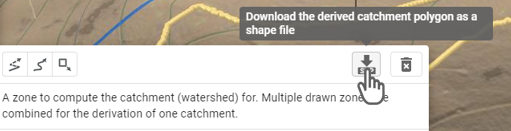
Catchment Derivation Zone
Creation Mode: Draw Polygon on Terrain (not allowed on scenarios with start time > 0)
Purpose and Effect: This action defines the input polygons for the Catchment Derivation algorithm, which uses terrain data to generate a catchment area. The entire zone defined by the input polygon will be contained within the derived catchment. This process simplifies initiating a simulation for a specific area and ensures the simulation domain includes the entire catchment. Any cells outside the derived catchment will be invalidated.
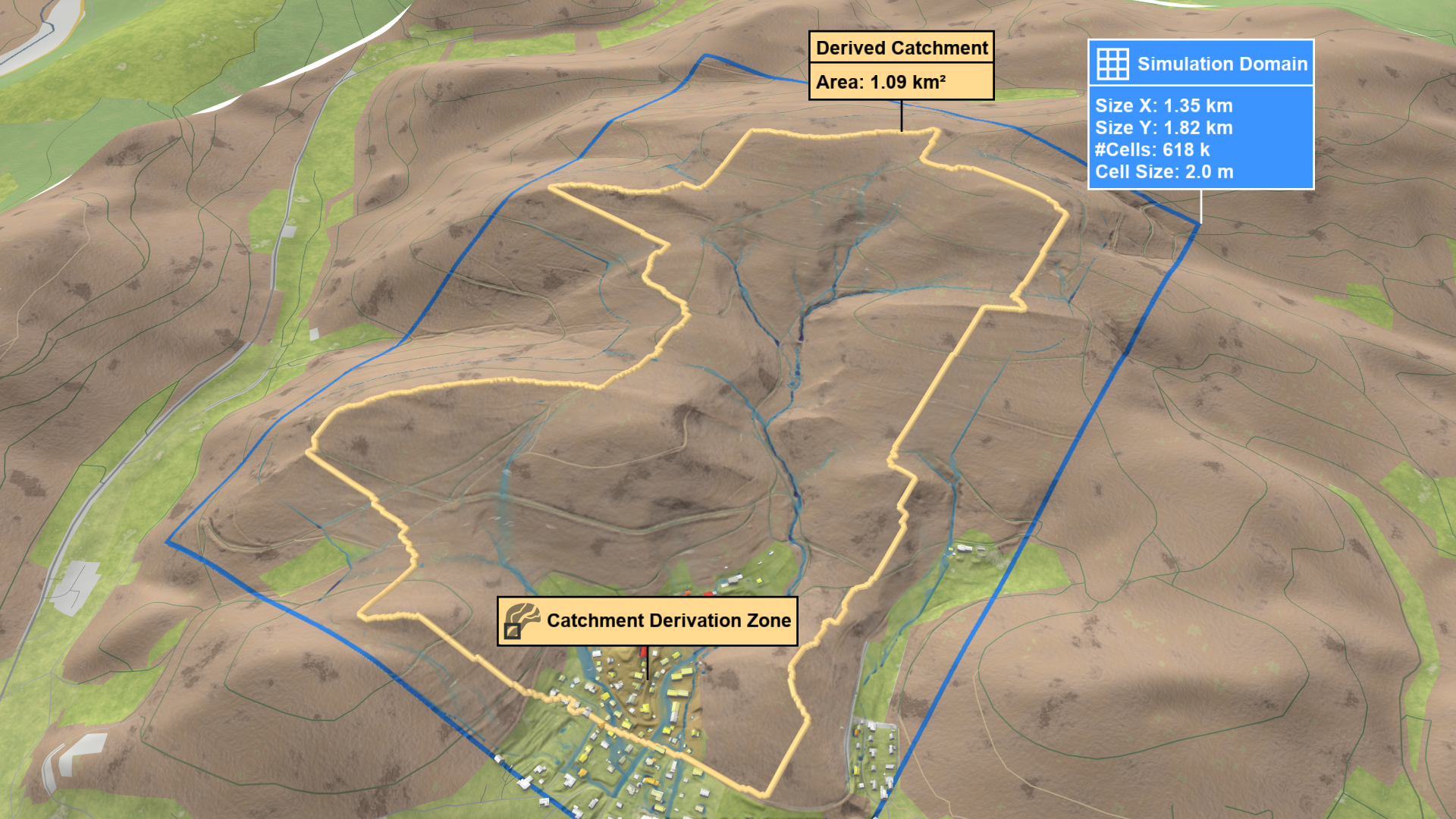
Simulation Domain Setup
There are two different modes to set up a domain using the Catchment Derivation Zone action. The first, From Entire Base Model, is independent of the current simulation domain and will always identify the catchment at the expense of longer runtimes. The second, Loaded In Simulation Domain Only, looks for the catchment inside the current domain. This yields faster runtimes but may result in truncated catchments.
In this mode, the derived catchment is independent of the simulation grid, ensuring that the entire catchment is identified, or the process is canceled if the catchment exceeds the maximum allowed size. However, large catchments may result in longer runtimes
First, draw a polygon around the area you want to simulate. Then, run the simulation and the derived catchment will be visualized.
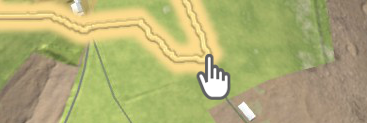
Hint: You can fit a simulation domain to the derived catchment by selecting the Simulation Domain action and clicking on the line marking catchment boundary.
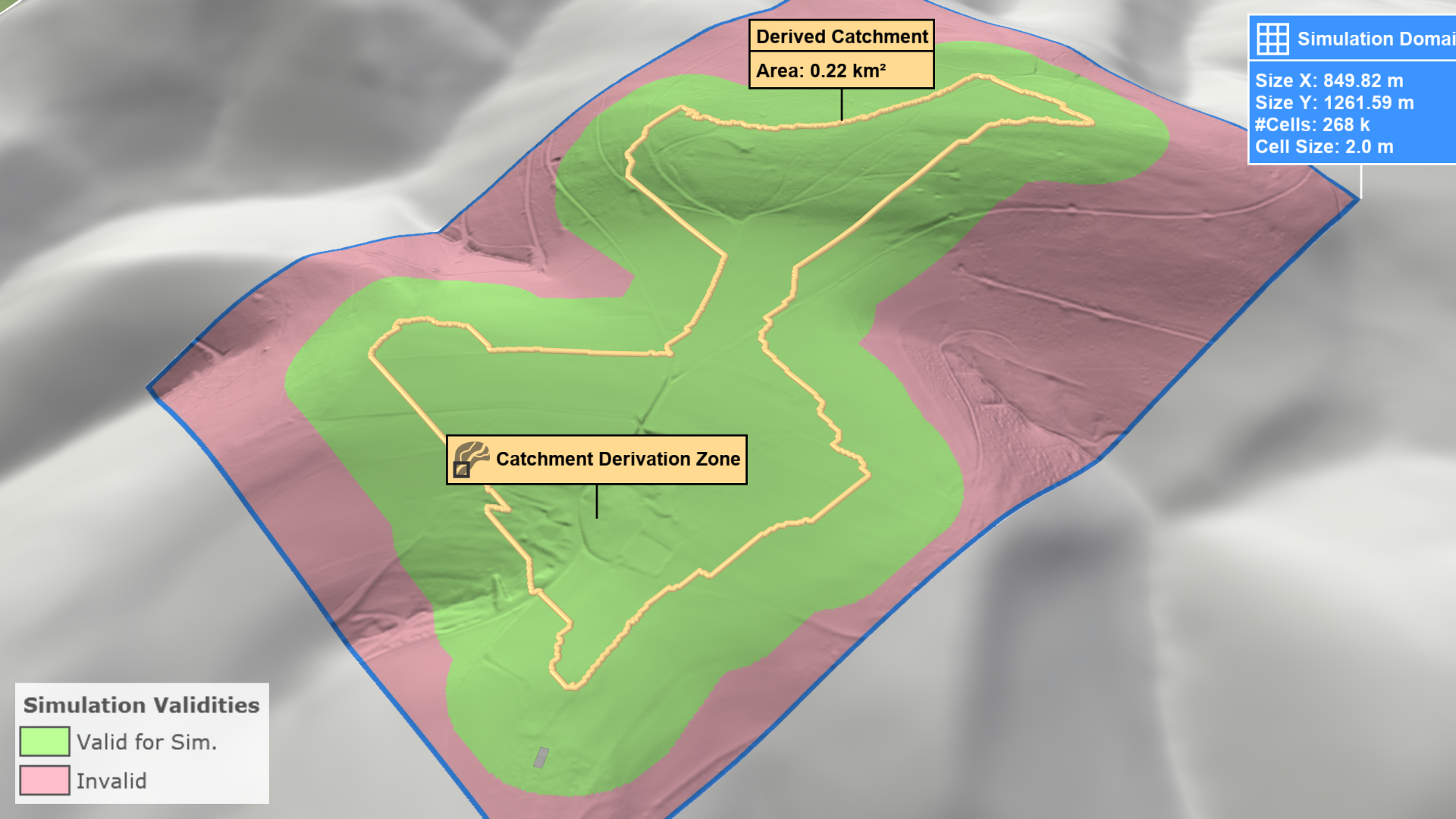
scenarify automatically applies a buffer to the derived catchment to enhance accuracy and avoid border artifacts. Visualize this buffered catchment by selecting Domain Setup: Invalid Cells from the visual presets or activating terrain coloring and choosing Domain Setup: Invalid Cells property in the Layers: Visualization.

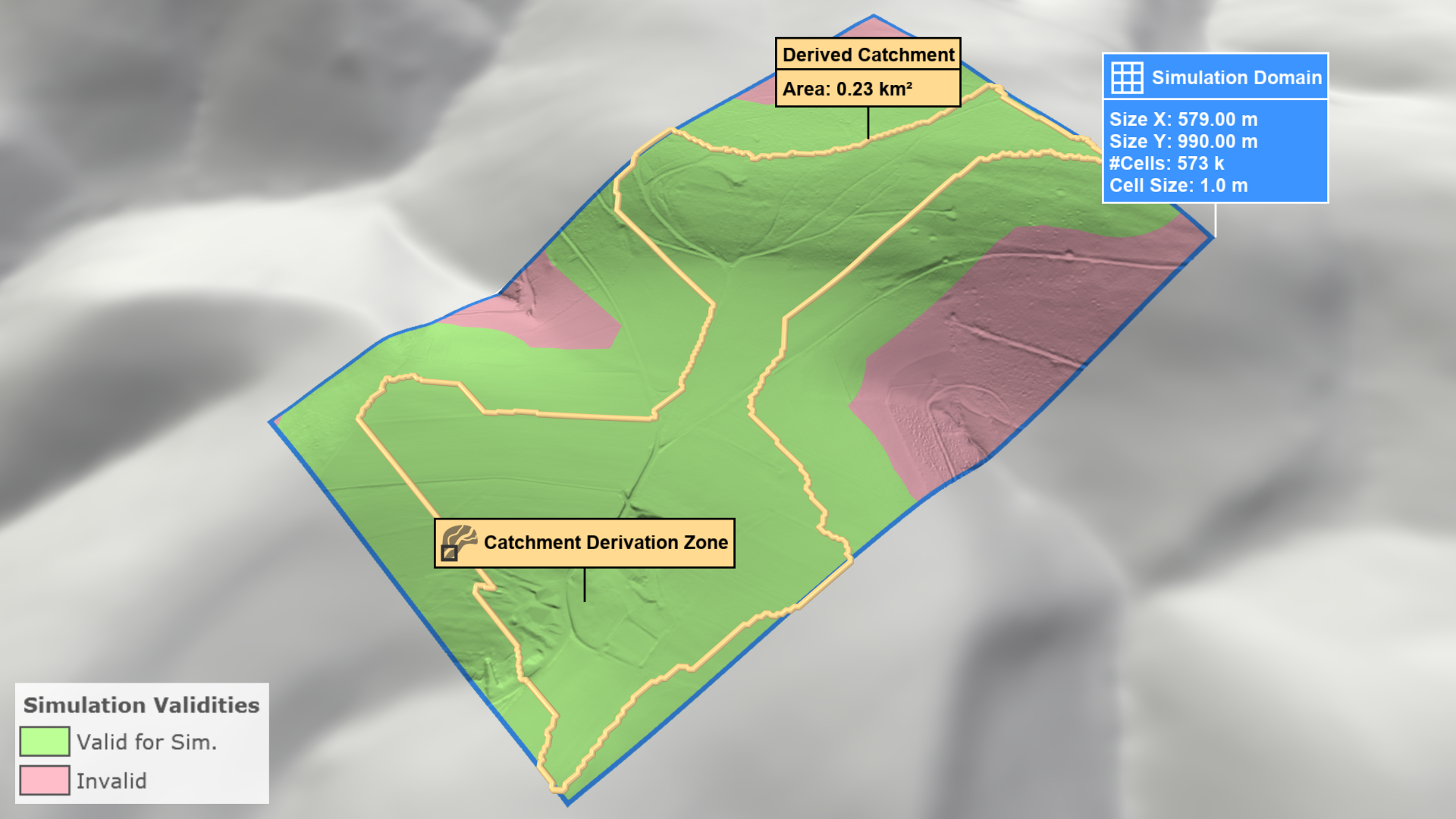
As shown, not all valid cells are within the simulation domain due to the buffer. Manually expand the simulation domain to include all valid cells.
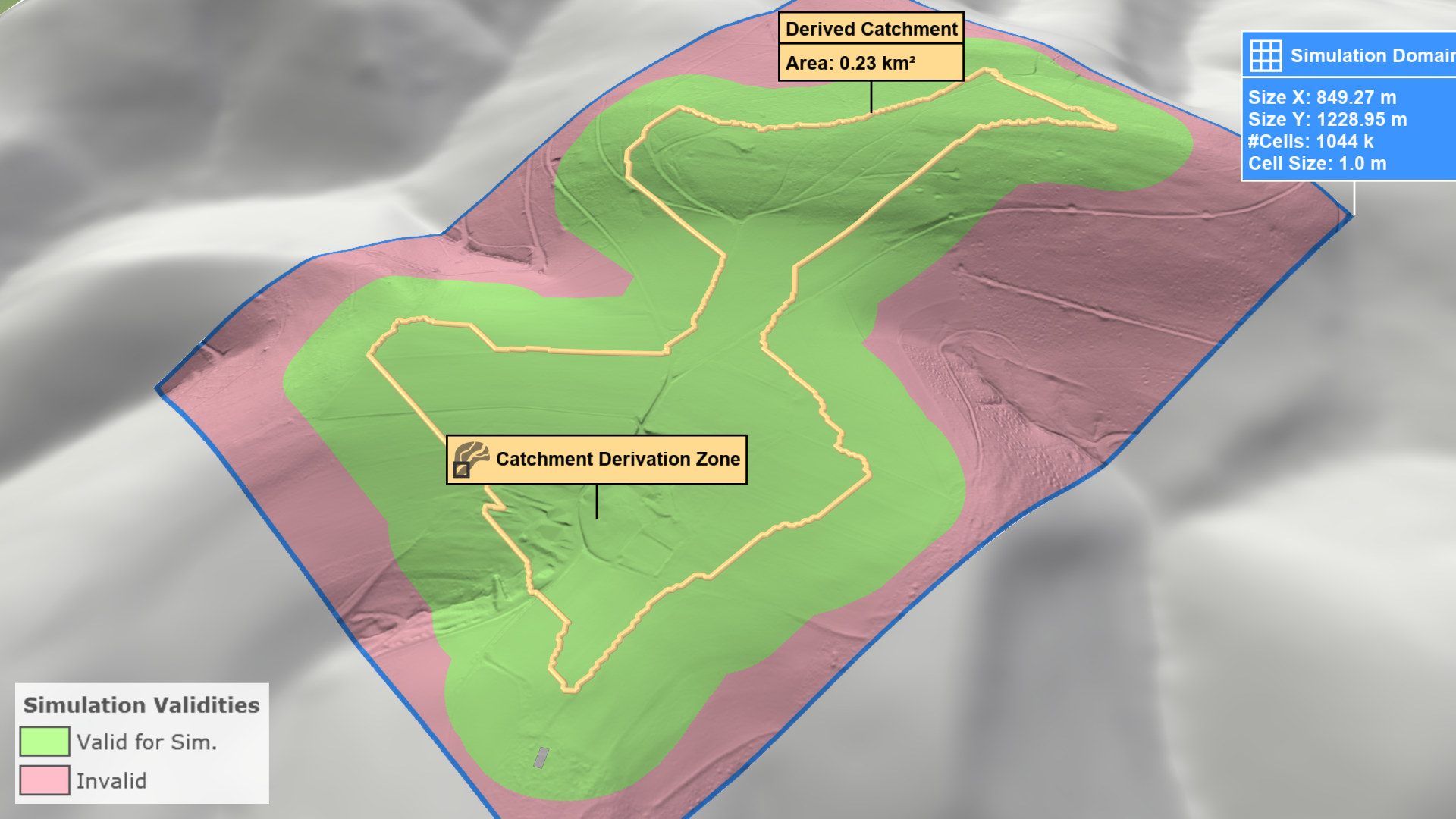
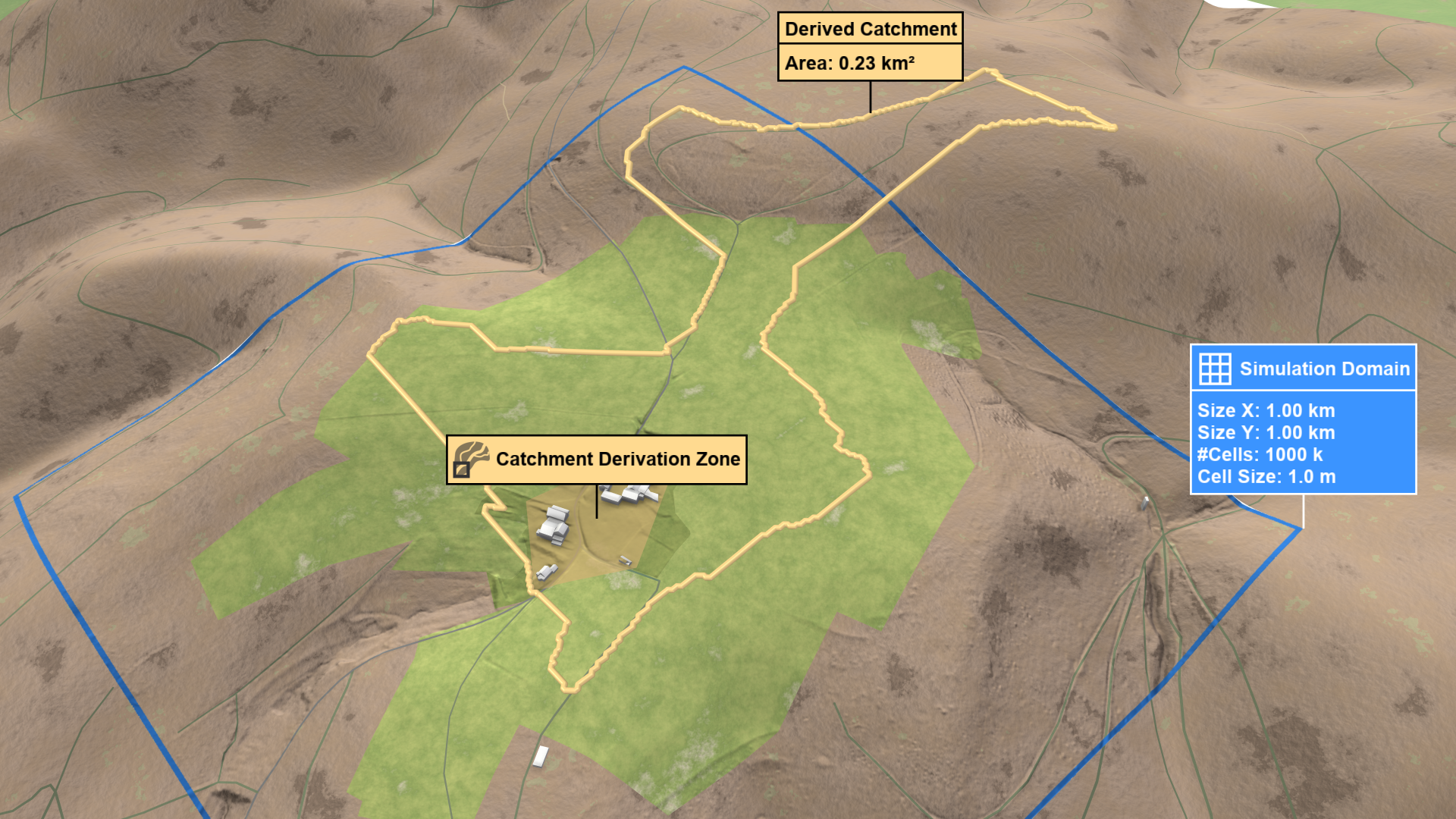
In this mode, the derived catchment is confined to the current simulation domain, resulting in faster runtimes. However, the catchment may be truncated if it extends beyond the domain boundaries.
First, draw a polygon around the area you want to simulate. Then, run the simulation and the derived catchment will be visualized.
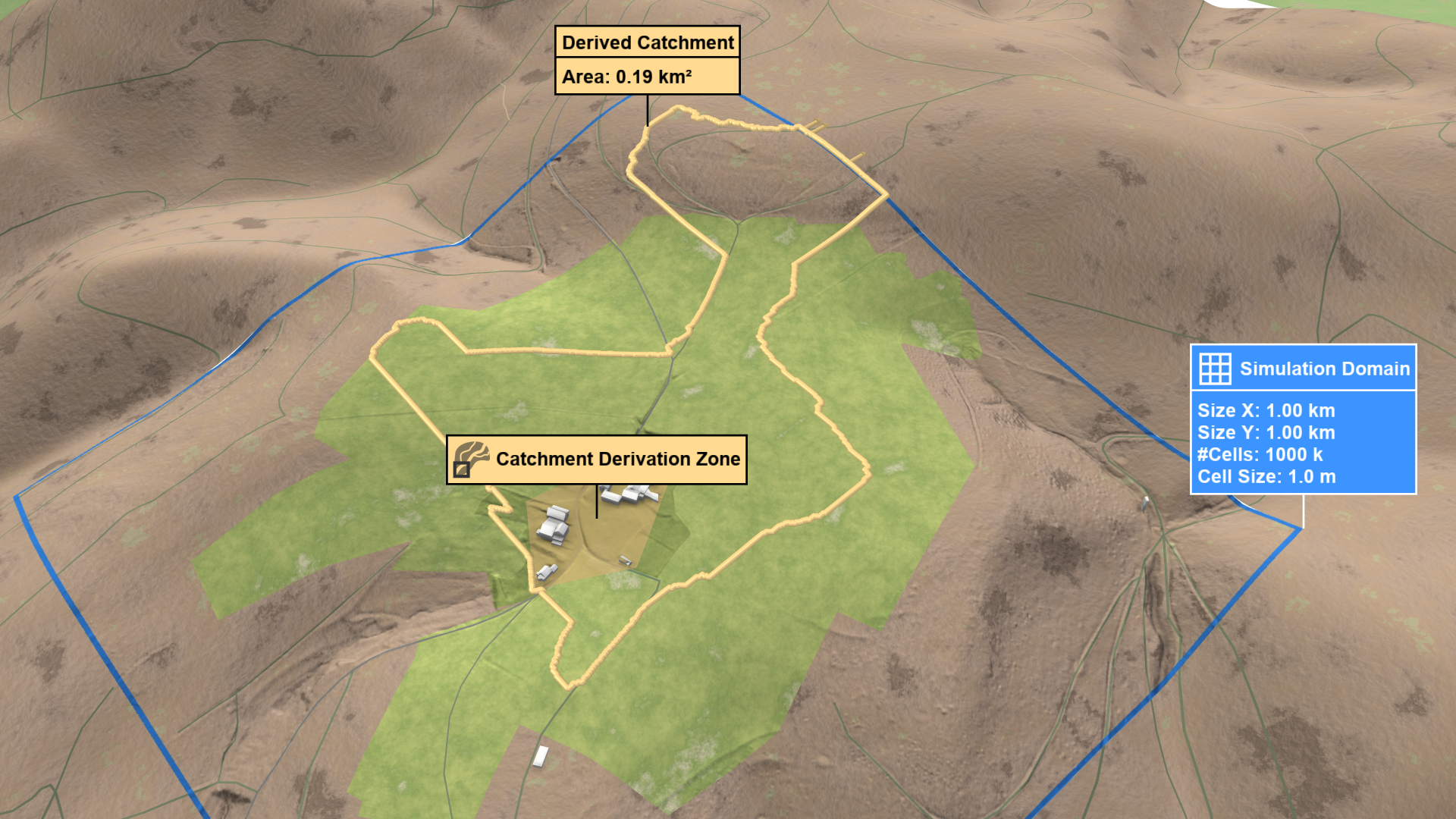
If the catchment is truncated, visual hints will appear at the domain's border.
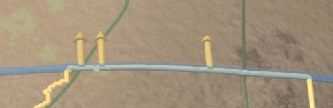
Switch to edit mode to adjust the domain boundary in the direction of the arrows. After re-running the simulation, check if the domain now includes the entire catchment. scenarify will automatically buffer the derived catchment to increase accuracy and prevent border artifacts. Visualize the buffered catchment by selecting Domain Setup: Invalid Cells from the visual presets or by activating terrain coloring and choosing Domain Setup: Invalid Cells property in the Layers: Visualization.
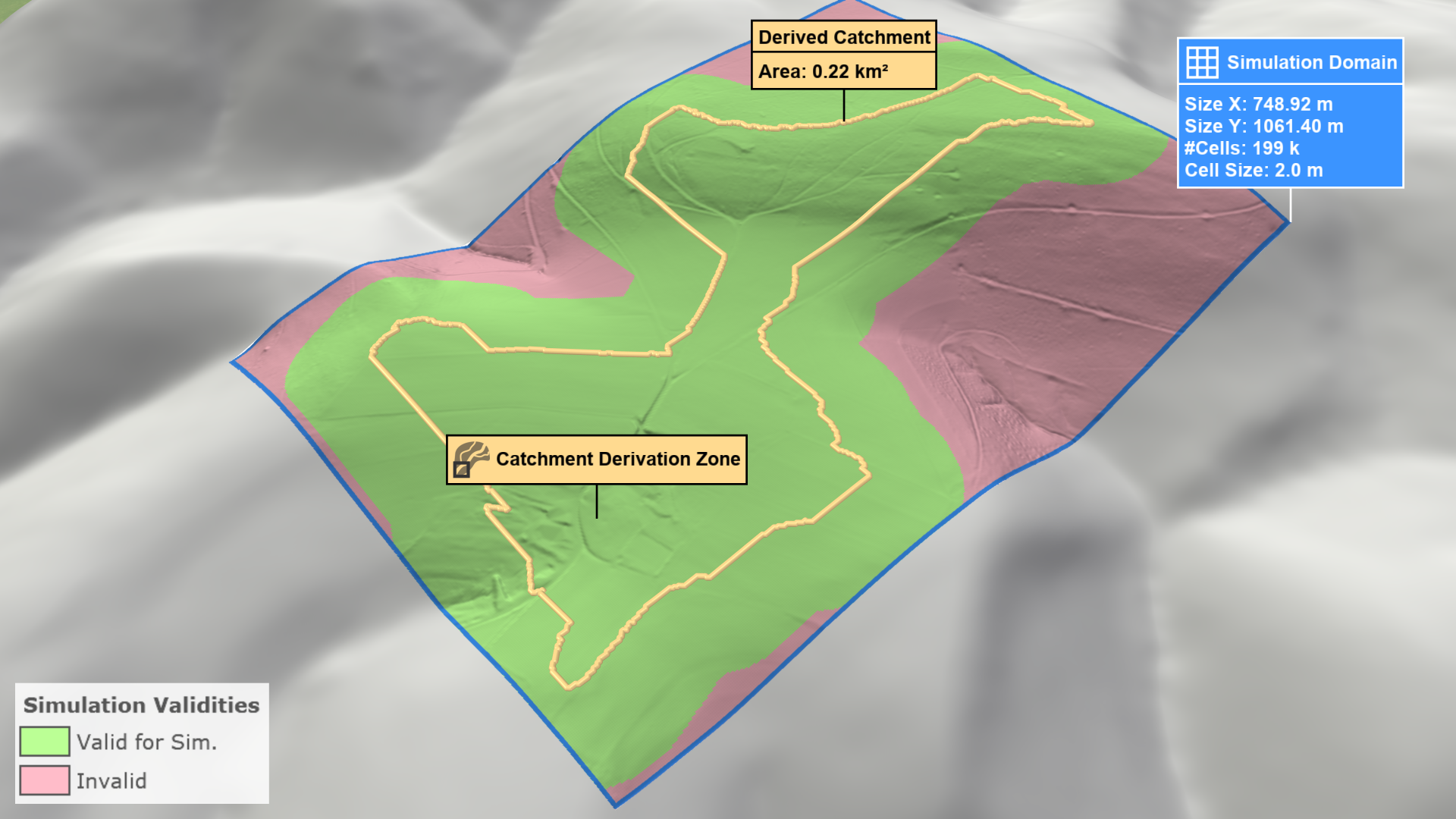
As shown, not all valid cells are within the simulation domain due to the buffer. Manually expand the simulation domain to include all valid cells.
Hint: You can export the derived catchment polygon as a shapefile through the Action Tool Panel.