Draining Zone
Creation Mode: Draw Polygon on Terrain (not allowed on scenarios with start time > 0)
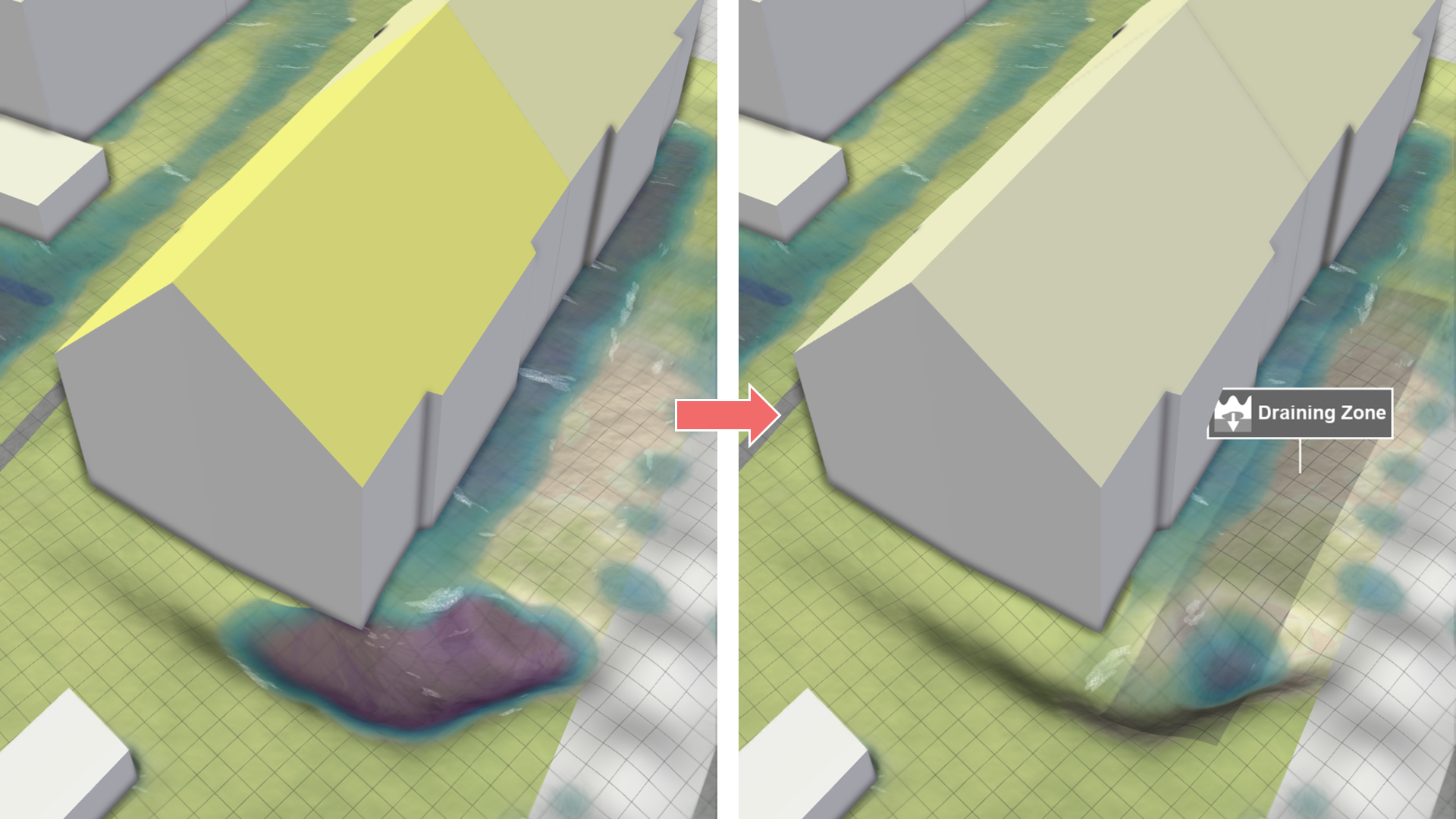
Purpose and Effect: This action enables users to define zones where surface water is removed from the simulation according to a total constant draining capacity. Draining zones are used to model areas where the sewer model is missing or where water needs to be efficiently removed.
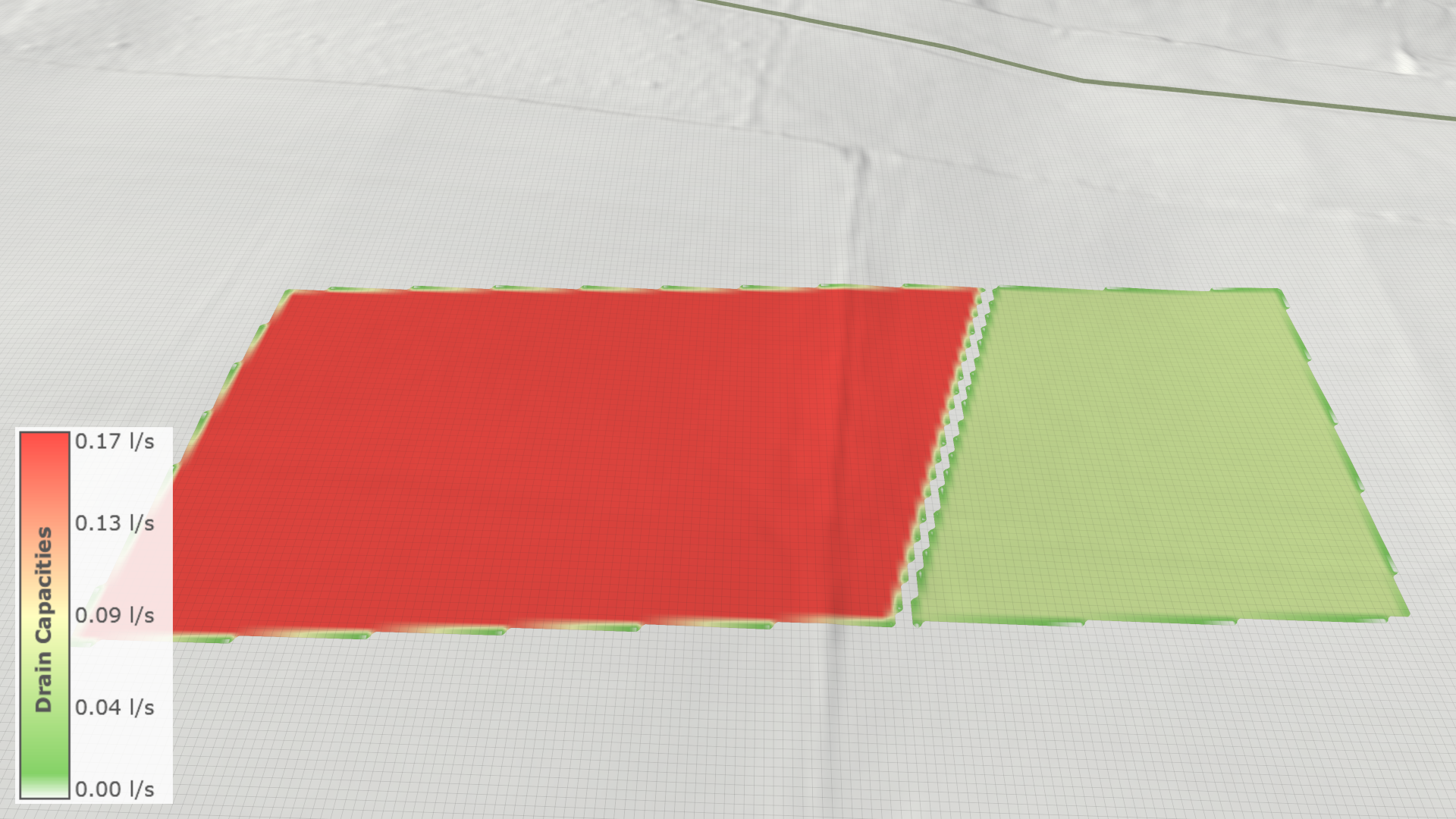
In the Visualization Settings Panel, under the Layers: Visualization category, users can modify the terrain coloring property to Soil: Drain Capacity to analyze different draining capacities. Note that the visualized draining capacities are per cell and, therefore, differ from the value set in the action settings panel, which is applied per polygon. At the zone boundary, the draining capacity decreases as the intersection area with each cell is considered, and capacities are scaled accordingly.