Inflow
Creation Mode: Draw Line on Terrain, Assign to River Line
Purpose and Effect:
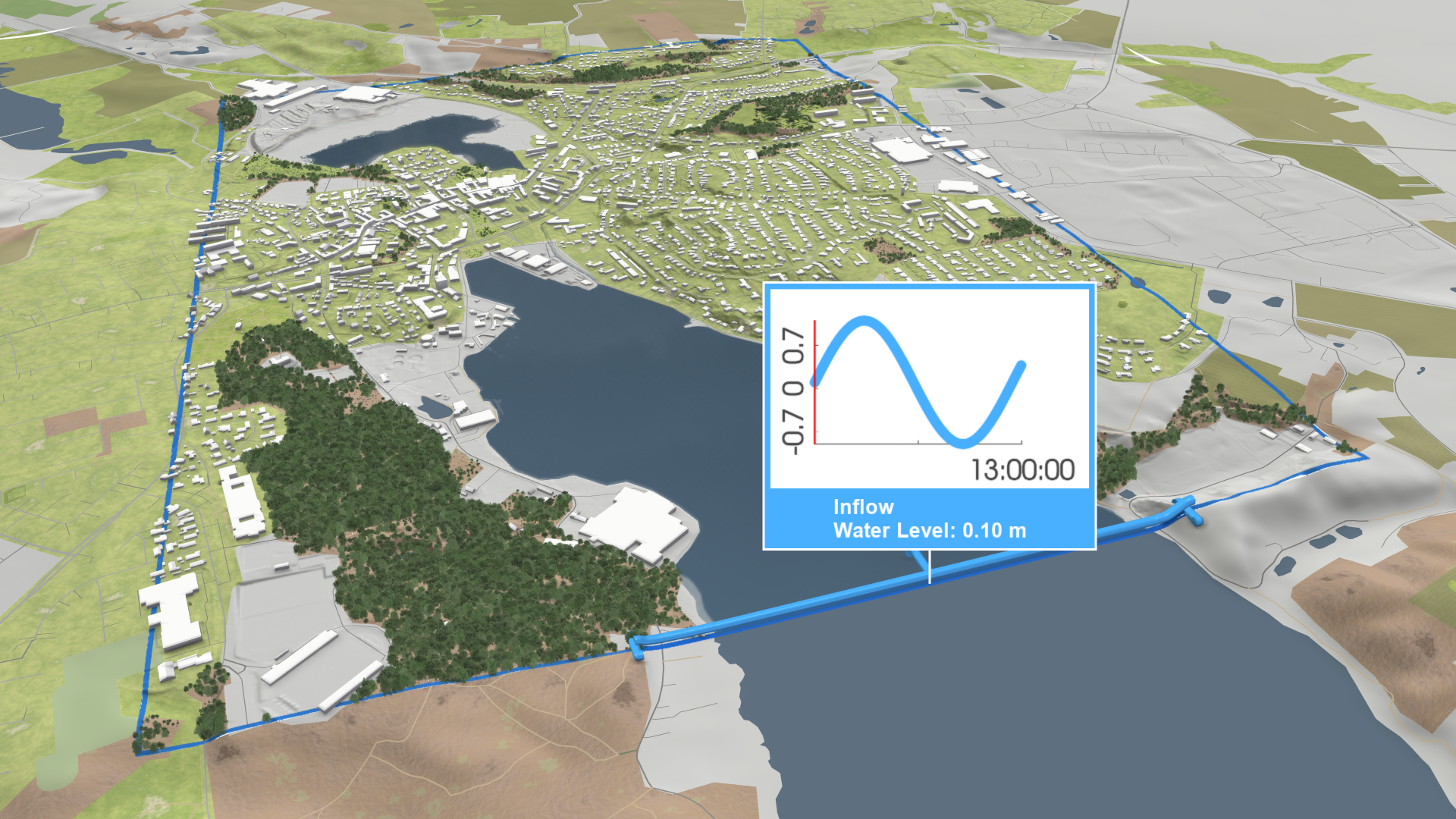
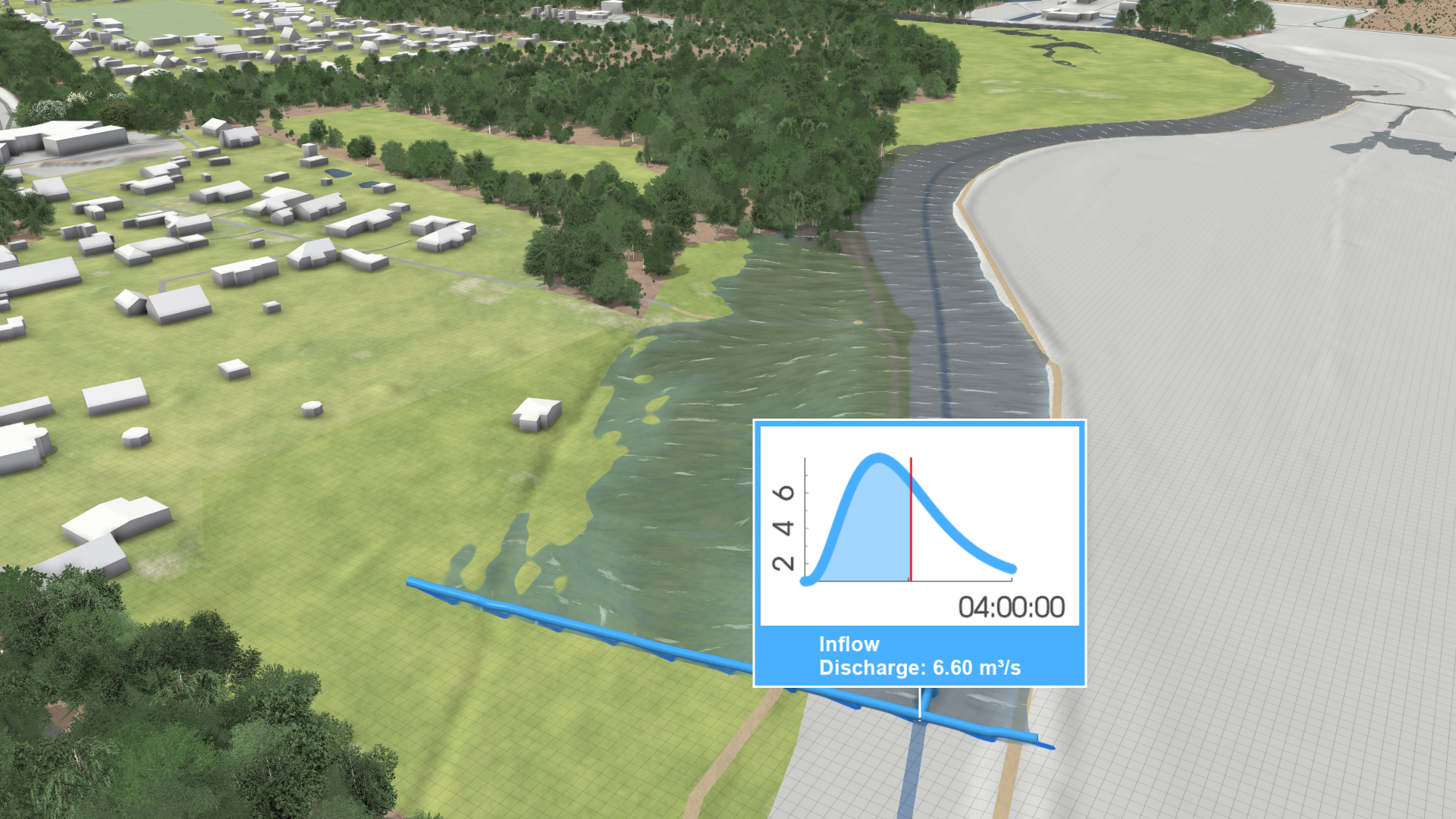
Use the Inflow action to manually set up inflows, which define the boundary conditions for your simulation model. They specify where water should enter the domain, such as at a river. Typically, inflows are represented by a discharge time series. If water level data is also available, including it can improve the simulation's accuracy. In cases where discharge data is unavailable, you can still use water levels, like those from tidal tables, to model tidal inflows.
For more information, see the Inflows section in the Rivers and Streams model description.
For detailed guidance on setting up river flood models, refer to the River Modeling task-based workflow.
Tidal Inflows
To model sea tides, use an inflow with mode Periodic at the boundary of the simulation domain. Do not use outflows, as outflows are intended for locations where water is only exiting the domain. Since water needs to enter the domain in this case, an outflow is not appropriate.