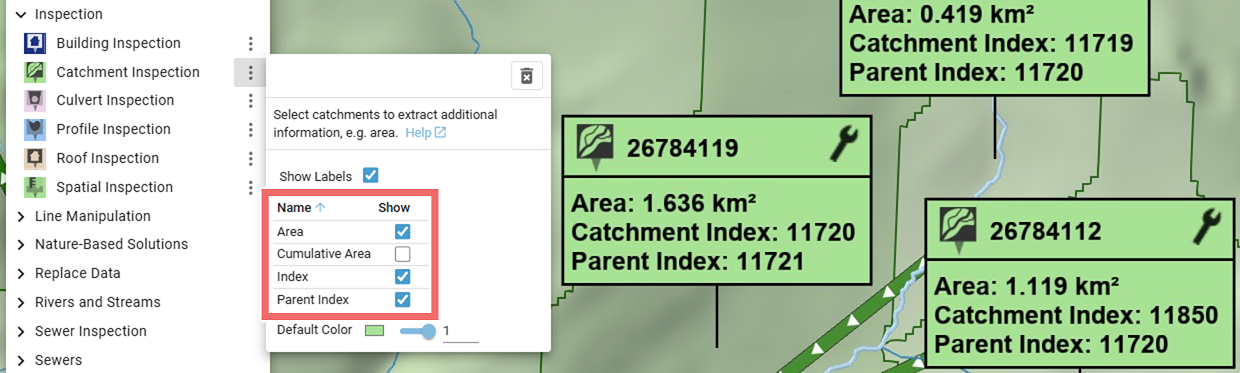
Catchment Inspection
Creation Mode: Assign to Catchment
Purpose and Effect: This action can be used to extract information about catchments. The Action Tool Panel contains a table that lists all available display options, such as the catchment area. Corresponding catchment polygons are loaded via the Simulation Settings Panel in the Domain Setup category.
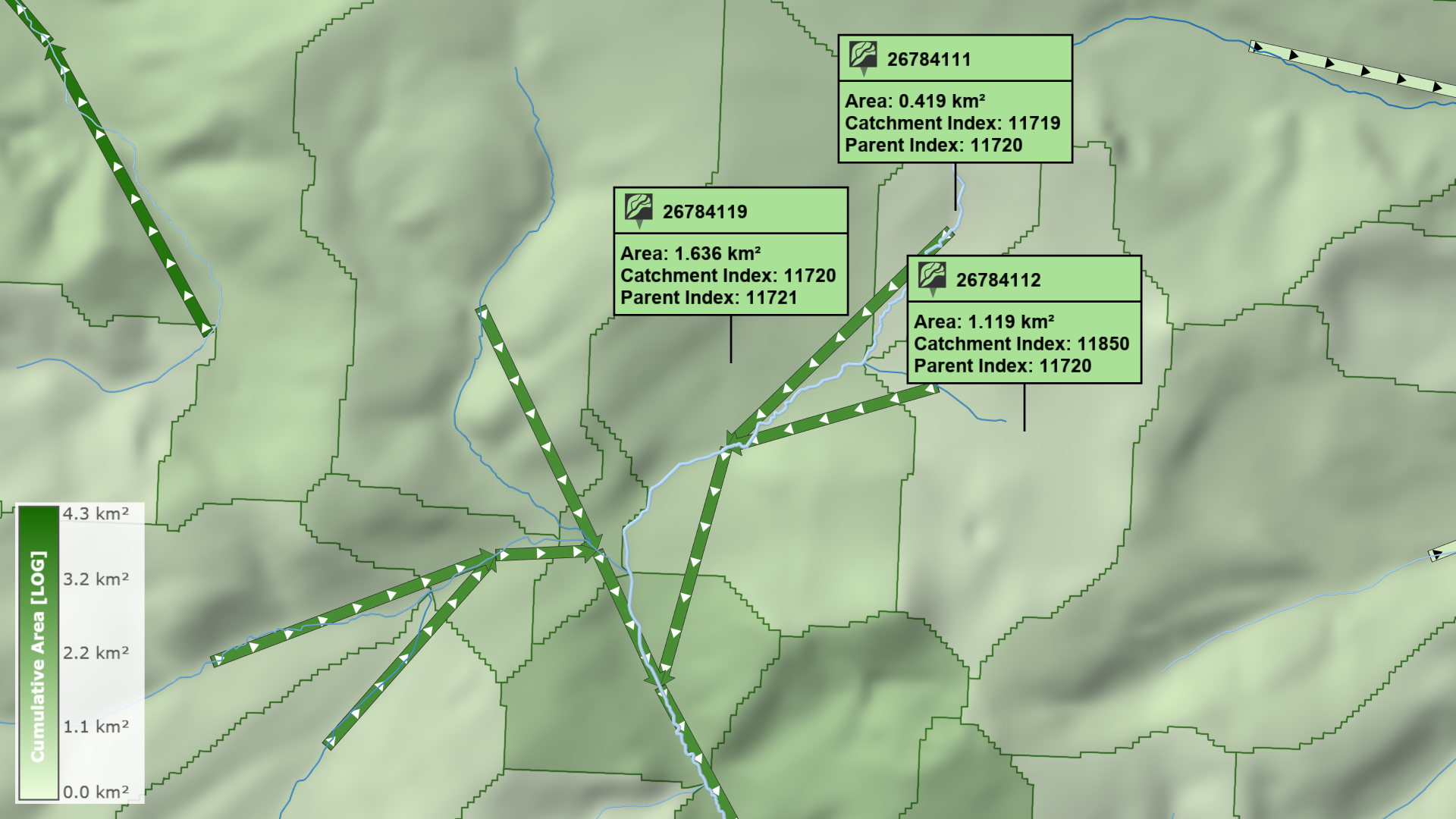
Customize Visualization
The visual preset Domain Setup: Catchments can be used for a quick display of catchment polygons and their network trees, which are represented by arrows above. Note that catchment networks are only available for some base models that have a catchment hierarchy setup.
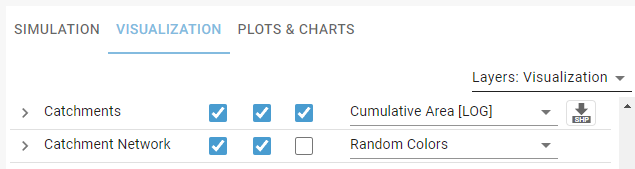
Visualization Settings
In the Visualization Settings Panel, the display of catchments and their network can be customized. Attributes, such as the cumulative area, can be assigned to the color of catchment polygons using a drop-down menu.
Inspection Label
A label displaying the inspected data values for the catchment polygon can be shown. The data to inspect can be selected in the Action Tool Panel.