
Sewer Node Inspection
Creation Mode: Assign to Sewer Node (not allowed on scenarios with start time > 0)
Purpose and Effect: This action allows you to extract simulation properties of a sewer node. A node refers to a point in the sewer network where water is collected, stored, or transferred. They are typically connected by Conduits. The Action Tool Panel contains a table that lists all available display options, such as the water depth and inflow, which are shown by default.
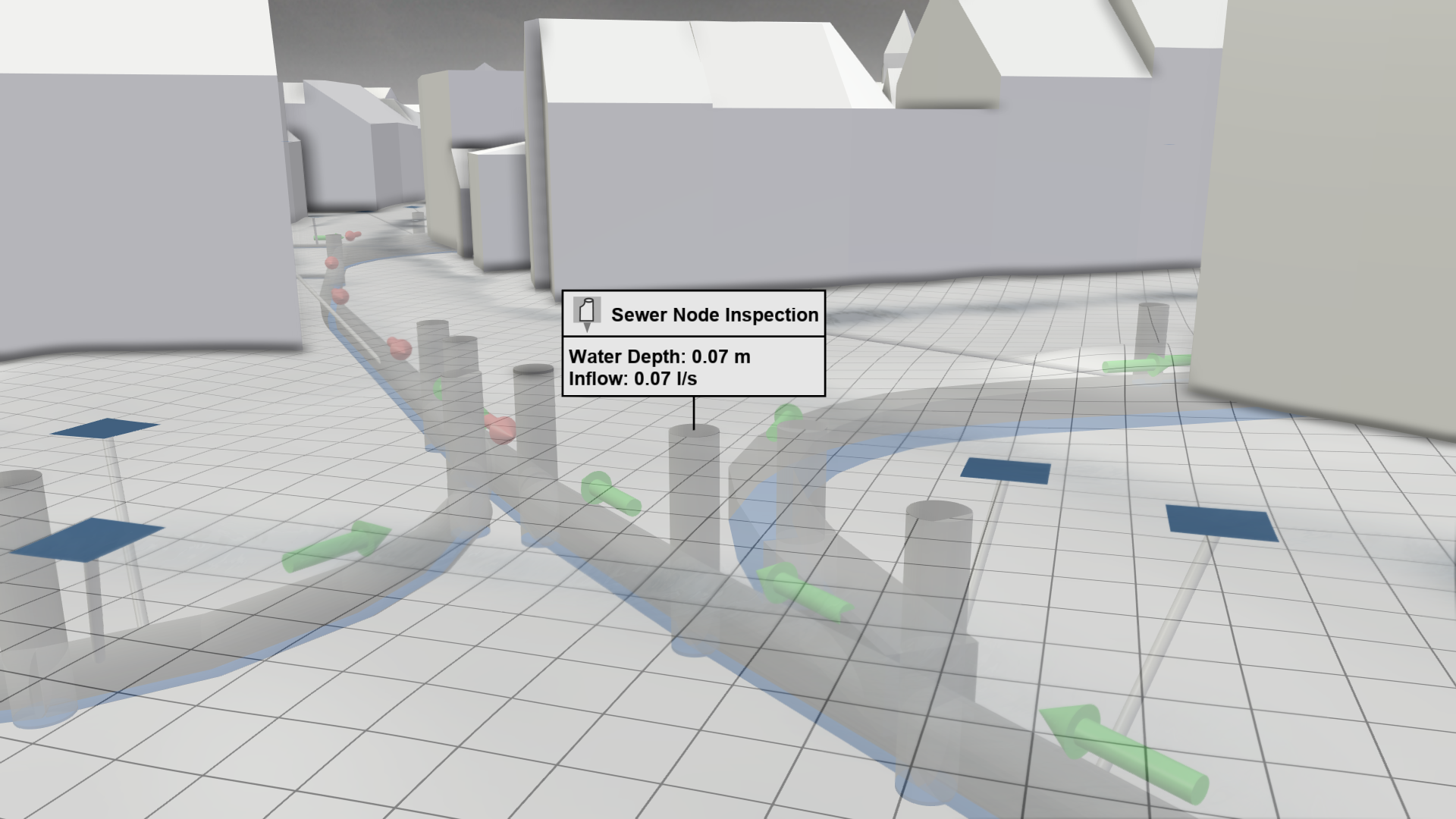
Selection Modes
There are two ways to assign an inspection to a sewer node:
.png)
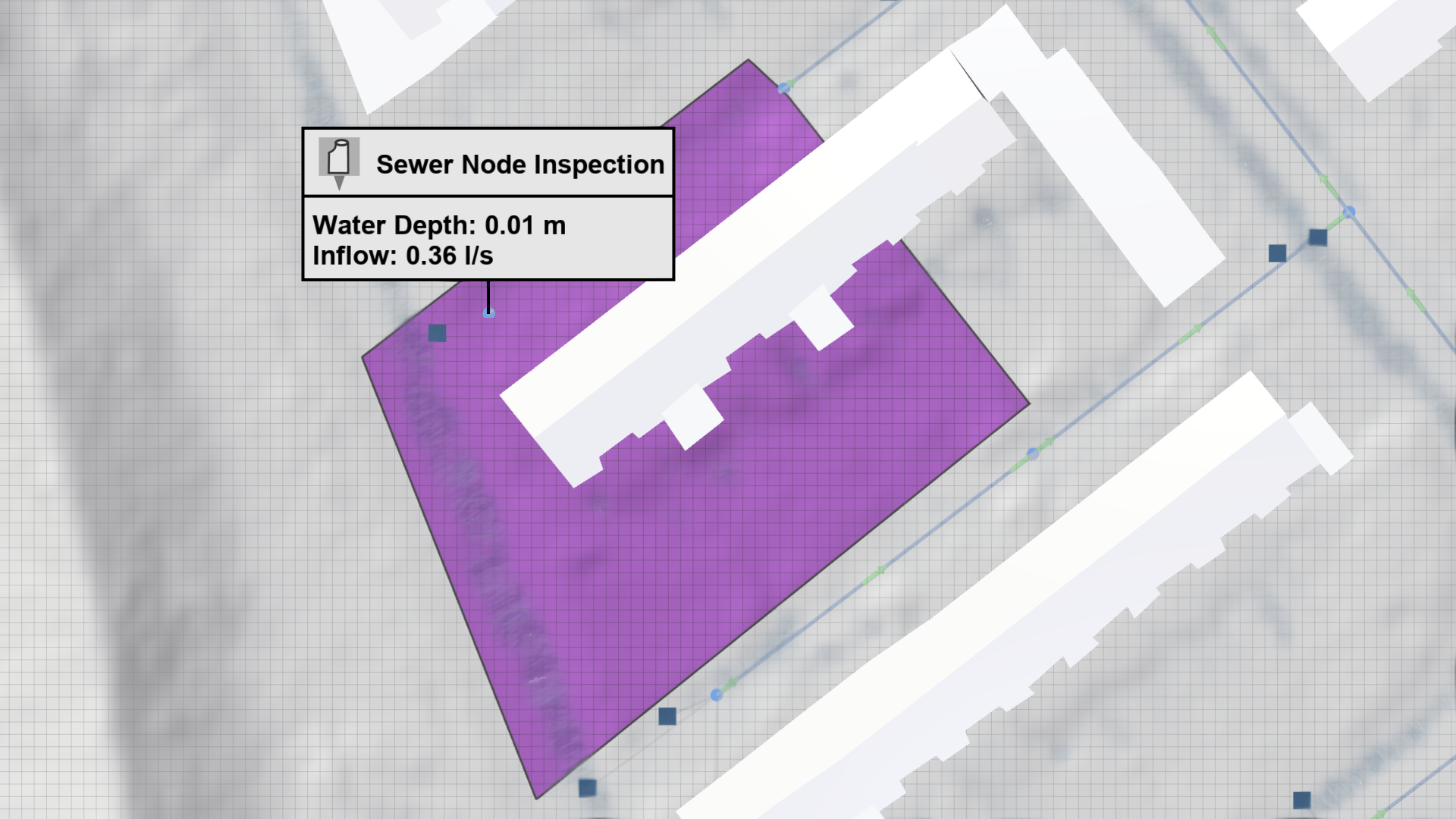
- In 2D view: Selection of a sewer node that is projected onto the terrain. Choose the visual preset Sewers: Default to get this view.
.png)
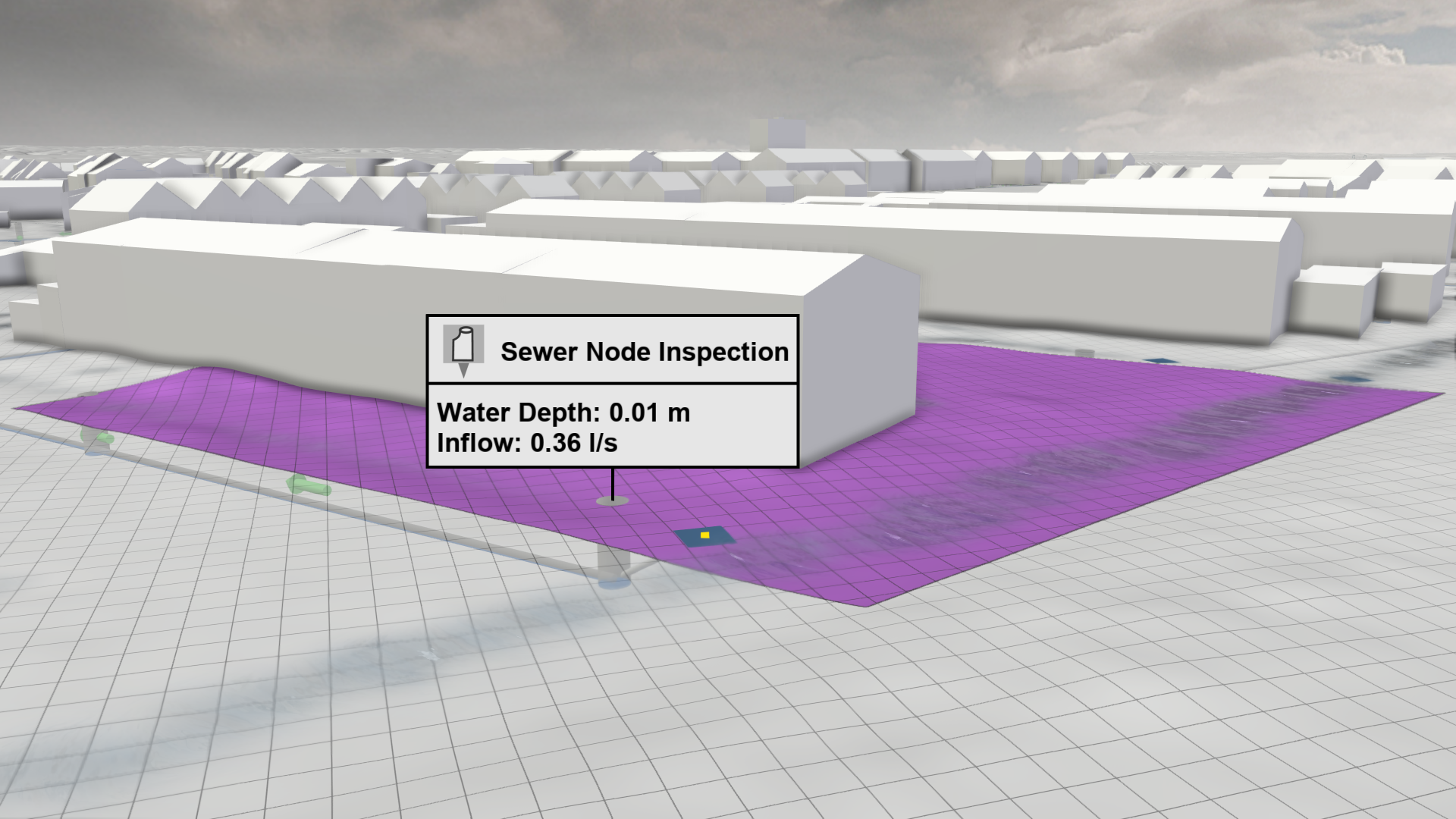
- In 3D view: Selection of the three dimensional node object, which is below the terrain. Choose the visual preset Sewers: 3D Meshes to get this view.
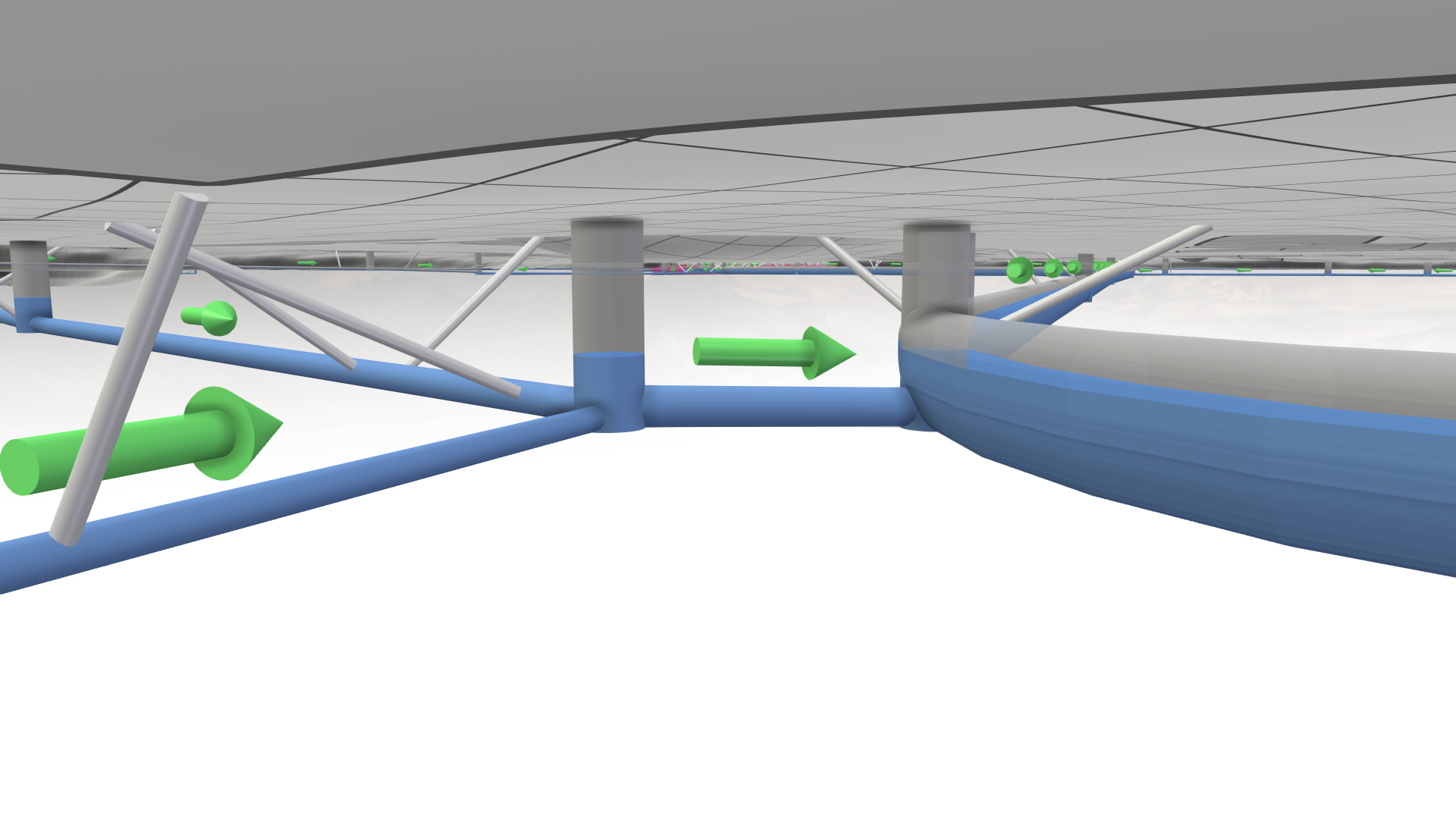
Hint: The visual preset Sewers: 3D Meshes allows you to navigate under the terrain to get a clear view of the sewer network.
Display Options
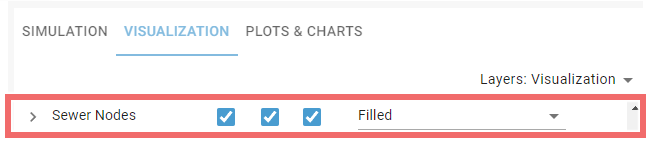
The Visualization Settings Panel can be used to customize the appearance of 2D sewer nodes projected onto the terrain. There are several properties that can be selected from a drop-down menu to be mapped to the node color. By default, the color indicates how much a node is filled with water.
Associated Structures
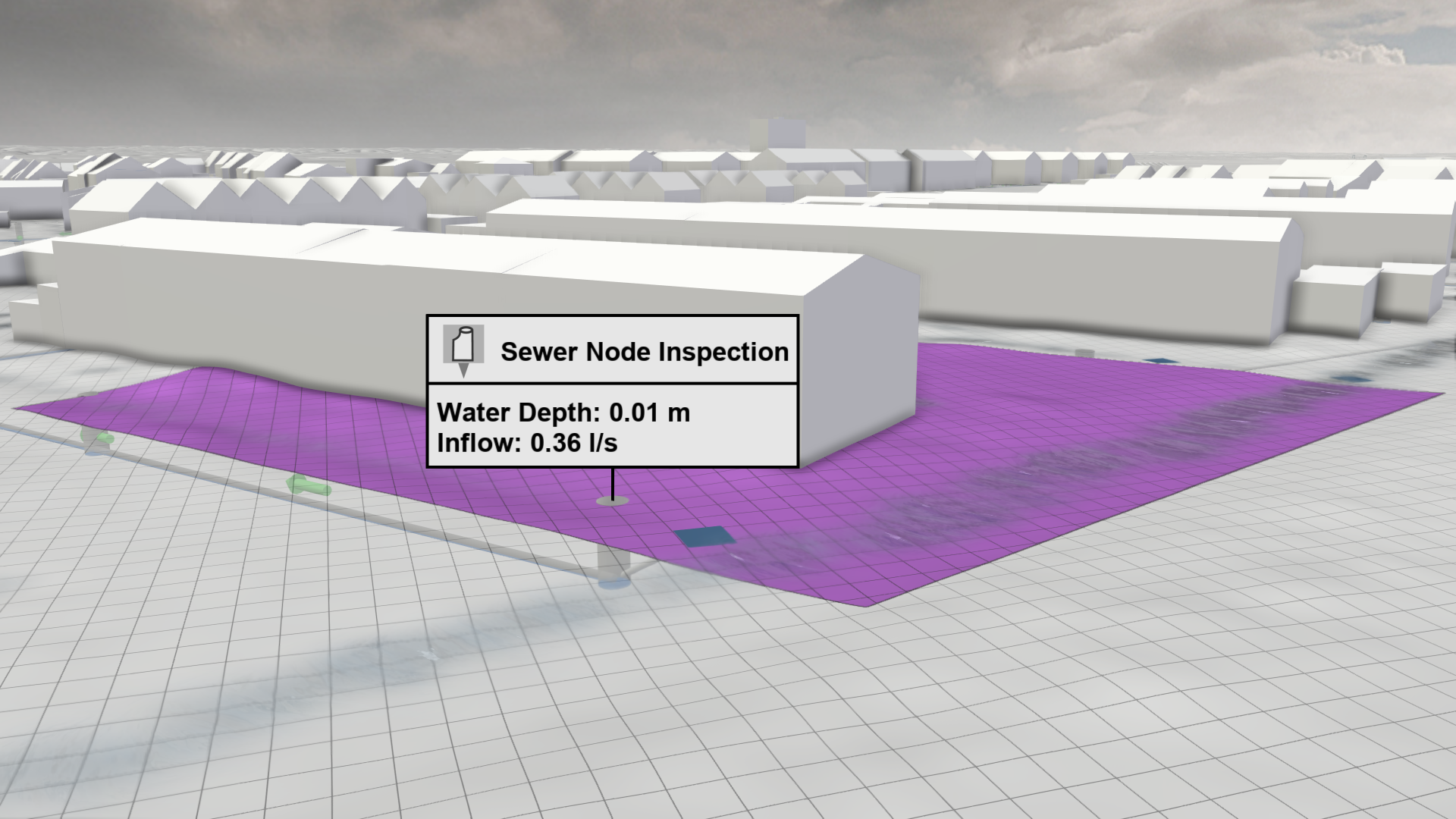
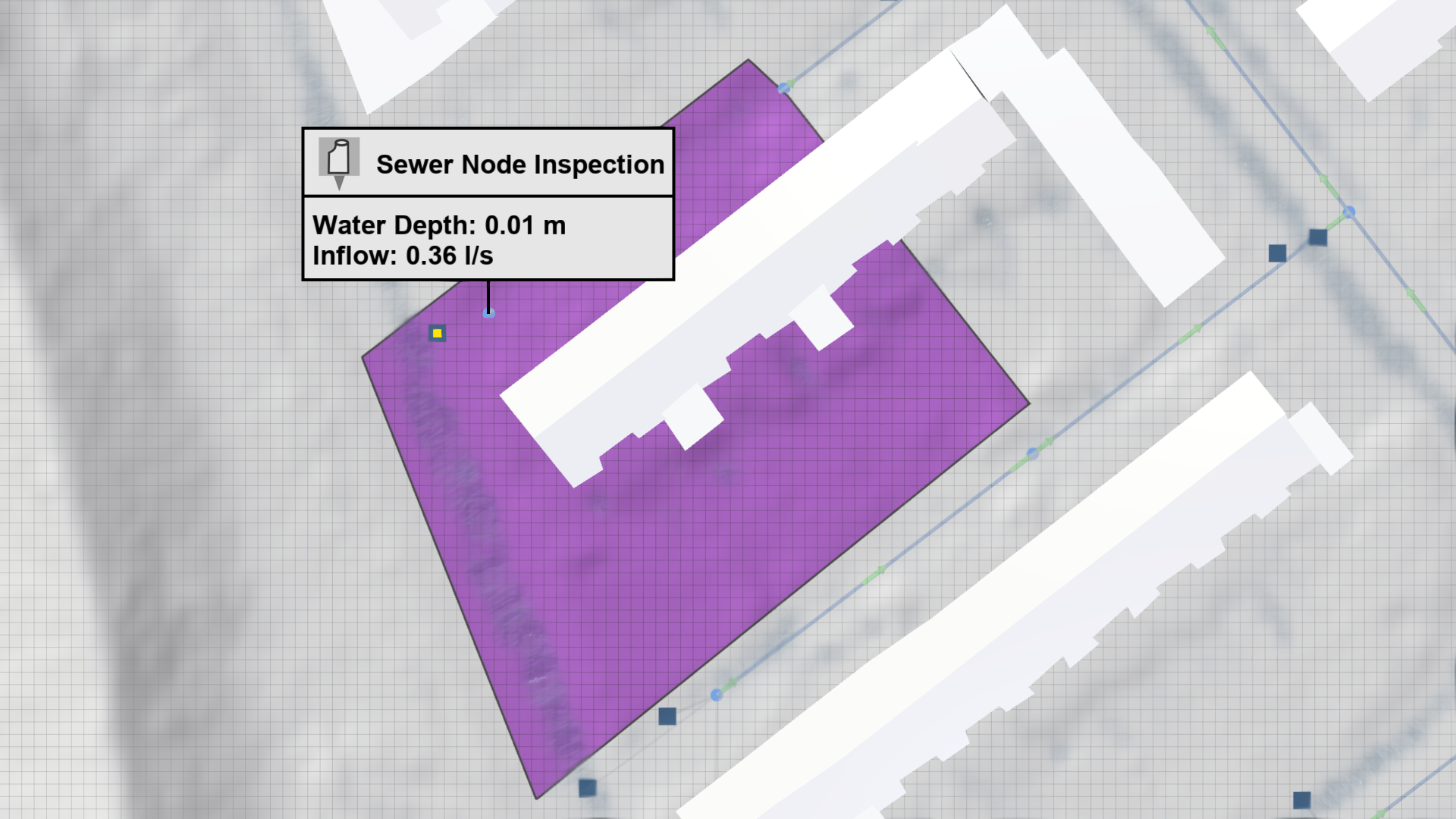
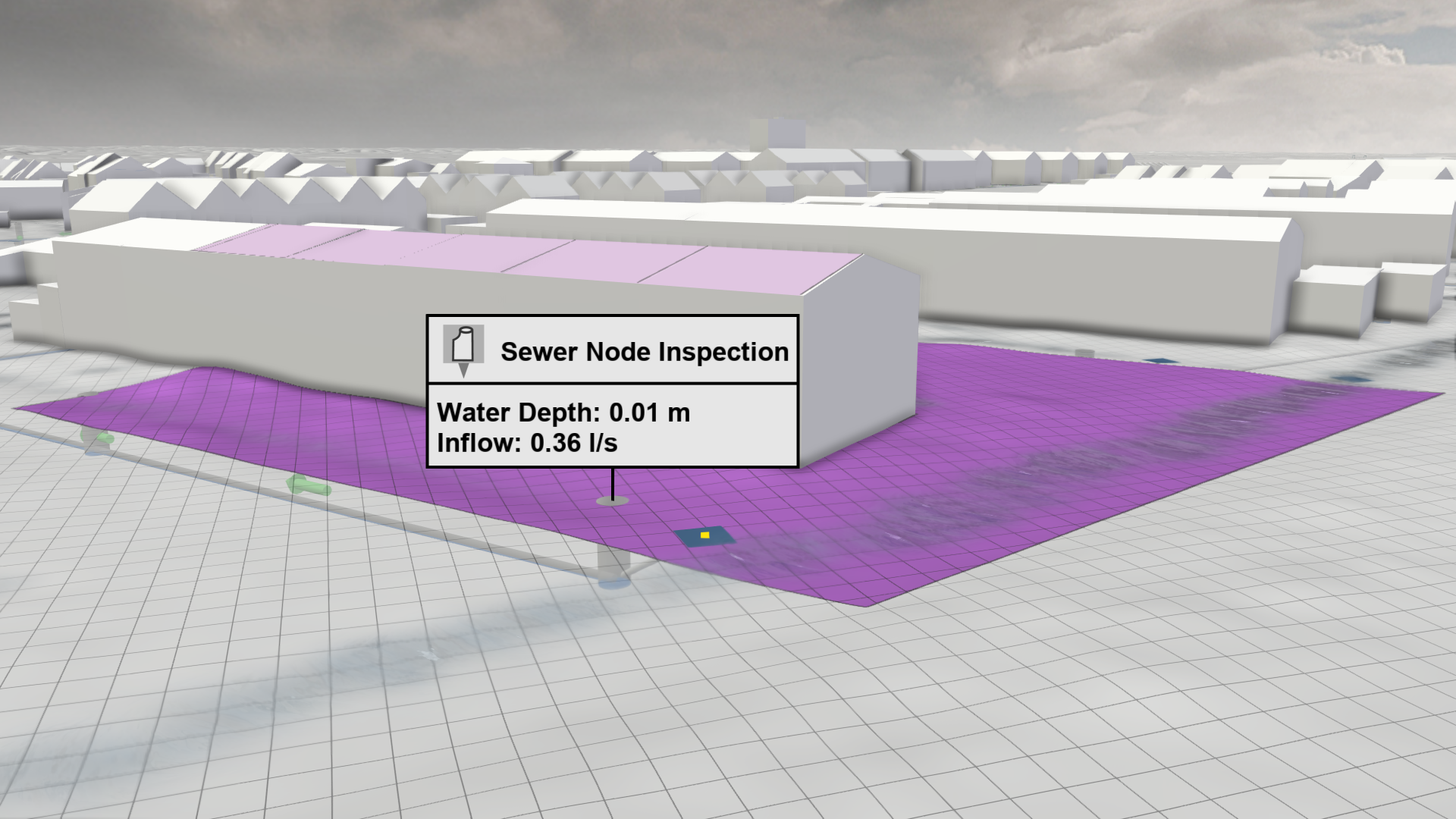
The water inflow to sewer nodes depends on different structures, including storm drains, sewer catchments, and roofs. These associations can be highlighted through the Action Tool Panel, which can be a useful tool to check the correctness of the sewer network setup.
.png)
.png)
.png)
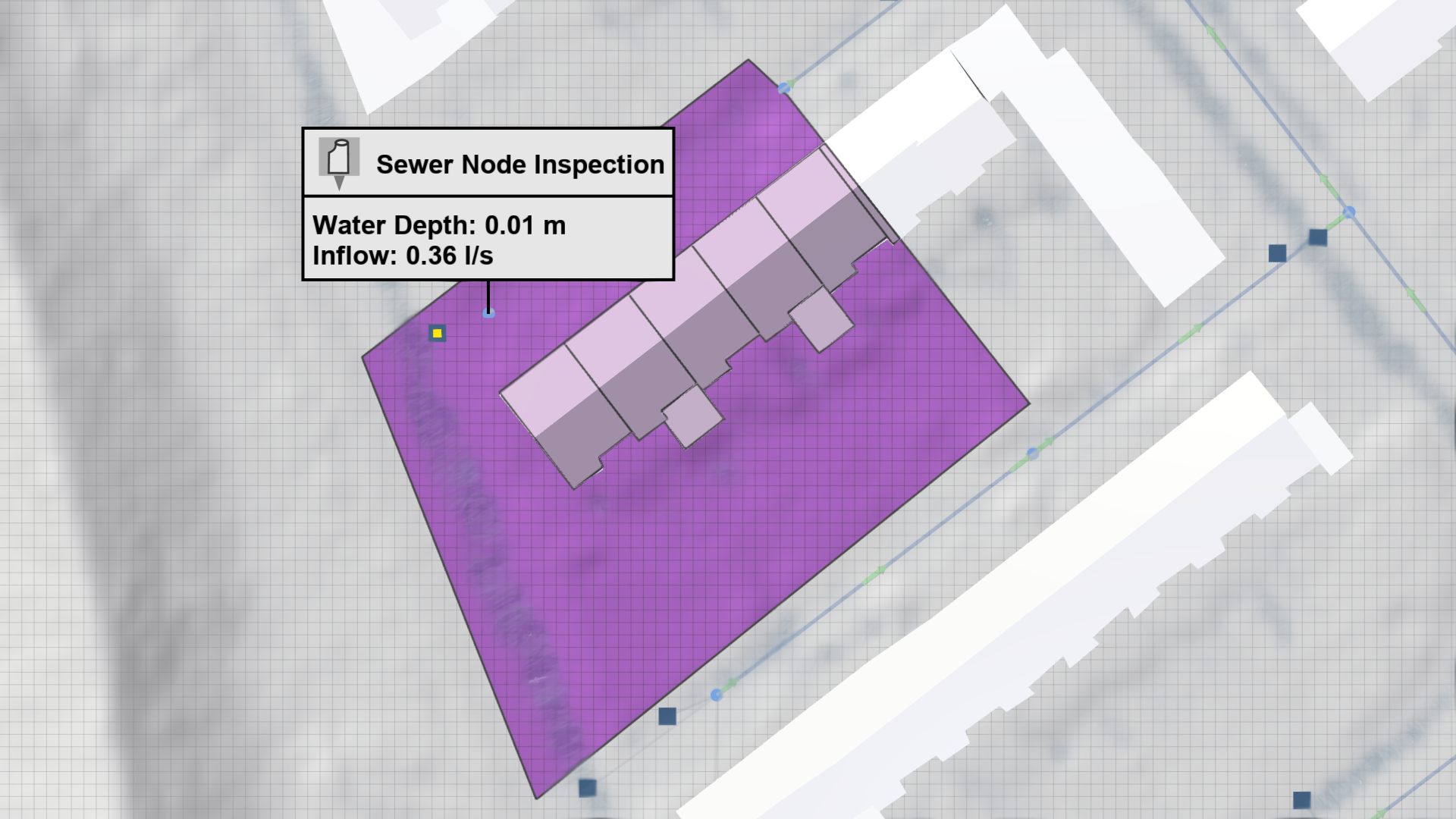
Hint: In order to derive and highlight roofs that drain into the selected node, the sewer catchments must be set up in the Simulation Settings Panel under Sewers: Catchments.