Culvert Inspection
Creation Mode: Assign to Culvert (not allowed on scenarios with start time > 0)
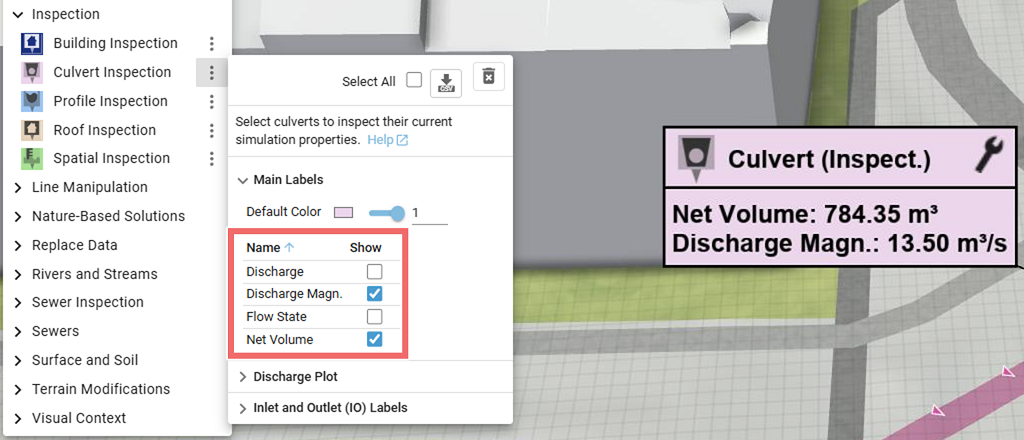
Purpose and Effect: This action can be used to extract information about culverts. It can be applied to culverts created with the Culvert action or loaded from a file, as outlined in the Import Culverts and Cross Sections section. The Action Tool Panel contains a table that lists all available display options, such as the discharge, which is shown by default.
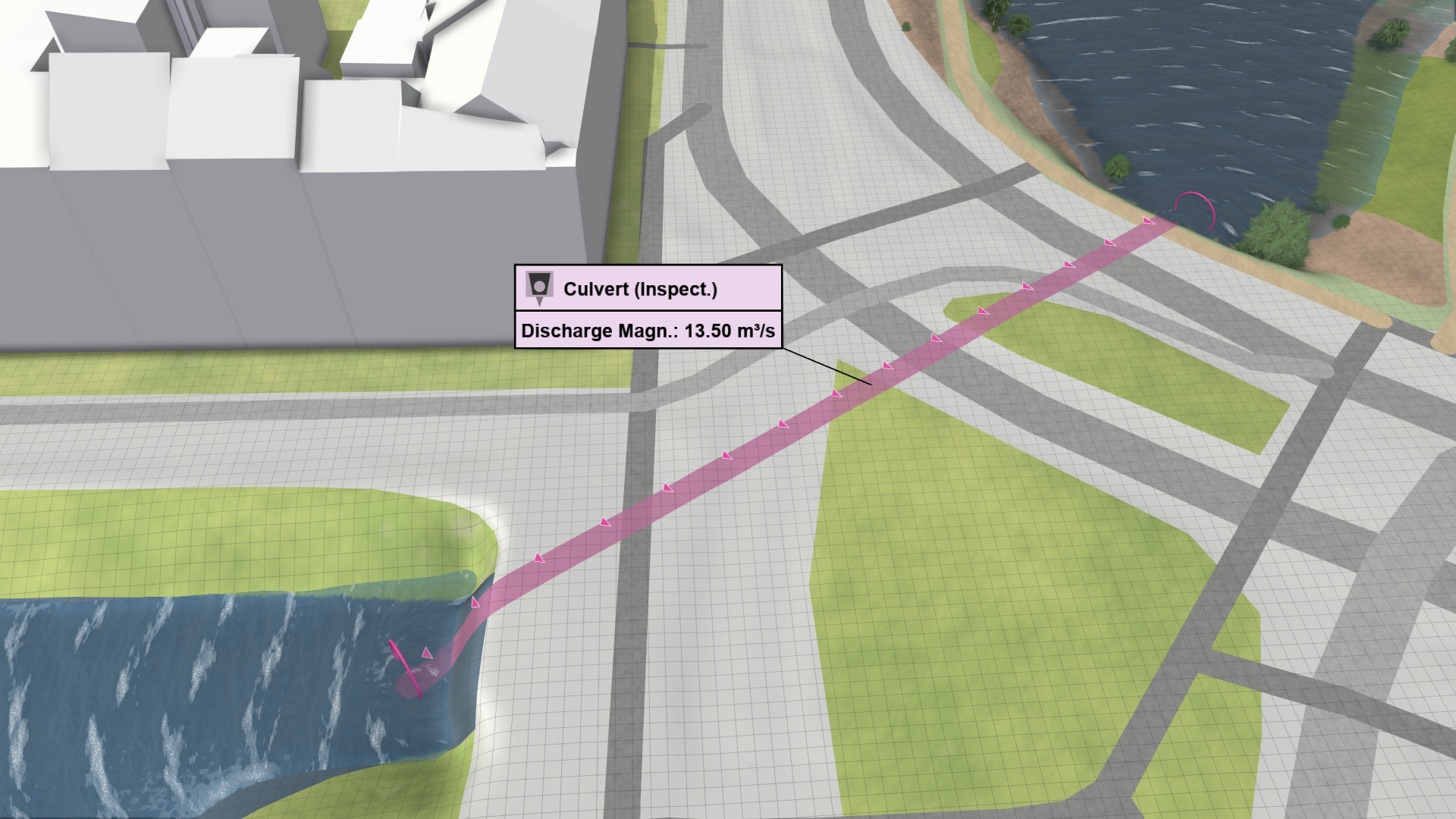
Enhanced Visualization
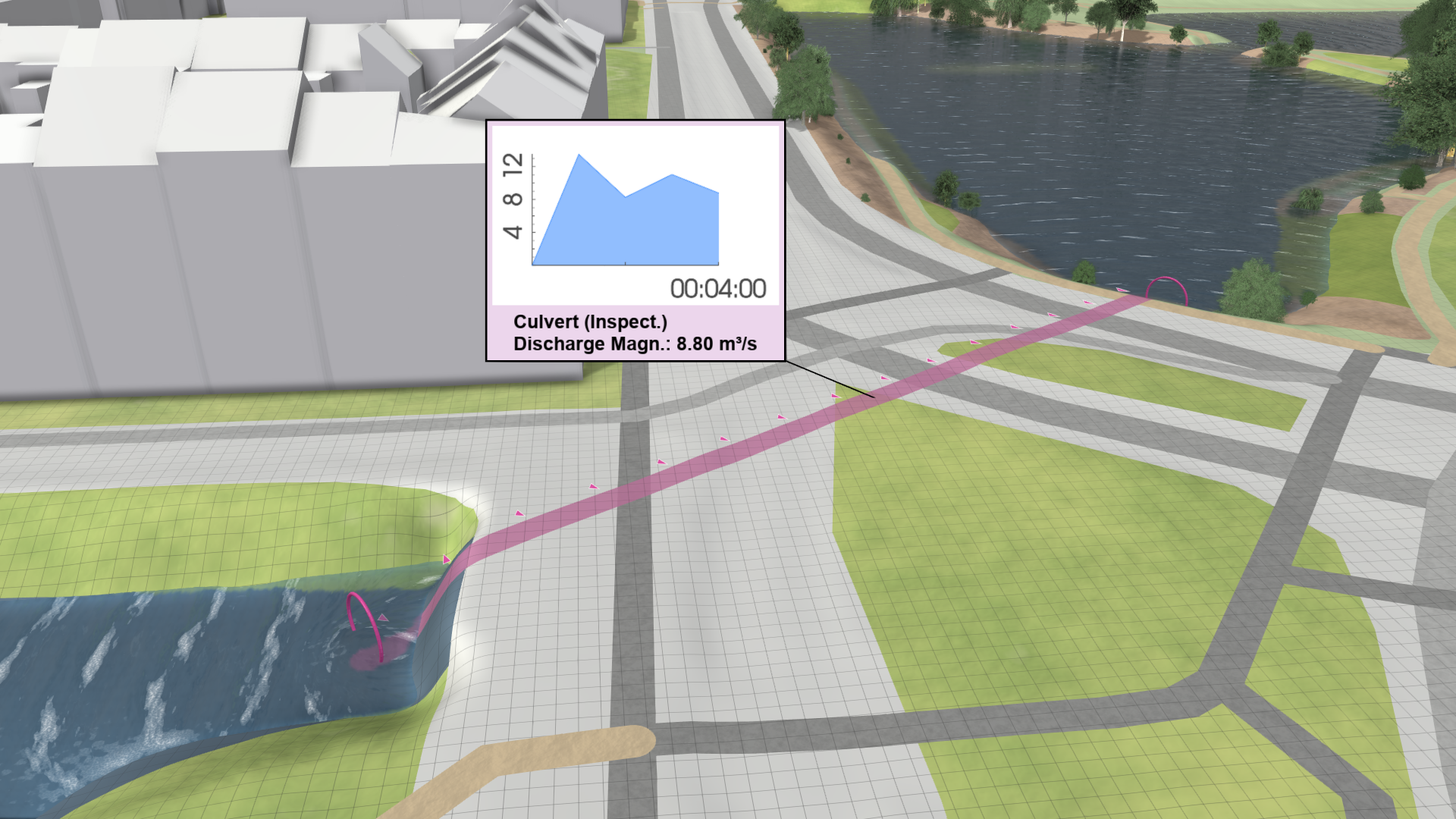
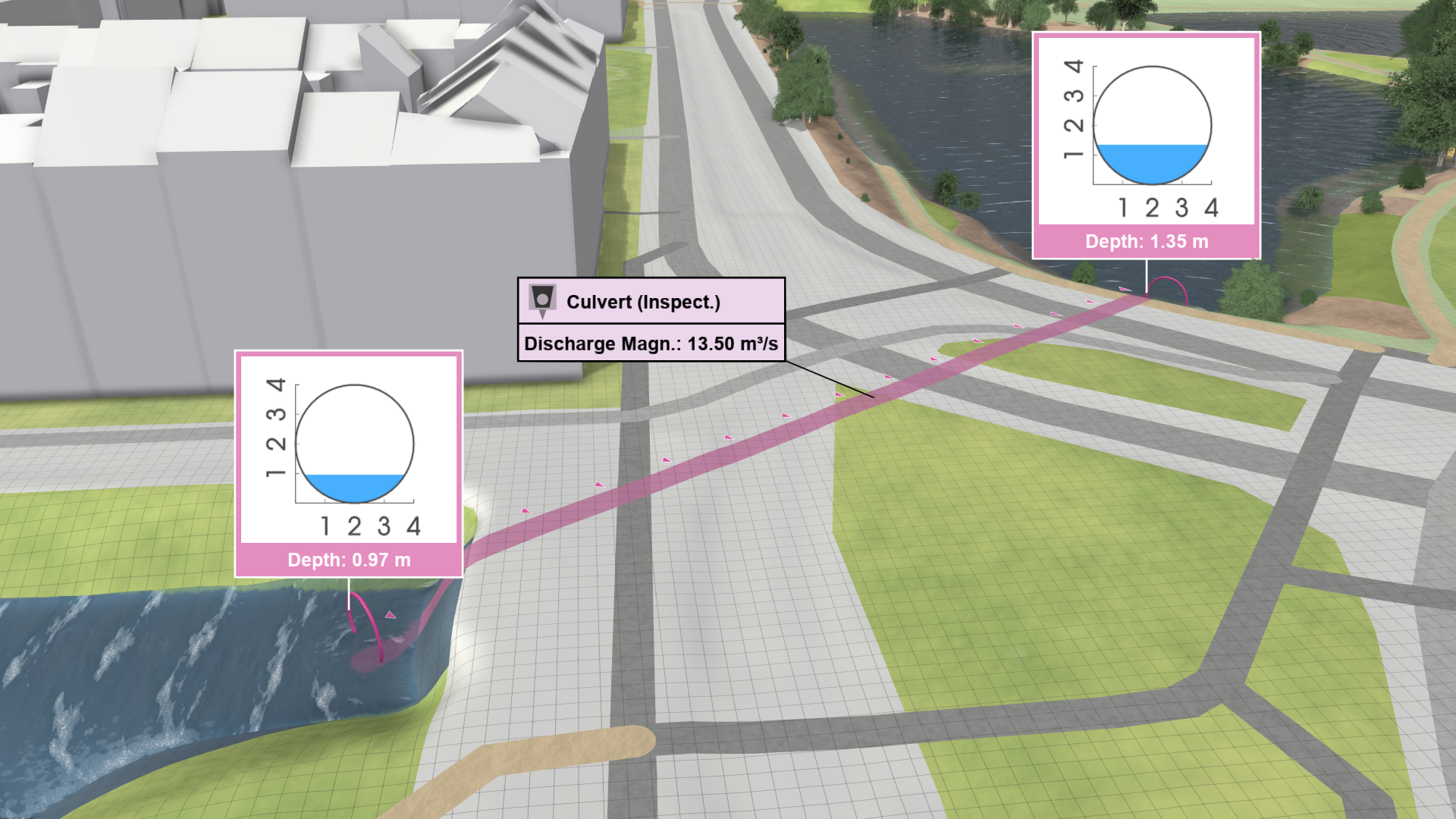
The Action Tool Panel offers the optional display of a plot containing the discharges of the inspected culvert over time. There is also an option to display labels at the culvert inlet and outlet. They show the water depths at the culvert endpoints in a cross section plot.
.png)
.png)
Inspection Label
A label displaying the inspected data values for the culvert can be shown. The data to inspect can be selected in the Main Labels section of the Action Tool Panel.