
SMS Mask
Creation Mode: Draw Polygon on Terrain (supports loading from file)
Purpose and Effect: Allows users to restrict the application of values from an SMS mesh file to a specified polygonal zone. If the Main Raster Source under "Terrain" in the Simulation Settings Panel is an SMS mesh, its terrain values are used instead of raster data. Similarly, if the "Main Roughness Source" under Surface: Roughness is an SMS mesh, its roughness values are used instead. SMS values apply only within (inclusion) or outside (exclusion) the SMS mask, depending on the Mask Mode set in the Action Settings Panel.
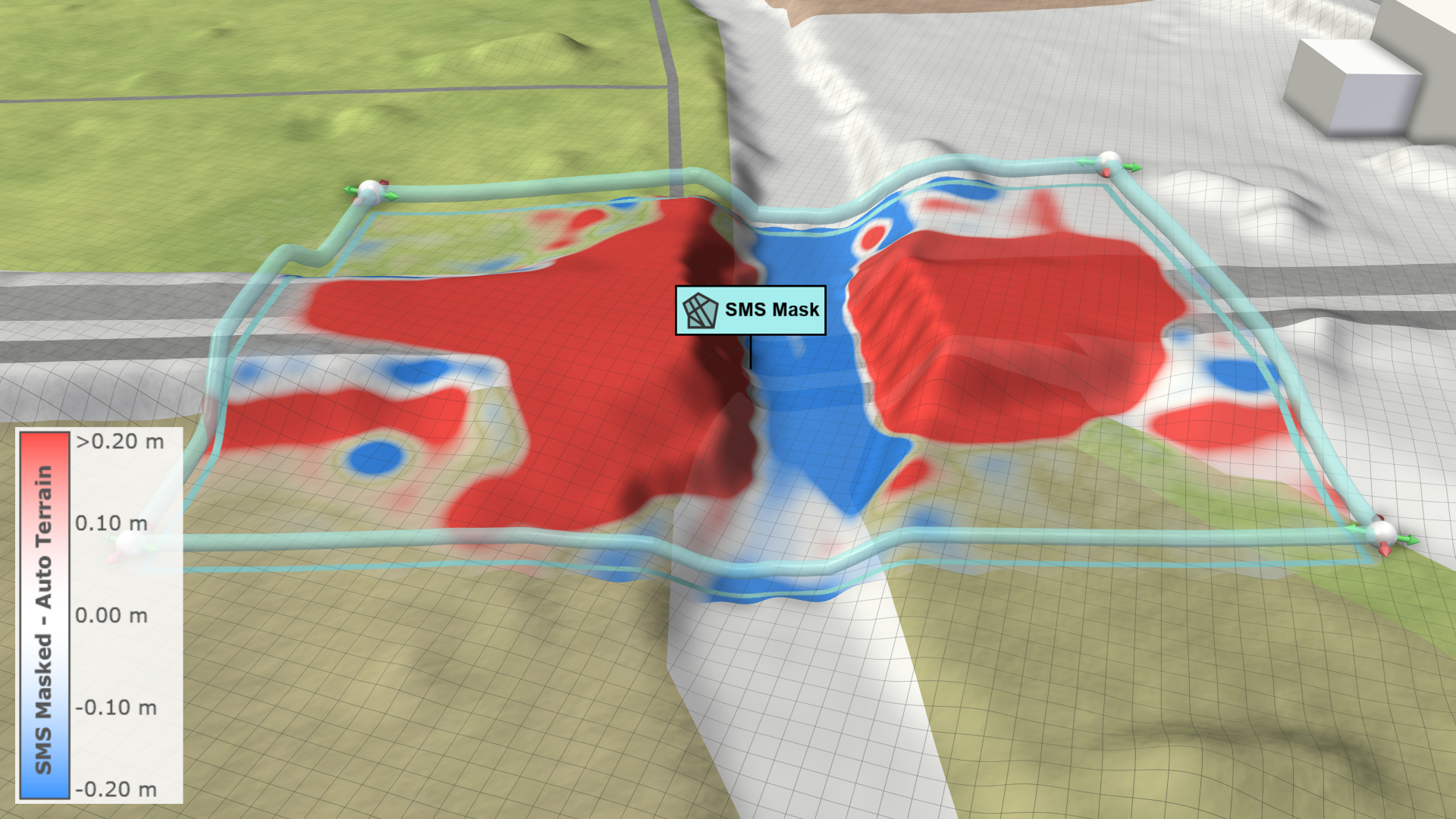
SMS mask polygons can be either hand-drawn or imported in the Action Tool Panel from shape file, river banks, or landuse polygons of user-defined shape types such as rivers. This allows users to quickly restrict the application of SMS terrain values to river beds, for example. Importing masks from landuse polygon usually leads to more, but smaller masks that might be easier to handle than masks from large river bank polygons. Imported masks can be extended by the Additional Mask Extension in the Action Settings Panel and can be edited or deleted using the additional creation modes for shape files.
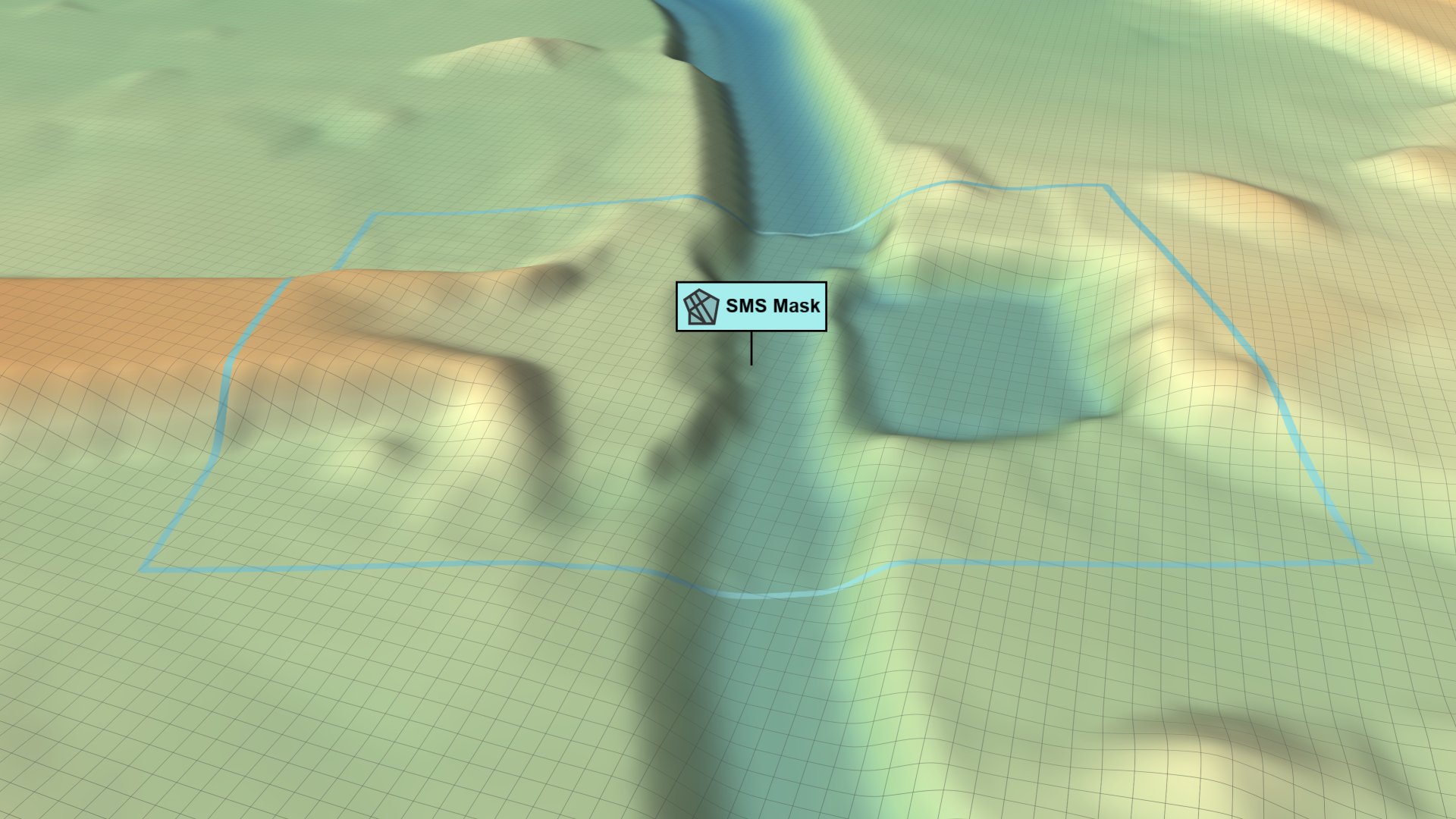
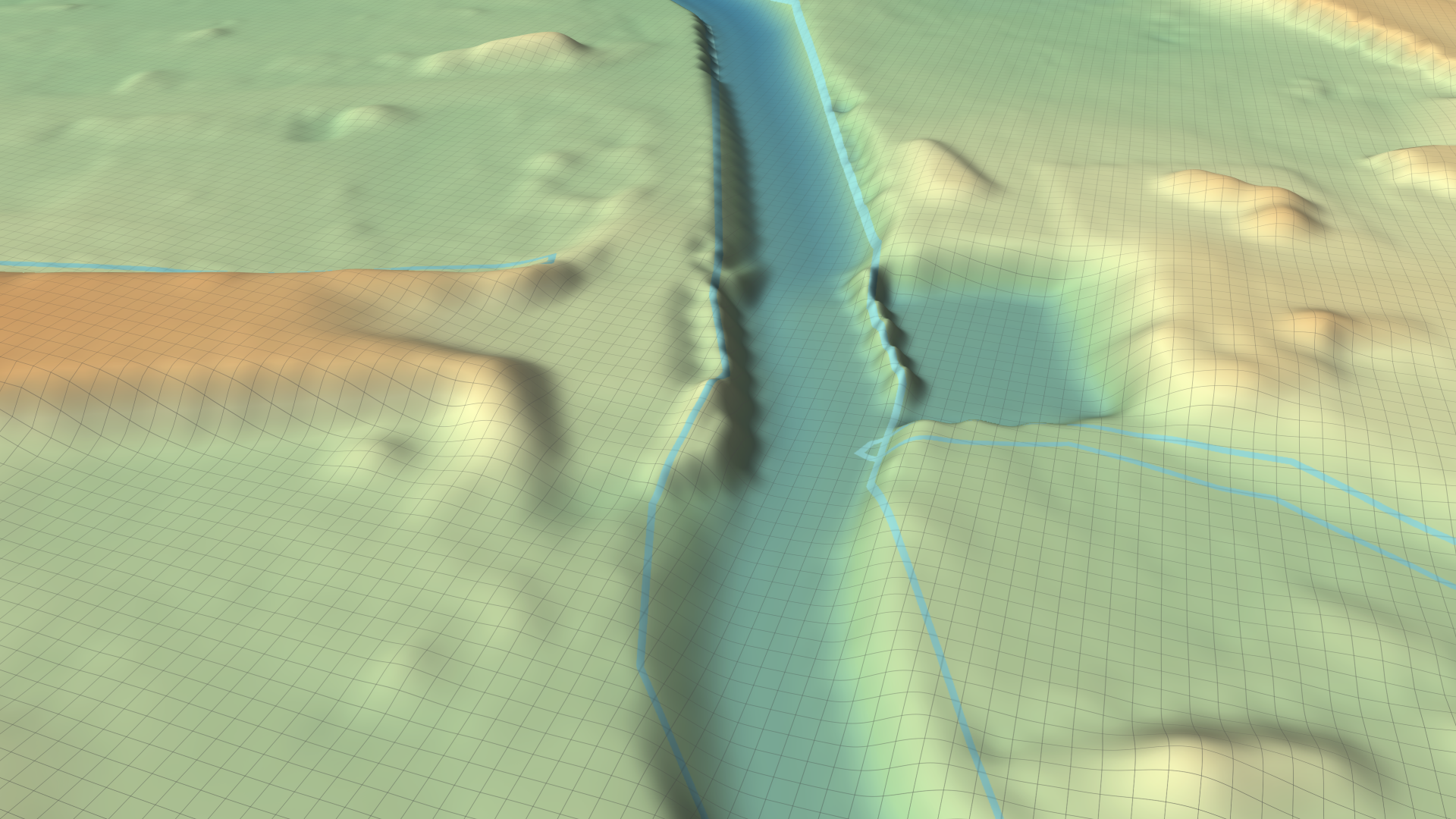
Terrain Visualization
The Layers: Visualization category in the Visualization Settings Panel provides several color overlays to assist in the application of SMS masks. On the Terrain, various properties of the Domain Setup group can be visualized by color:
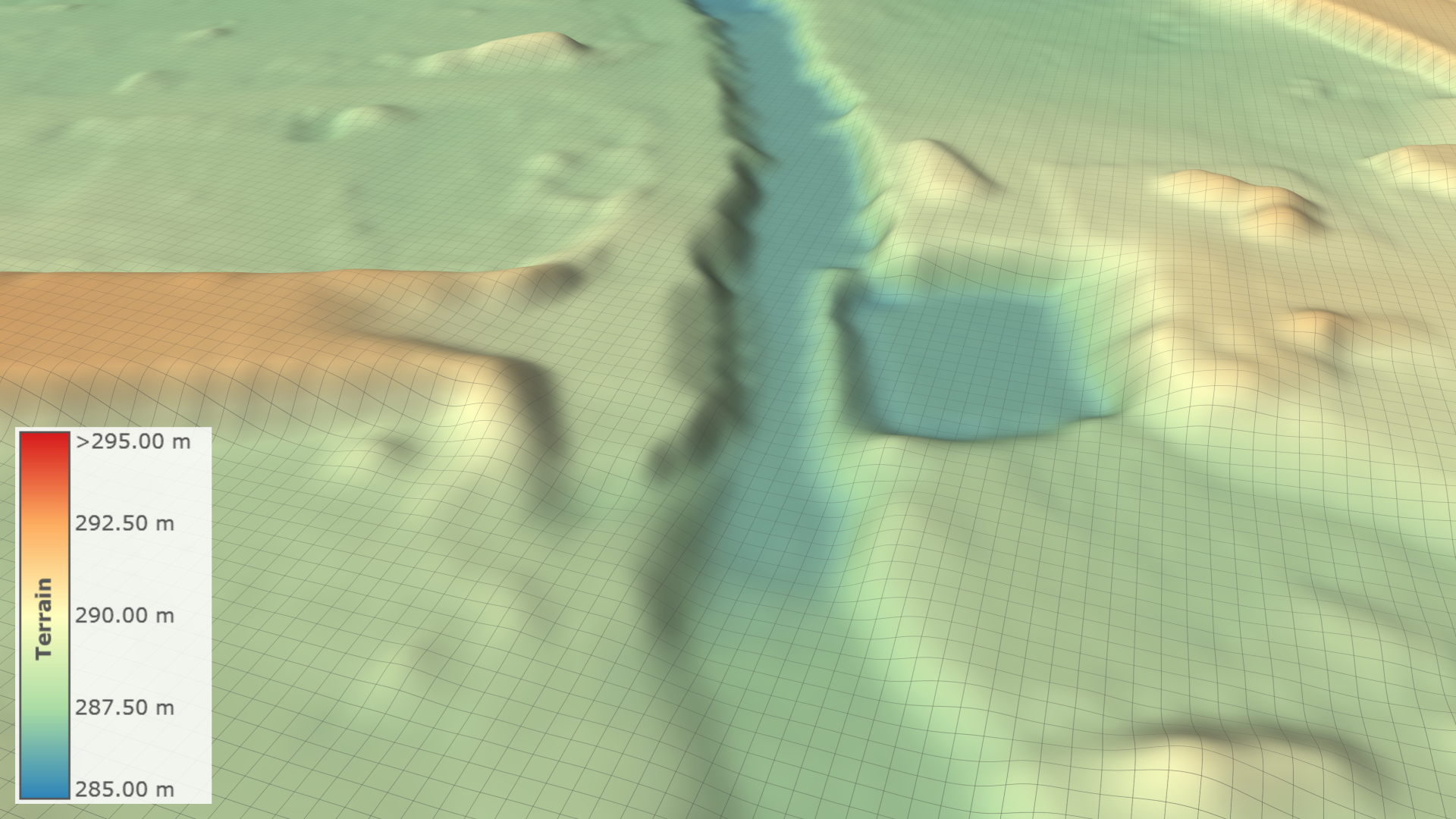
| SMS vs. Auto Terrain (Difference): Color-encoded difference of terrain levels between SMS and raster data (red: SMS is higher, blue: raster is higher). | 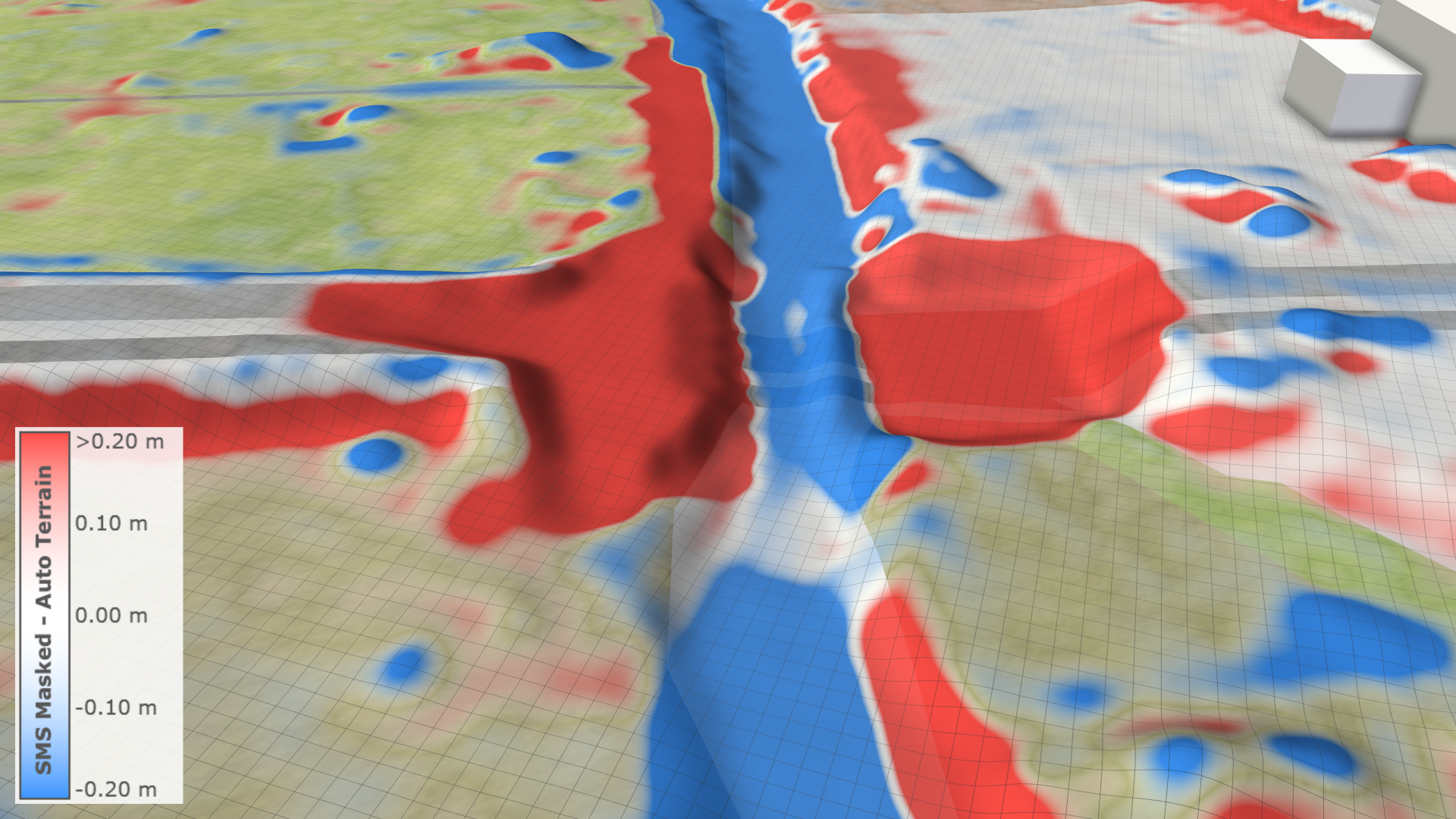 |
|---|---|
| SMS Masked vs. Auto Terrain (Difference): Color-encoded difference of terrain levels between SMS and raster data within the mask polygon (red: SMS is higher, blue: raster is higher). | 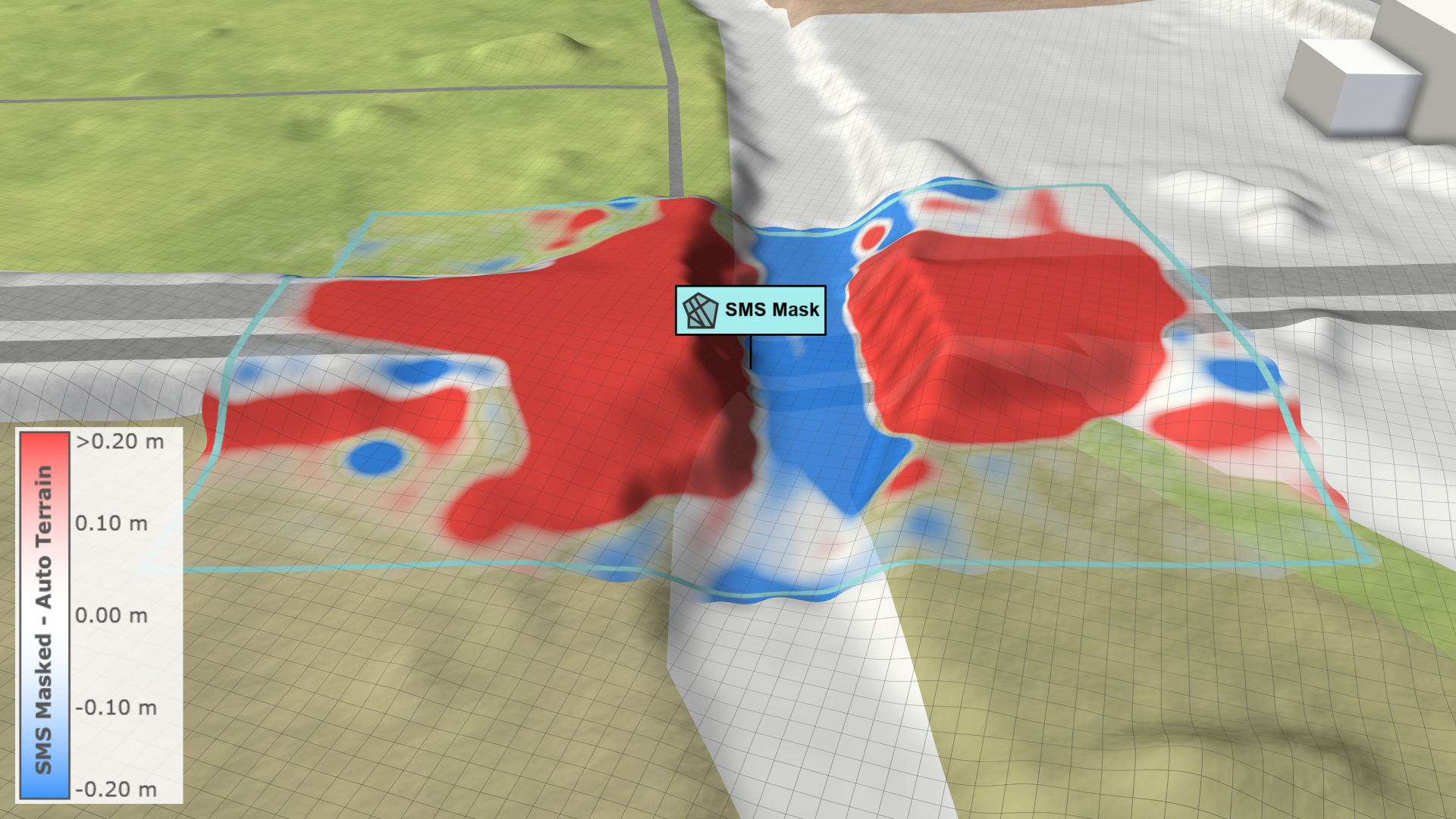 |
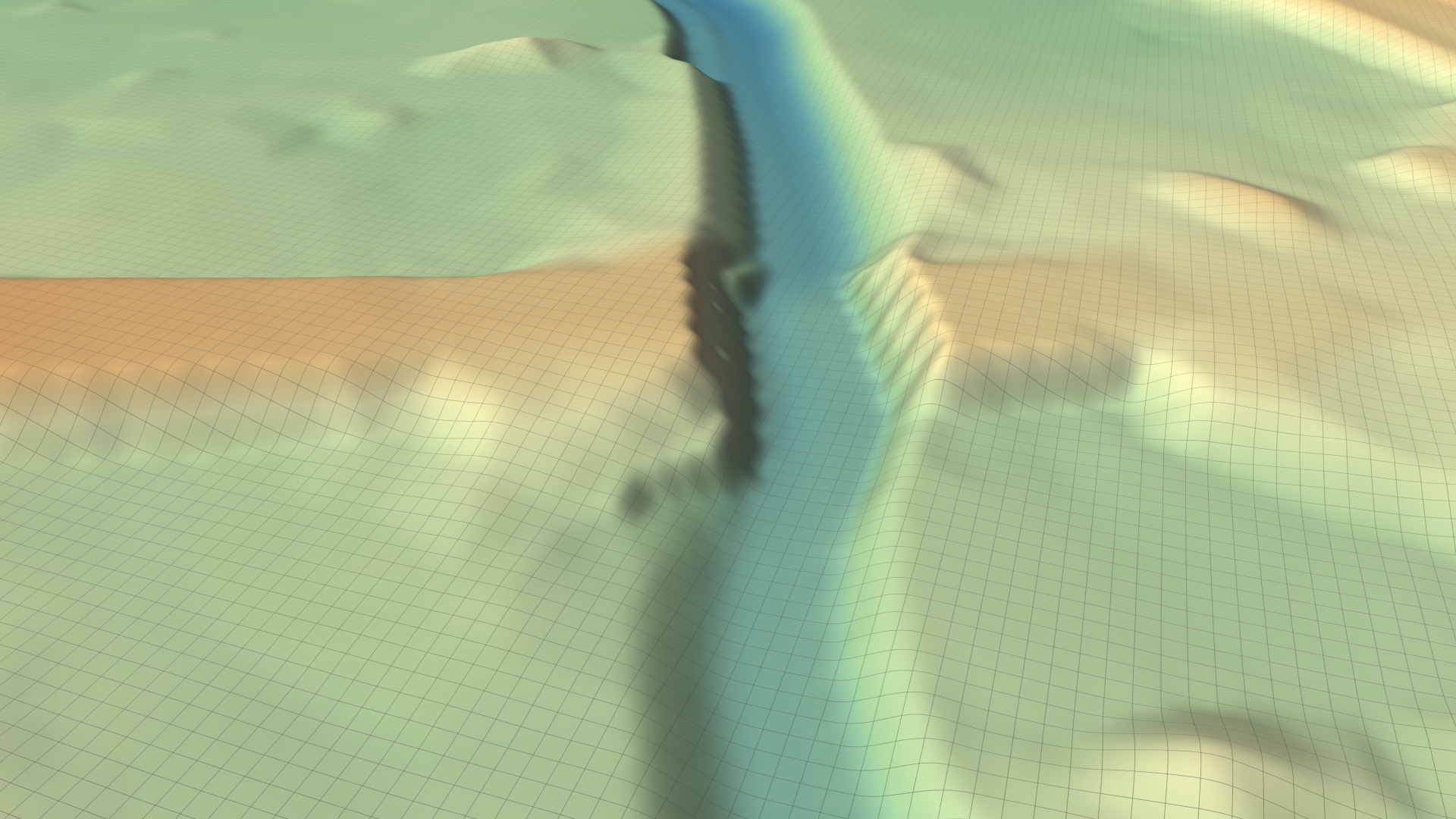
| SMS Masked Terrain: Color-encoded SMS terrain levels within the mask polygon. | 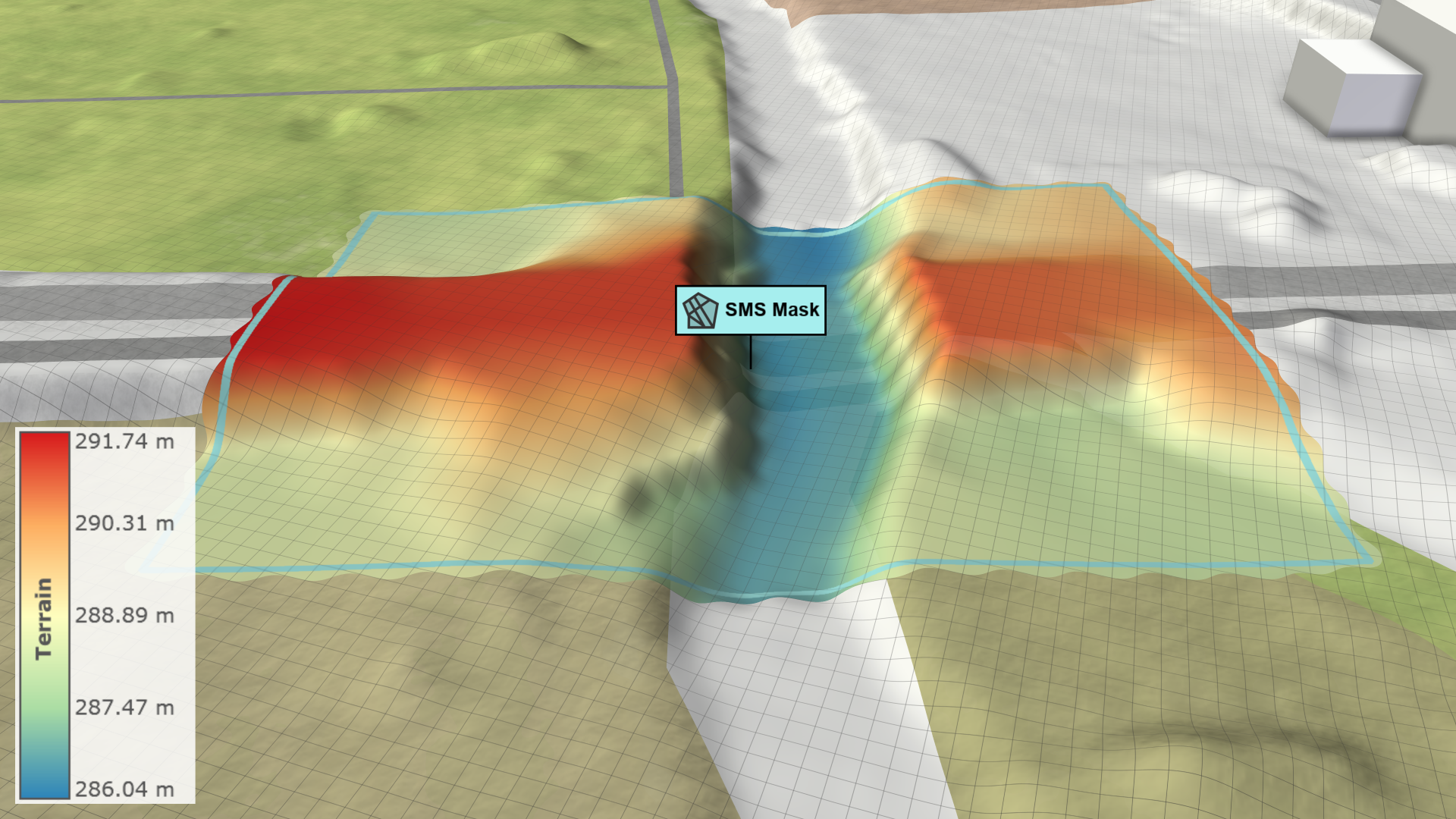 |
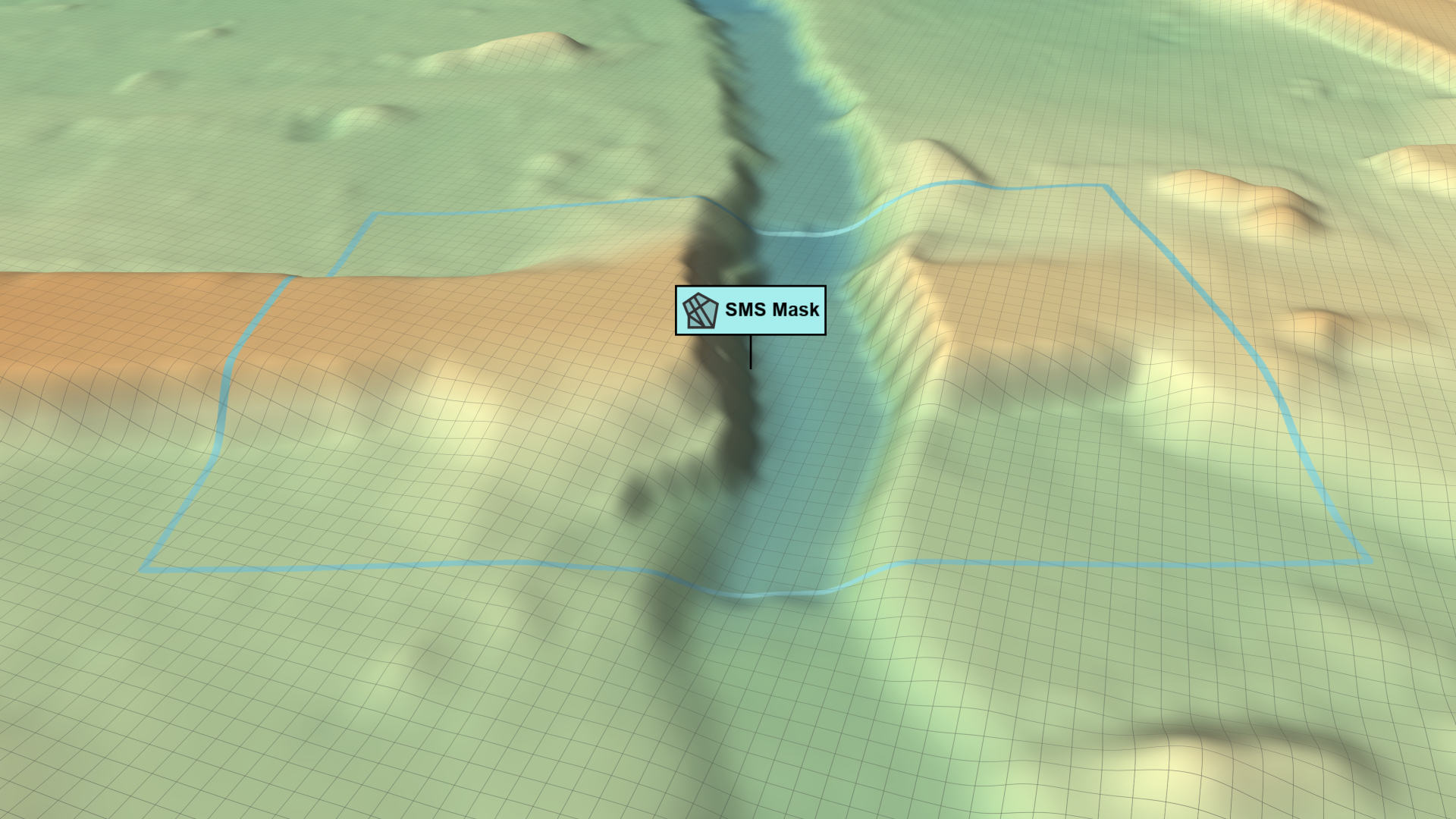
| Auto Terrain in SMS Mask: Color-encoded raster terrain levels within the mask polygon. | 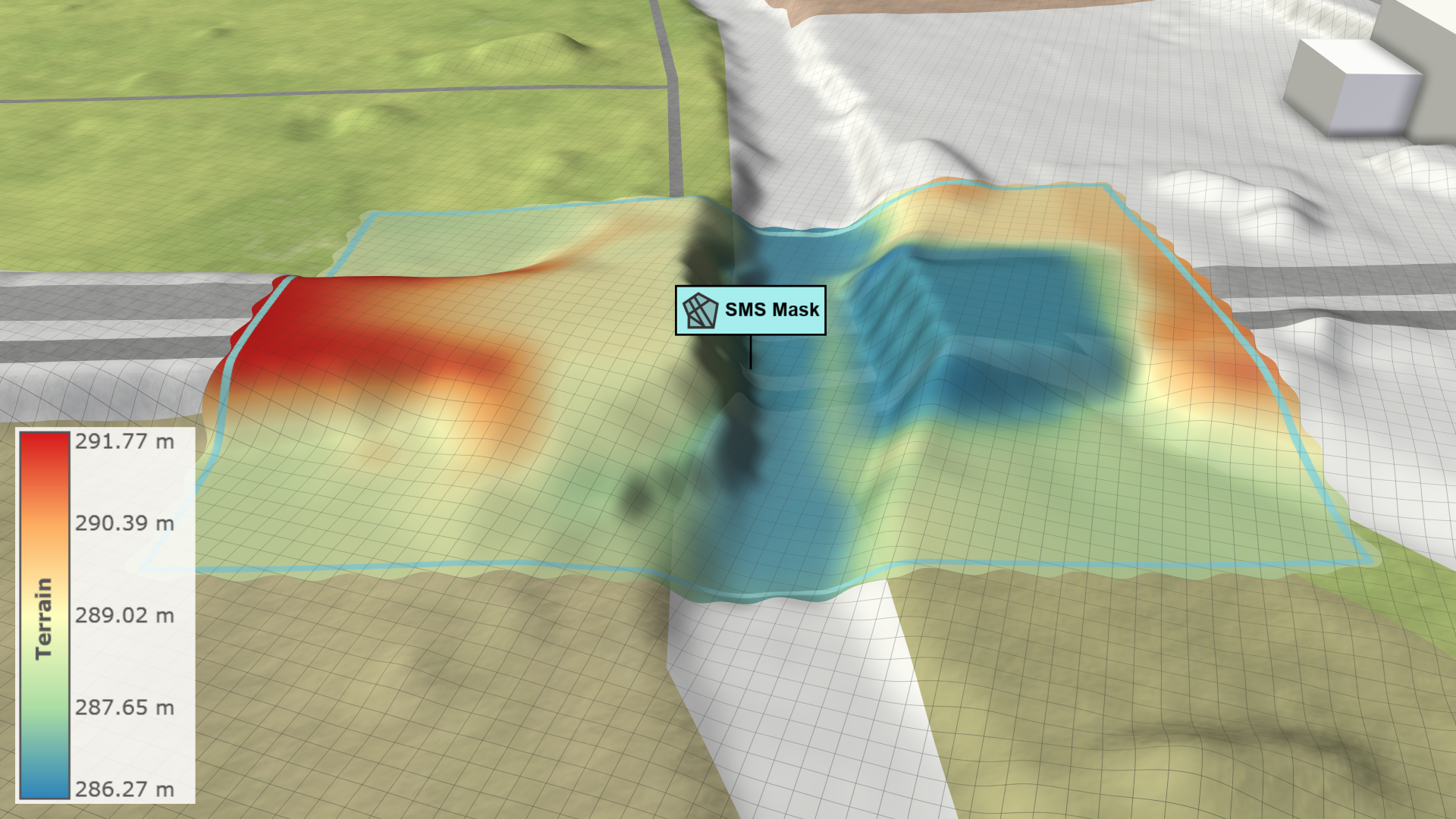 |