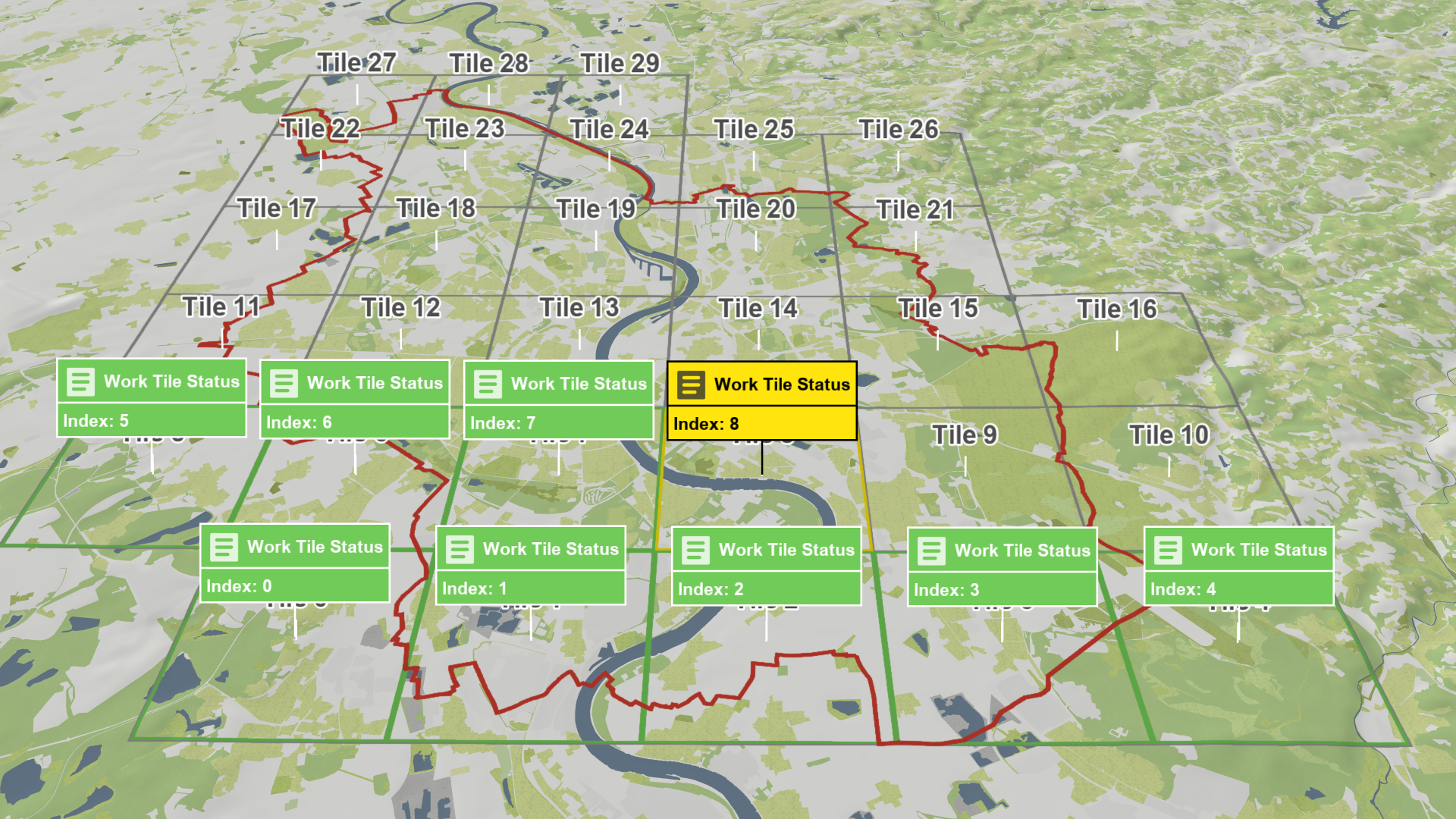
Work Tile Status
Creation Mode: Assign to Work Tile
Purpose and Effect: This action is used to manage and track the progress of individual tiles within a larger modeling region. It allows users to select a specific Work Tile and assign key metadata such as the author's name, a description, and a work status flag (e.g., In Progress or Complete). This action helps to streamline working with large models by providing a clear visual representation of each tile's status through color coding, improving coordination and ensuring efficient tracking of manual work across the entire modeling region.
For detailed guidance, refer to the Working with Large Models task-based workflow.
Hint: To assign Work Tile Status actions to Work Tiles display them in the Visualization Settings Panel under the category Layers: Vector Mapping. To change the metadata, enable labels in the Action Tool Panel.