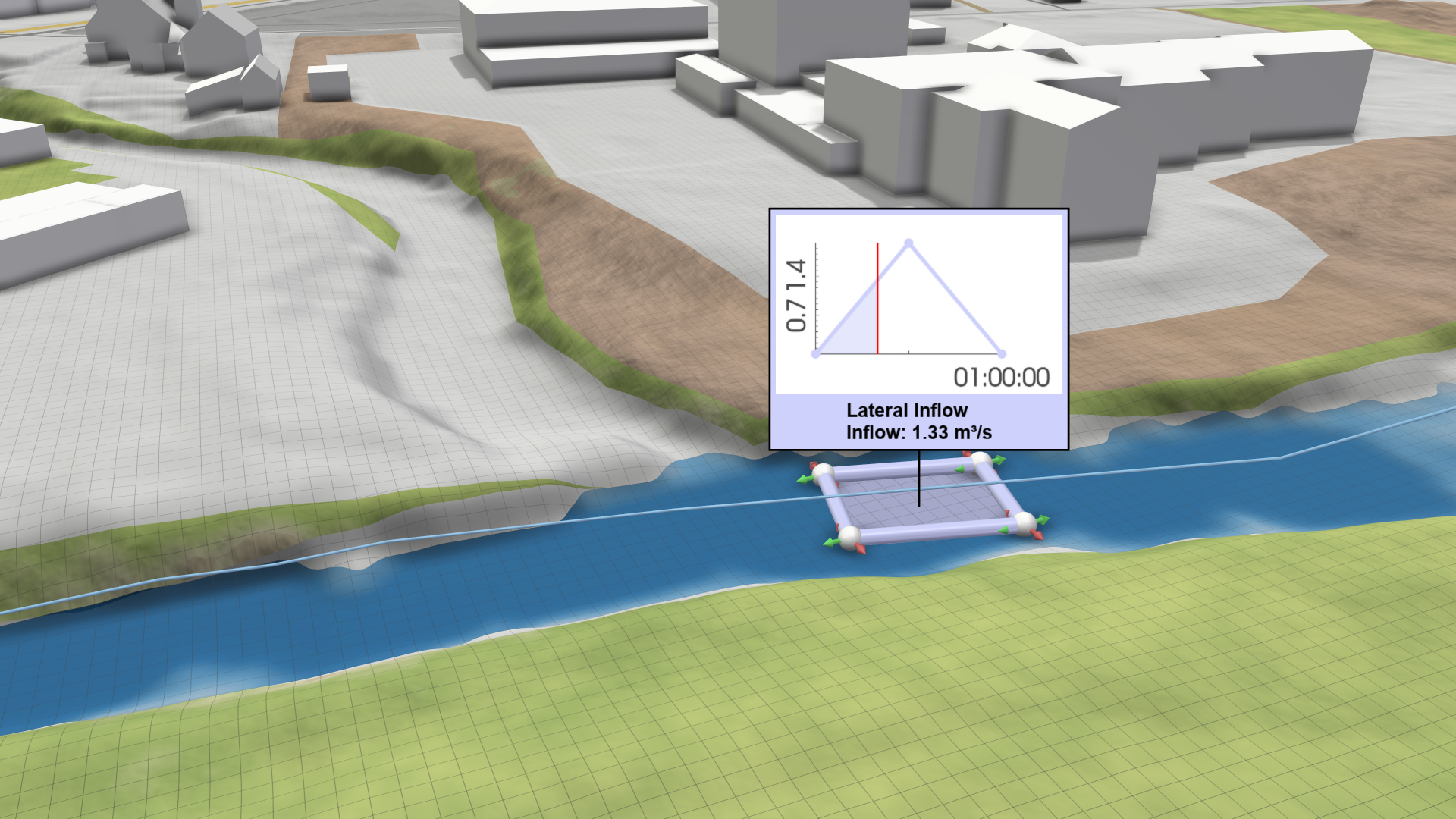
Lateral Inflow
Creation Mode: Draw Polygon on Terrain
Purpose and Effect: Use the Lateral Inflow action to define a polygonal area along a river where additional water should be introduced. This enables a realistic representation of contributions from smaller tributaries or surface runoff along specific river sections. The lateral inflow is activated only when water is present at the defined location, ensuring that additional flow is applied only to existing inundation. Therefore, an initial state is required. Otherwise, the lateral inflow will begin only after water reaches the defined polygonal zone. Similar to the Inflow action, the lateral inflow can be created or imported through the Action Settings Panel. For more details, see the Lateral Inflows section in the Rivers and Streams model description, which also explains its use for streamflow adjustments to maintain consistent flood return periods.