
Concrete Wall
Creation Mode: Draw Line on Terrain (supports loading from file)
Purpose and Effect: This action allows you to place concrete walls for durable flood protection. It can also be used to add other walls, such as sidewalks and premises walls. There are three types of concrete walls, distinguished by the way their height is determined: absolute (abs), automatic (auto), and relative (rel).
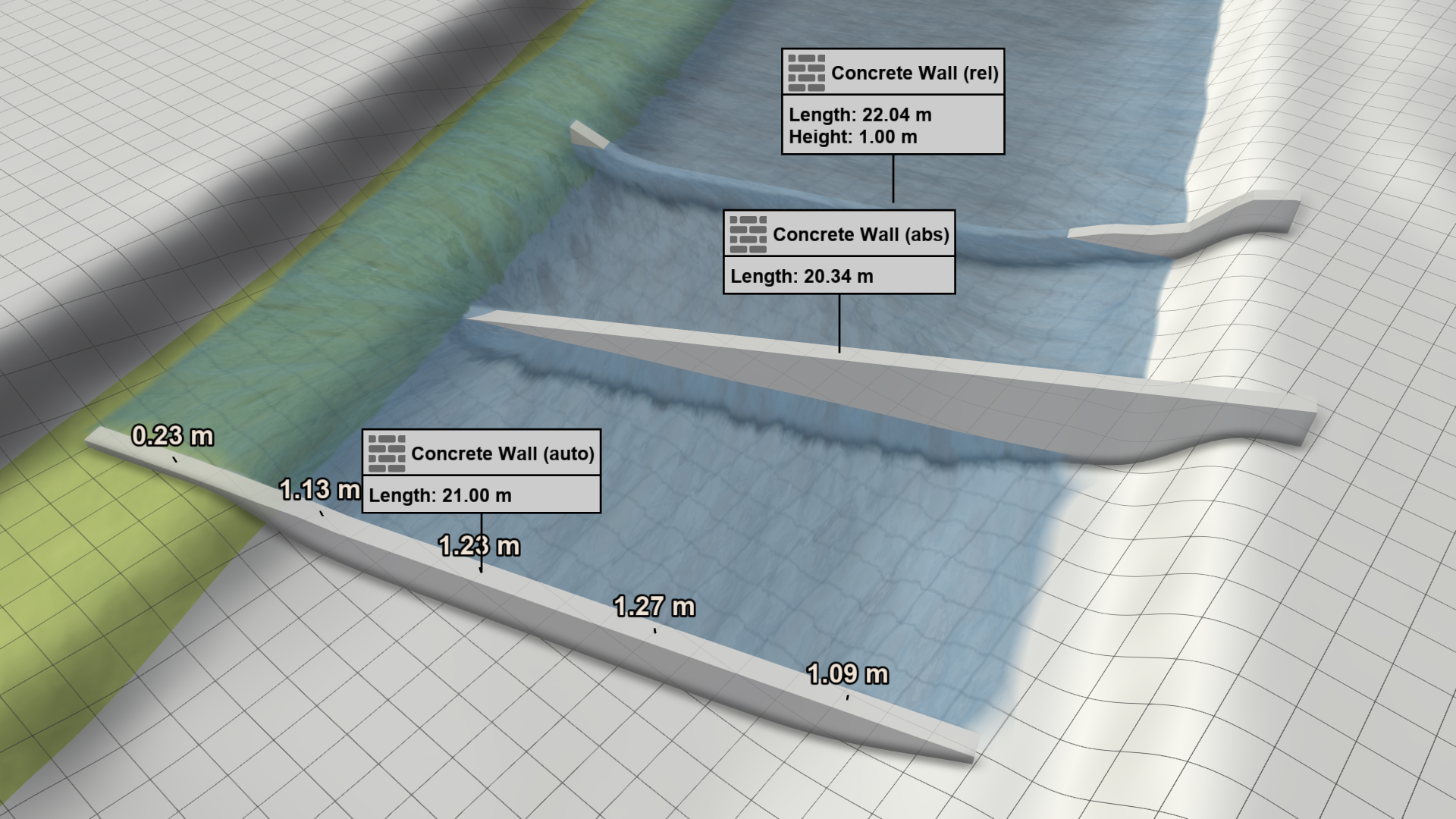
Differences between Wall Types
Basic Properties
| Wall type | Supports loading from file | Overtoppable |
|---|---|---|
| absolute | Yes | Yes (wall height is static and independent of water depth) |
| automatic | No | No (wall height changes dynamically with water depth) |
| relative | Yes | Yes (wall height is static and independent of water depth) |
Height Determination
| Edit mode | View mode | |
|---|---|---|
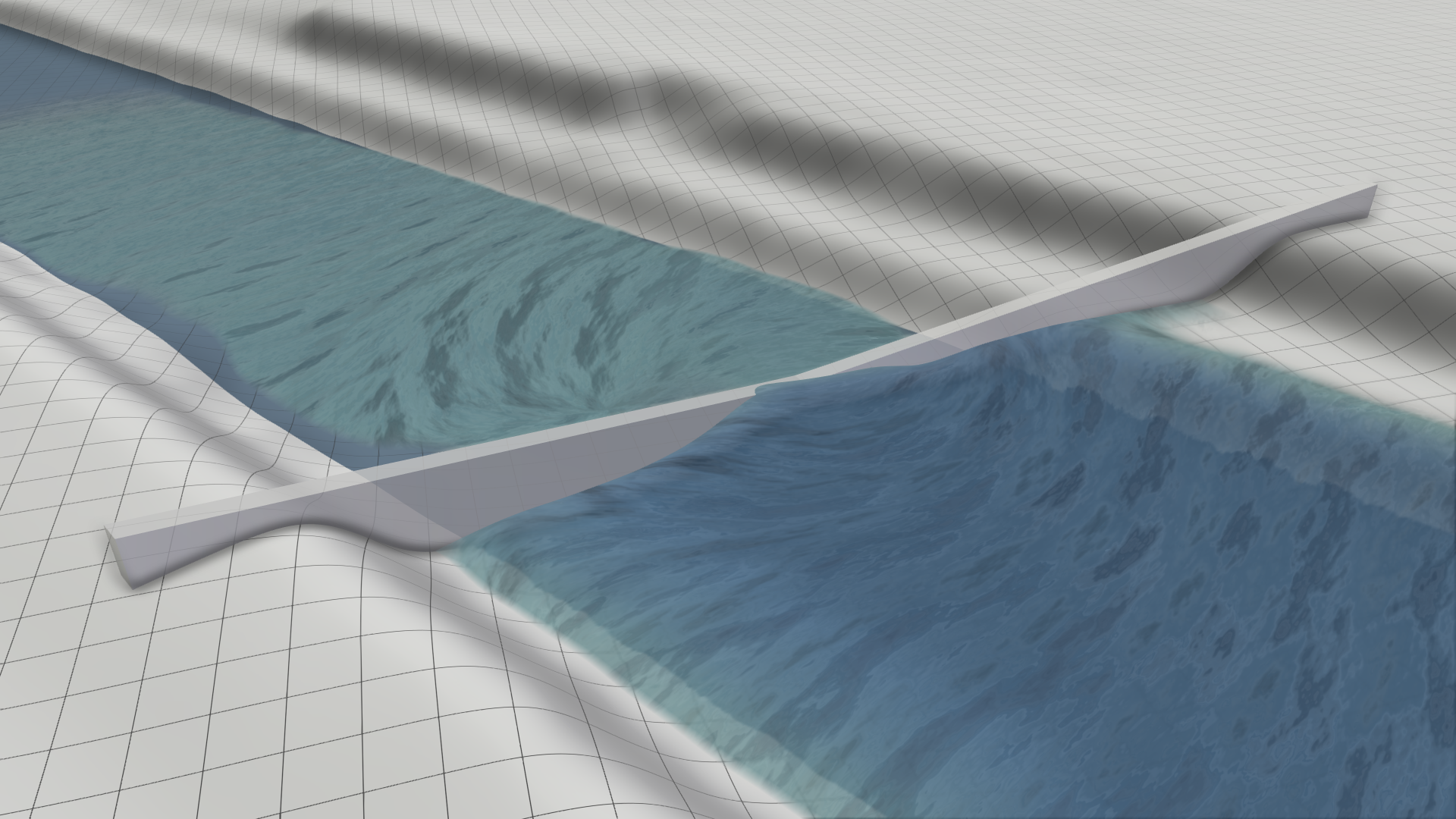
| Absolute wall: Wall levels are determined by connecting the control points of the wall line, which are defined by absolute height values. The heights of the control points can be adjusted in edit mode by Visual Handles. | 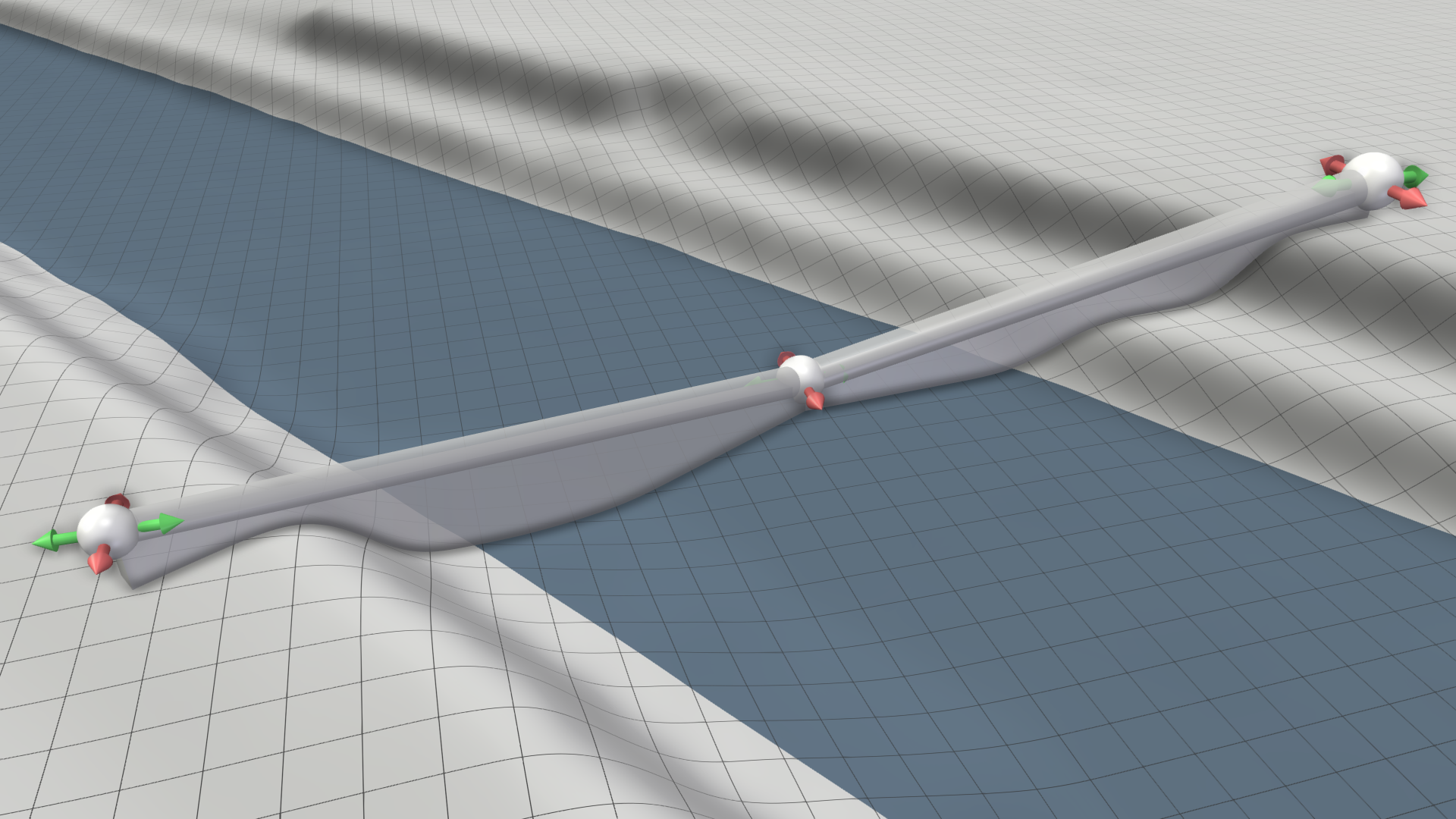 |
 |
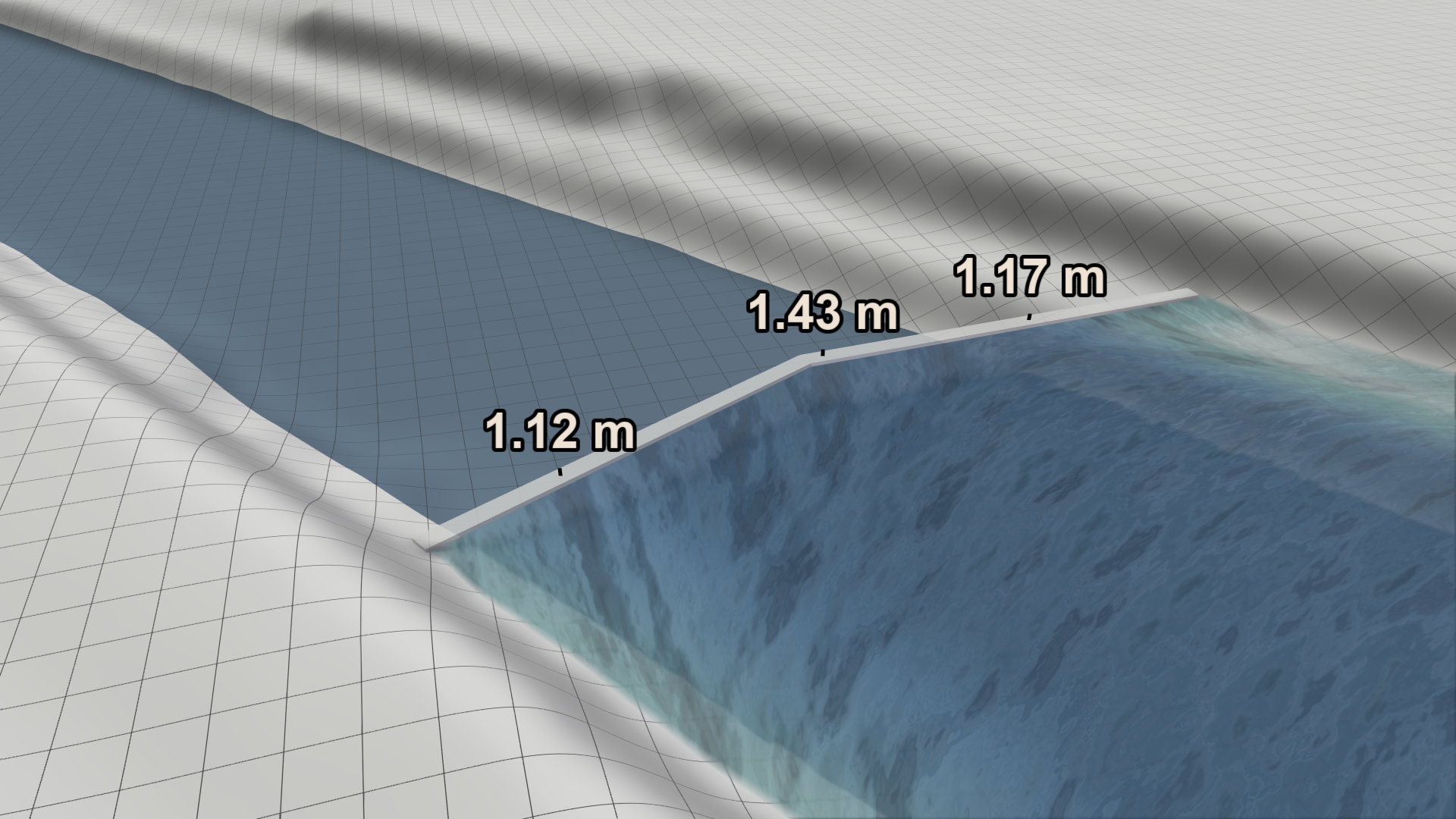
| Automatic wall: Wall levels are automatically derived from the simulated water depths at the wall. To prevent overtopping, they are evaluated for each time step. | 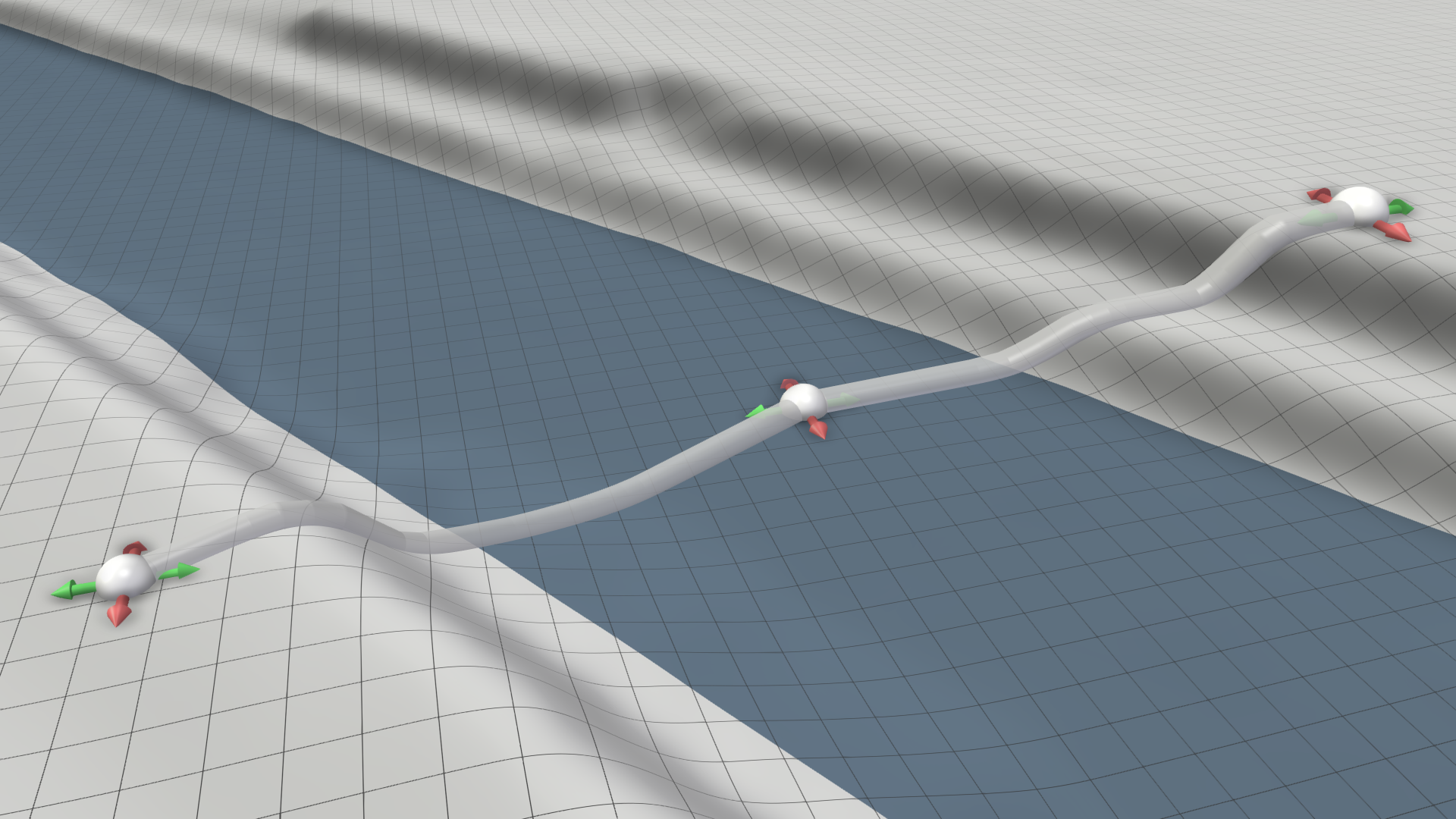 |
 |
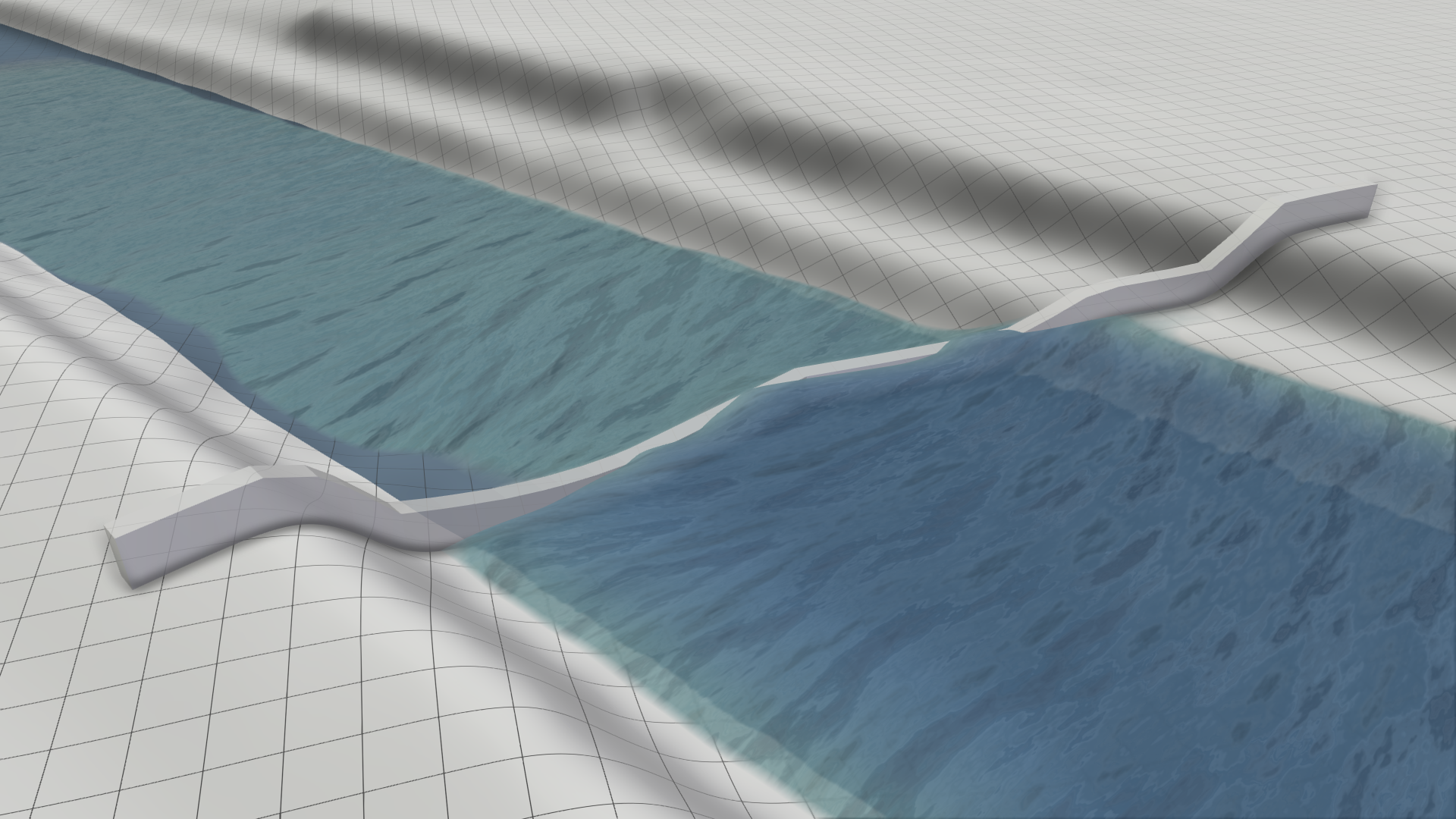
| Relative wall: Wall levels are specified as height relative to the terrain, which is one meter by default. It can be adjusted in the wall's Action Settings Panel. | 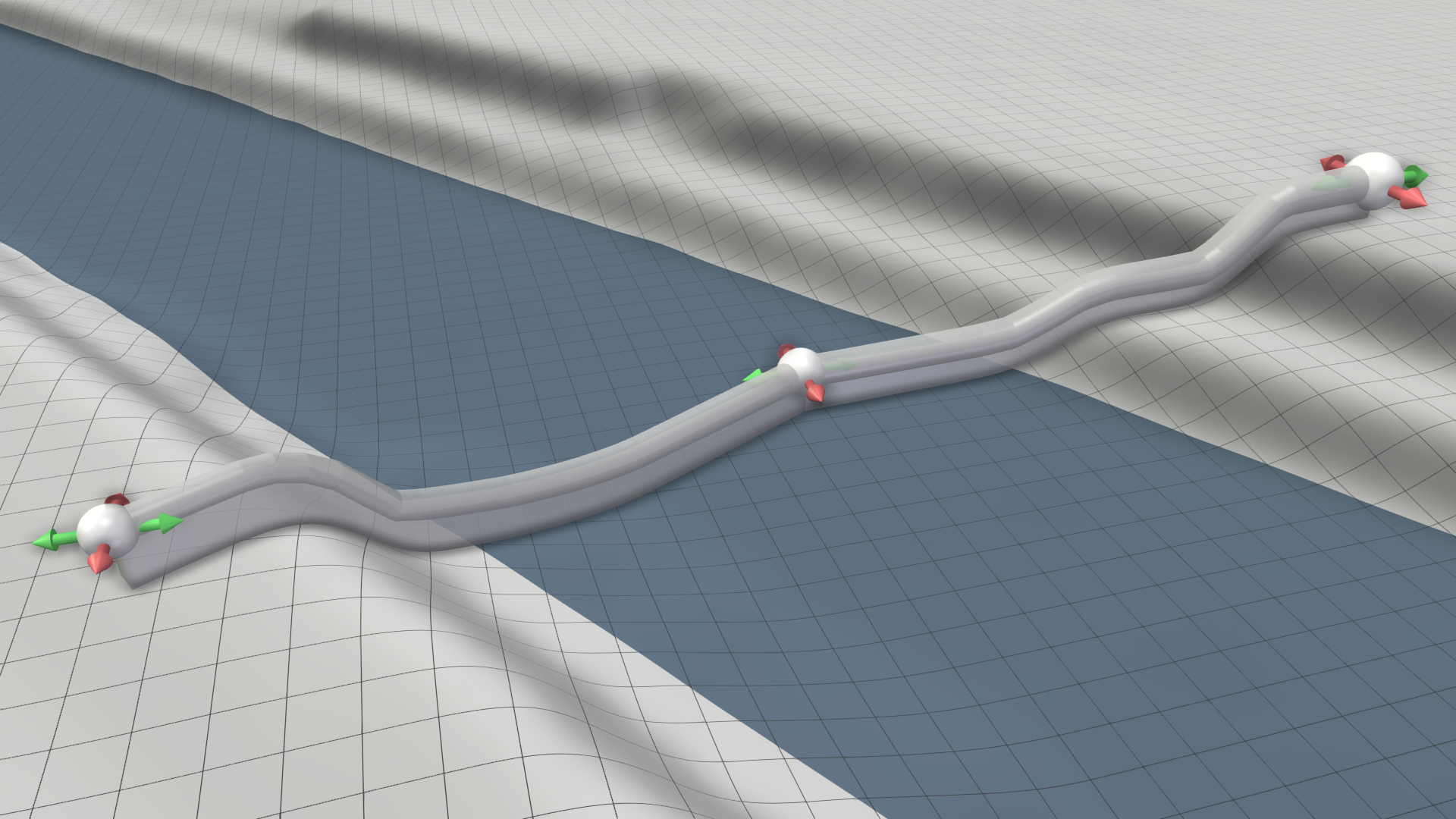 |
 |