
Sewer Outfall Inspection
Creation Mode: Assign to Sewer Outfall (not allowed on scenarios with start time > 0)
Purpose and Effect: This action allows you to extract simulation properties of a sewer outfall. An outfall is the point where water exits the sewer system and enters a natural water body, such as a river, lake, or ocean. The Action Tool Panel contains a table that lists all available display options, such as the discharge, which is shown by default.
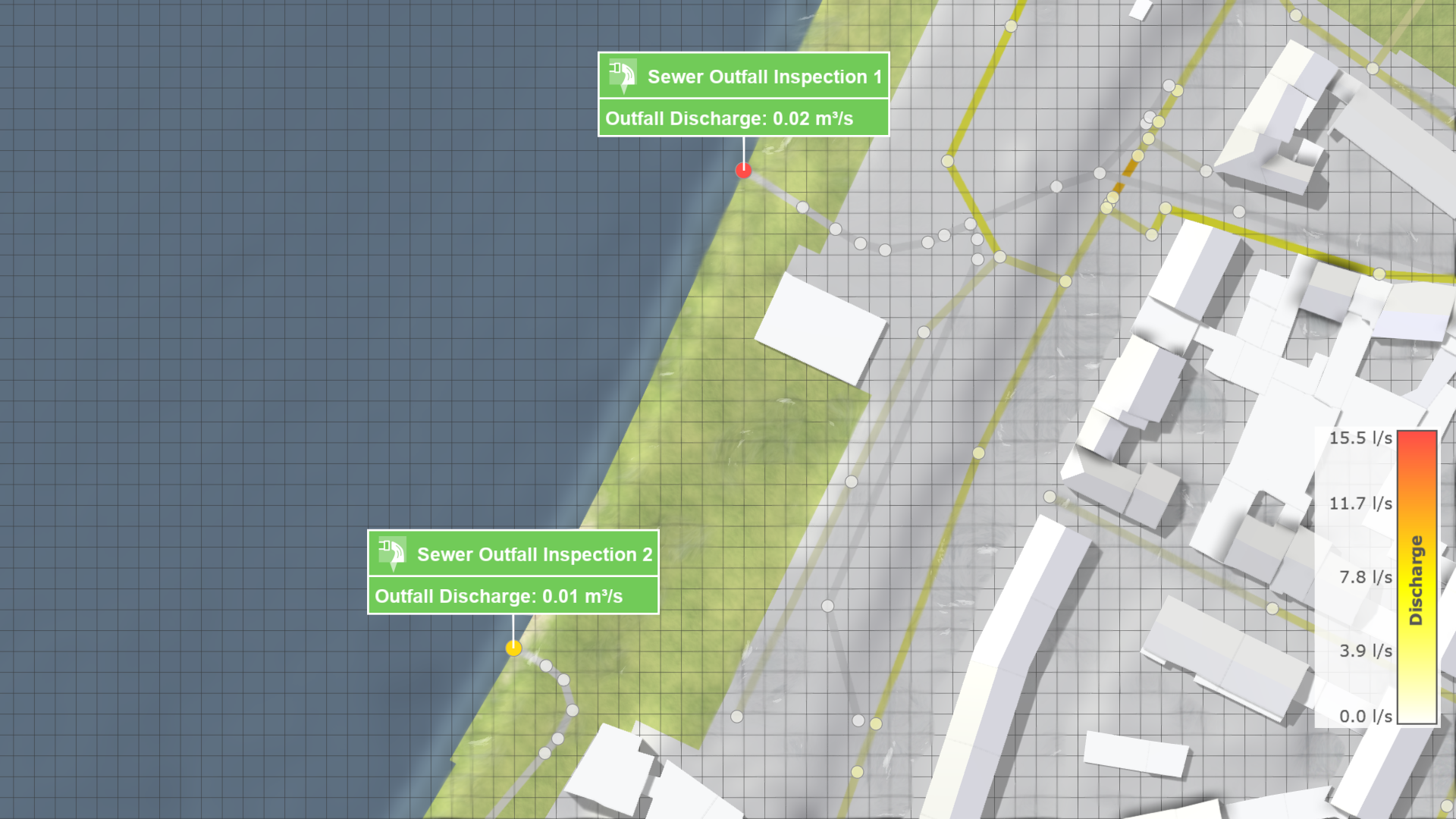
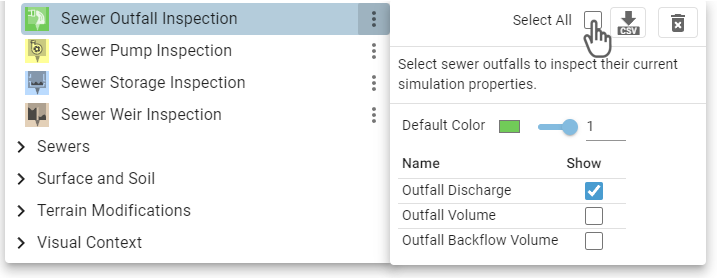
Hint: The Action Tool Panel provides the option to select all outfalls for inspection, which can be used for finding their locations in a large sewer network.
Display Options
.png)
The Visualization Settings Panel can be used to customize the appearance of 2D sewer outfalls. Besides the water discharge and outflow volume, the backflow volume can be selected from a drop-down menu to be mapped to the outfall color. The backflow volume represents the water volume that flows against the intended flow direction through the outfall opening back into the sewer system.
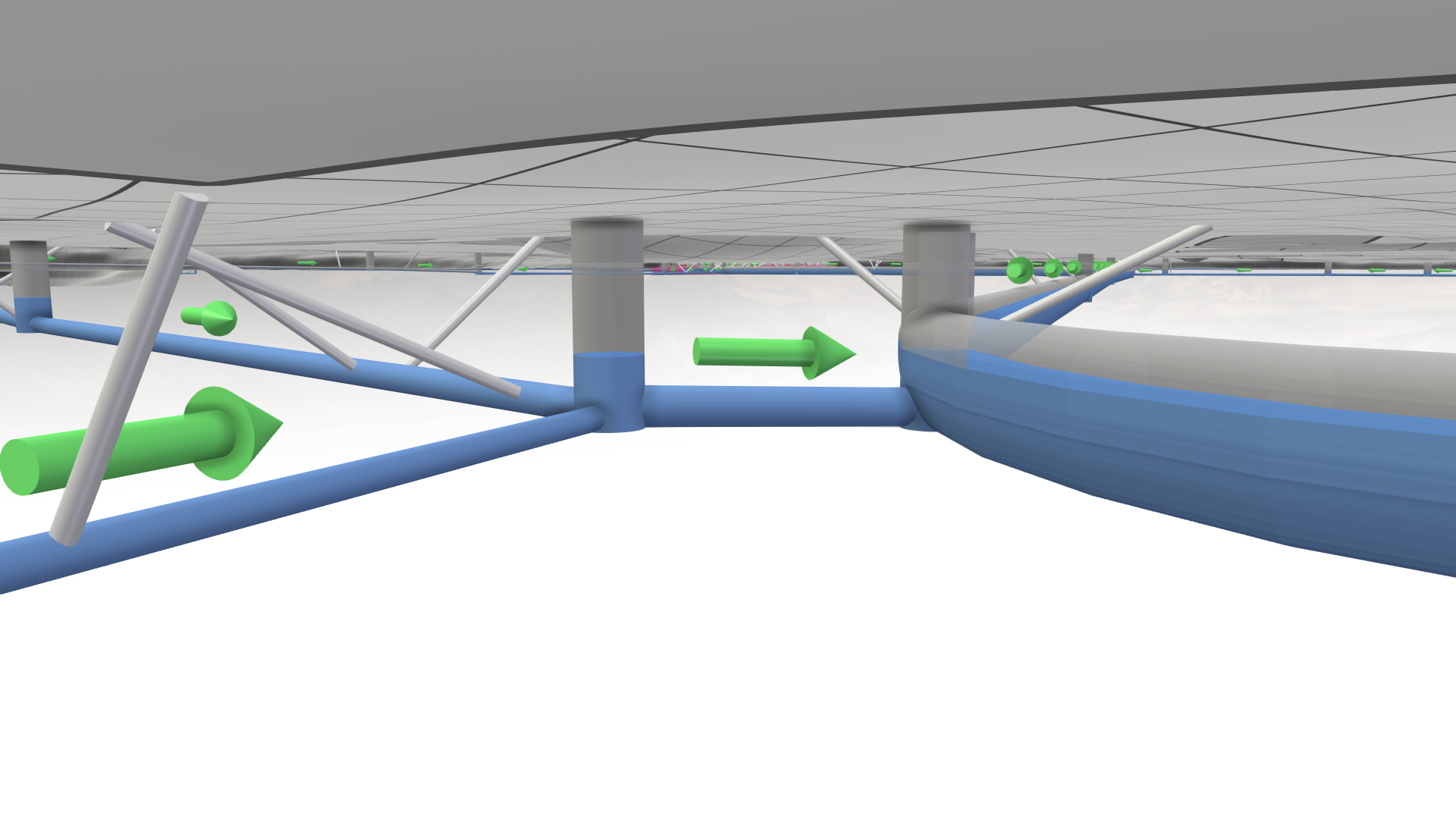
There are different Visual Presets available in the Sewers category for the display of the sewer network. The visual preset Sewers: 3D Meshes allows you to navigate under the terrain to get a clear view of the network.