
Gateway
Creation Mode: Draw Polygon on Terrain (supports loading from file)
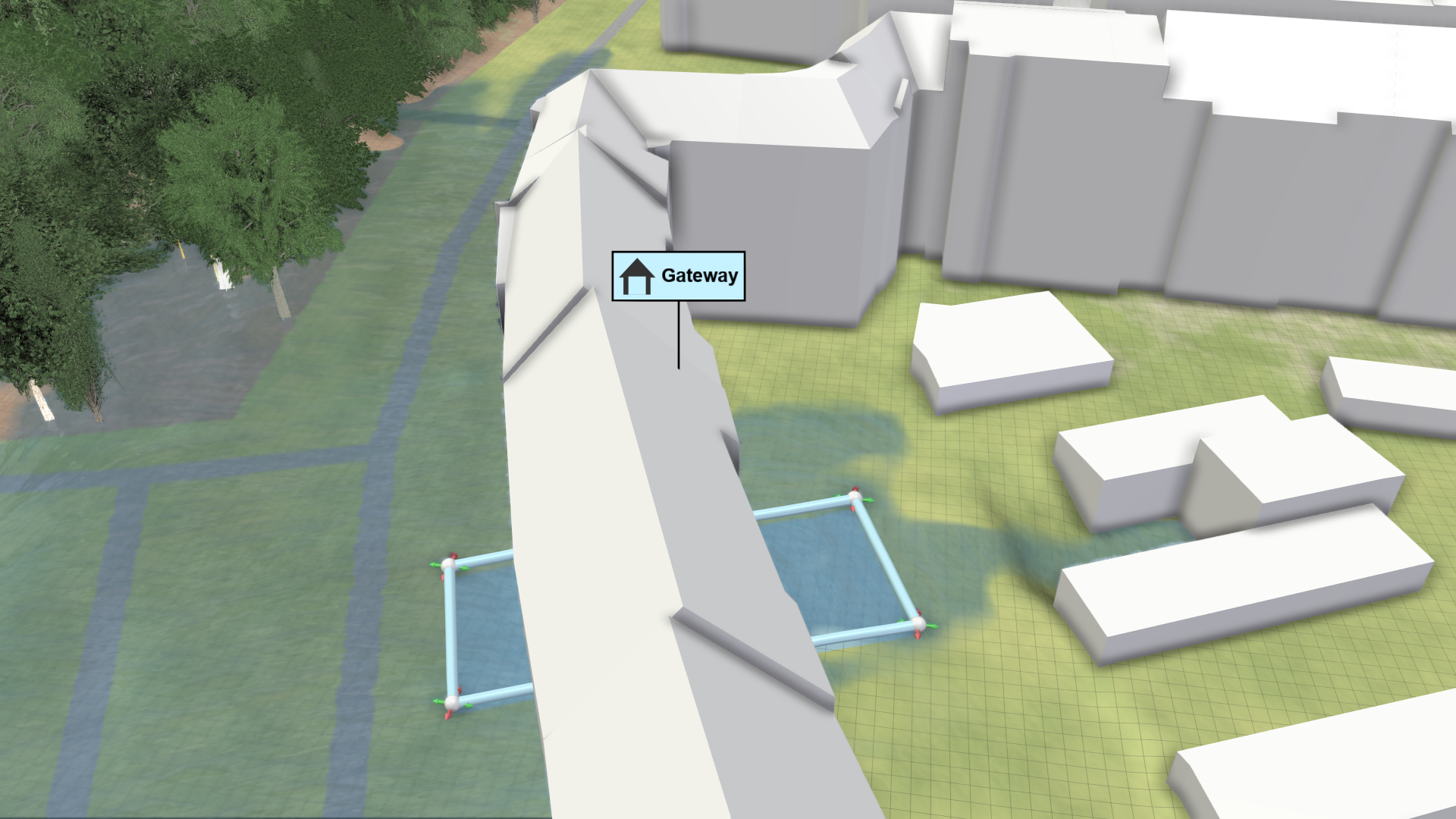
Purpose and Effect: This action is designed to represent roofed outdoor areas, such as courtyard entrances and terraces. To use this feature, draw a gateway polygon on the terrain to mark building areas where water can pass through. Within these polygons, the building's Wall Boundaries are disabled, which is considered by the simulation.
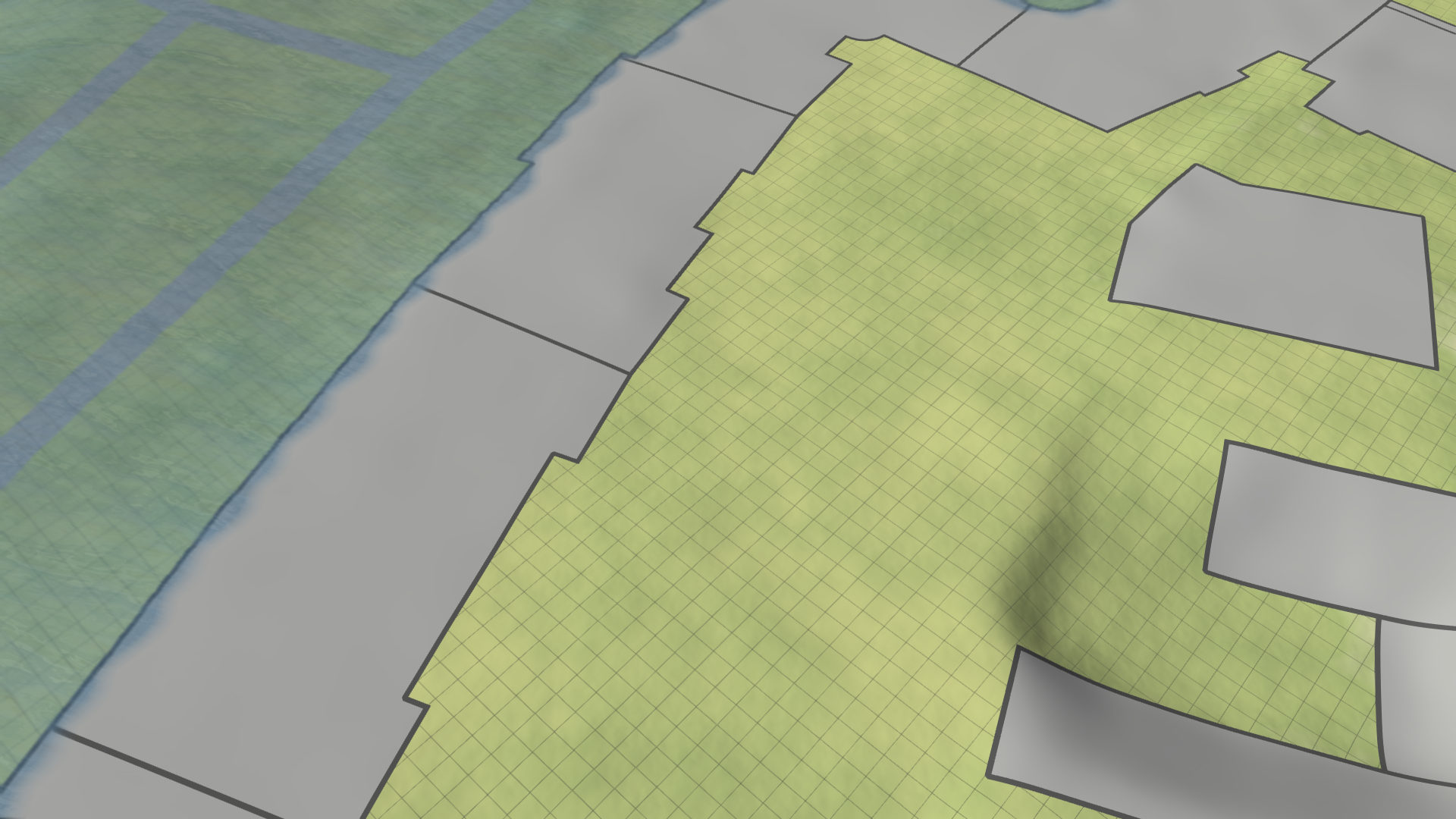
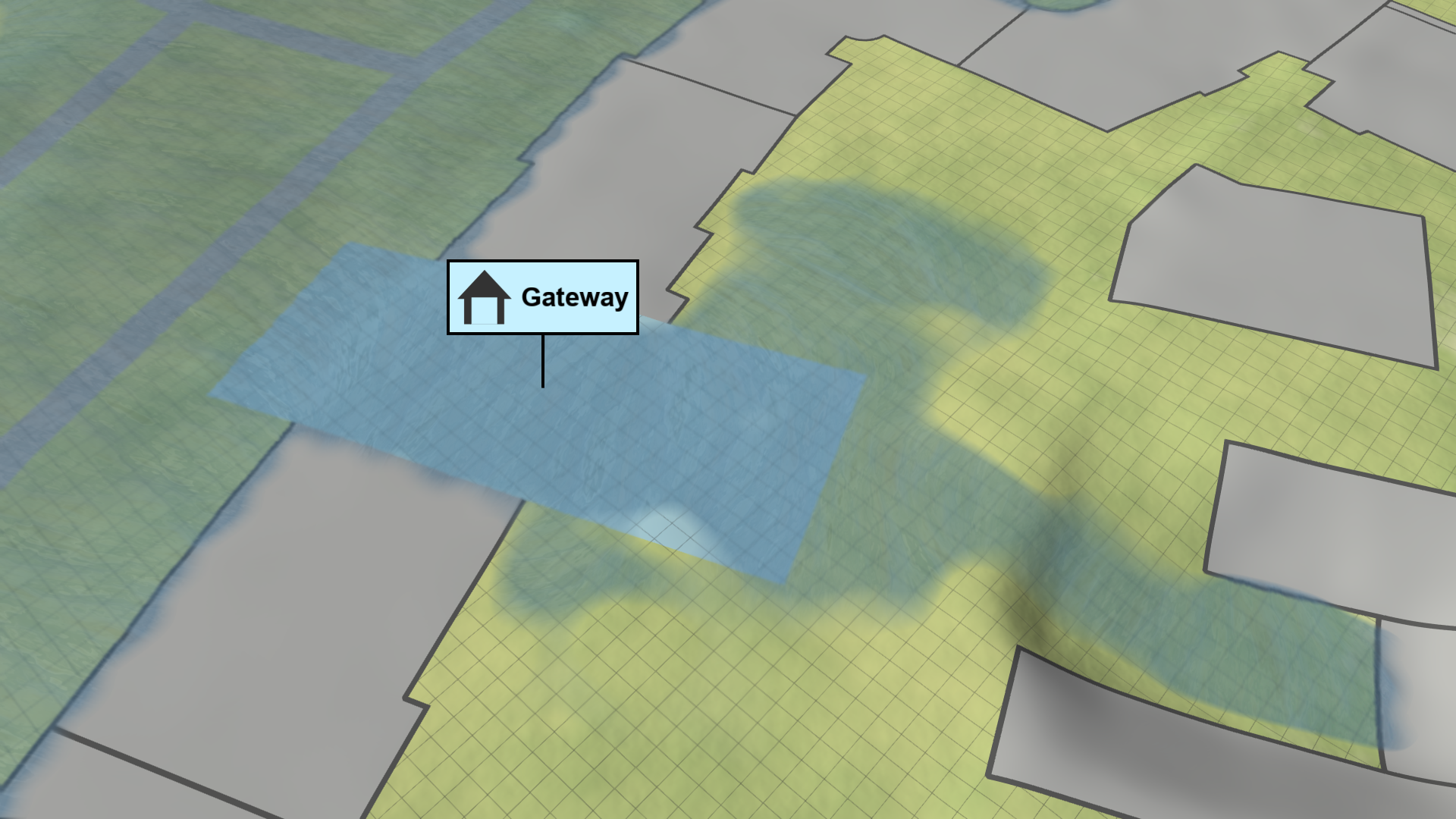
Effect of Gateway to Courtyard
| No Gateway: The water is blocked by the building front and cannot flow into the inner courtyard. | Gateway: The newly created gateway allows the water to flow through a part of the building into the inner courtyard. |
|---|---|
 |
 |
Hint: In addition to drawing gateways manually, you can also load them from a file via the Simulation Settings Panel under Buildings: Gateways.