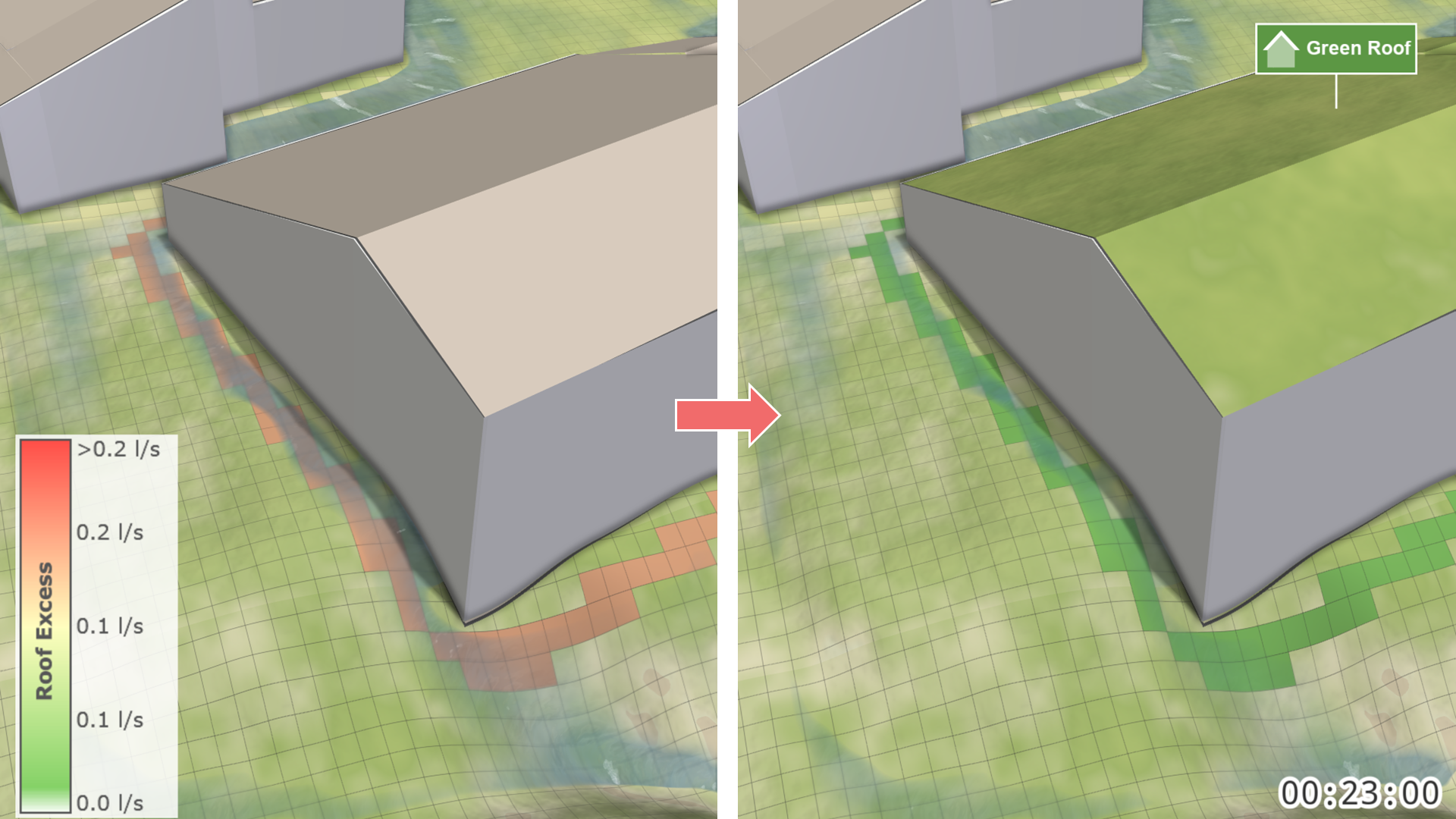
Green Roof
Action Type: Assign to Roof (not allowed on scenarios with start time > 0)
Purpose and Effect: This action allows users to convert roofs into green roofs. Green roofs retain water through infiltration and provide additional functionality, such as storages and loss rates. For more details on how the multi-layer model operates, see nature-based solutions.
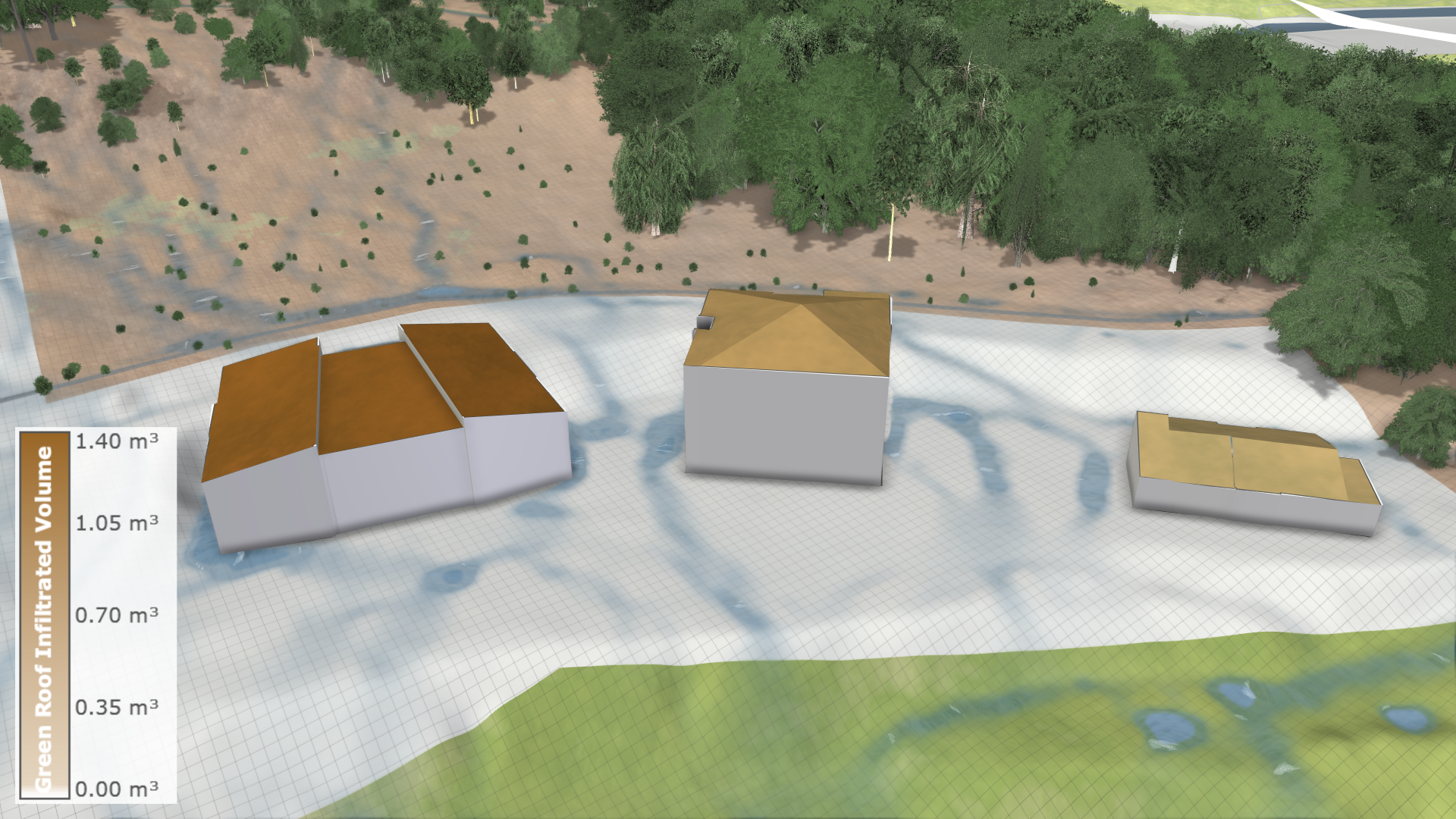
Hint: To assign green roofs, the roof layer must be enabled. This can be done in the Visualization Settings Panel, under the Layers: Visualization category.

To analyze the impact of green roofs, several visualizations are available. In the Layers: Visualization category, there are specific color properties for the roof layer like Green Roof Infiltrated Volumes.
Alternatively, in the property selector, you can choose Building: Roof Excess from the terrain coloring properties.