
Replace Culverts
Creation Mode: Draw Polygon on Terrain or Assign to Mask Polygon (not allowed on scenarios with start time > 0)
Purpose and Effect: Allows users to locally replace culverts of the base model with data from another shape file within one or more masked regions. This functionality primarily serves to incorporate locally available higher-accuracy data and to apply data representing planned regional redesigns. This action also enables users to remove all existing culverts within the masked regions by not selecting a replacement shape file.
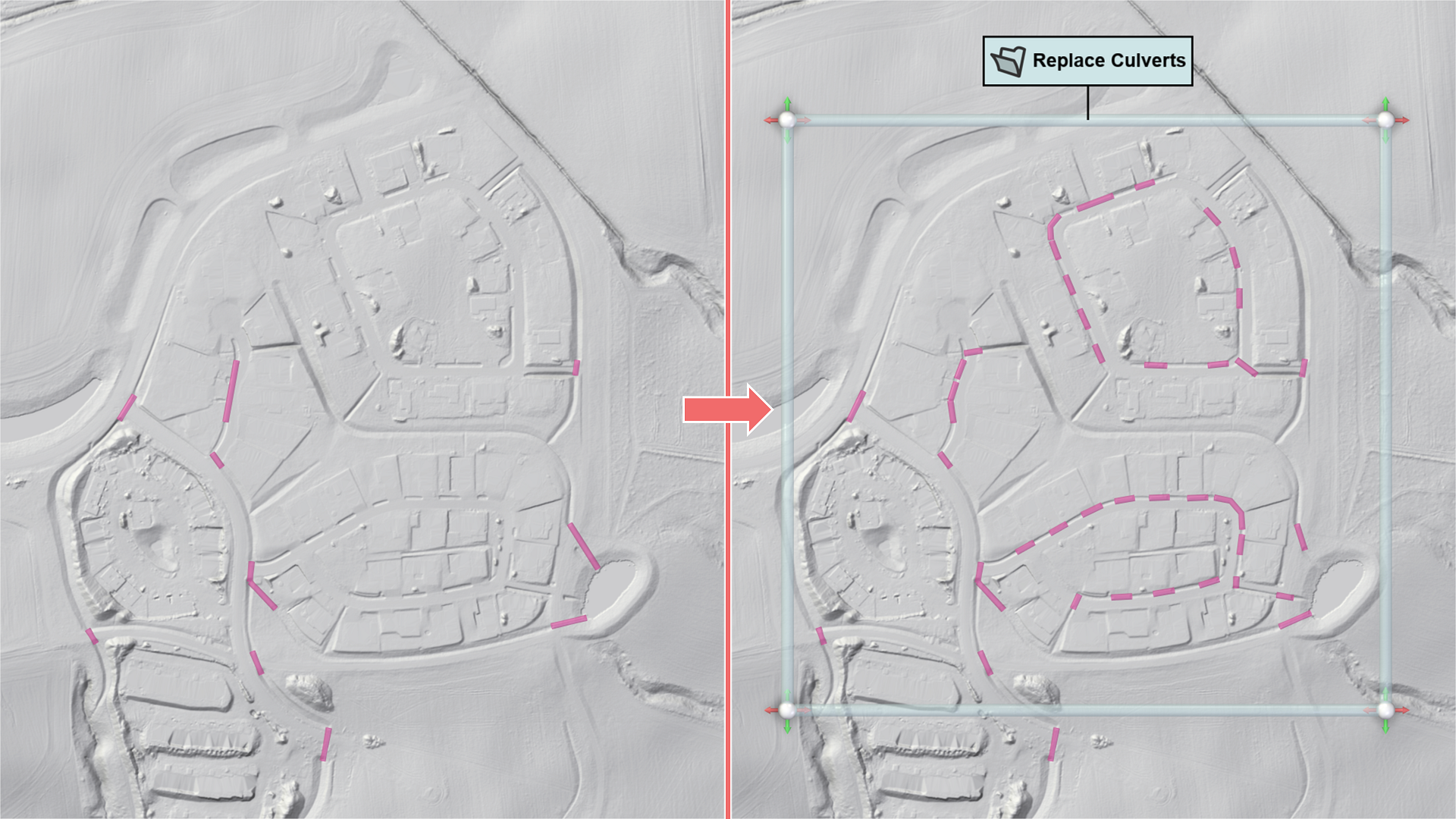
If a replacement shape file is selected, the attribute names for cross-section type, diameter, width, and height need to be set in the Action Settings Panel.
Replacement of culverts will occur only within the drawn mask, independent of the respective shapes. To create a mask that covers the entire region covered by the new shape data, Reset Mask to File Bounds in the Action Settings Panel can be used. Different data replacement actions can be assigned to an existing mask, allowing for the replacement of various types of data (e.g., terrain and culverts) within the same masked region.