Infiltration Pit
Action Type: Draw Polygon on Terrain (not allowed on scenarios with start time > 0)
Purpose and Effect: This action is part of the nature-based solutions action set. It allows users to create a zone with enhanced infiltration properties and designated storage. It may feature a constant loss rate. Infiltration pits are typically excavated structures filled with sand or gravel to promote infiltration.
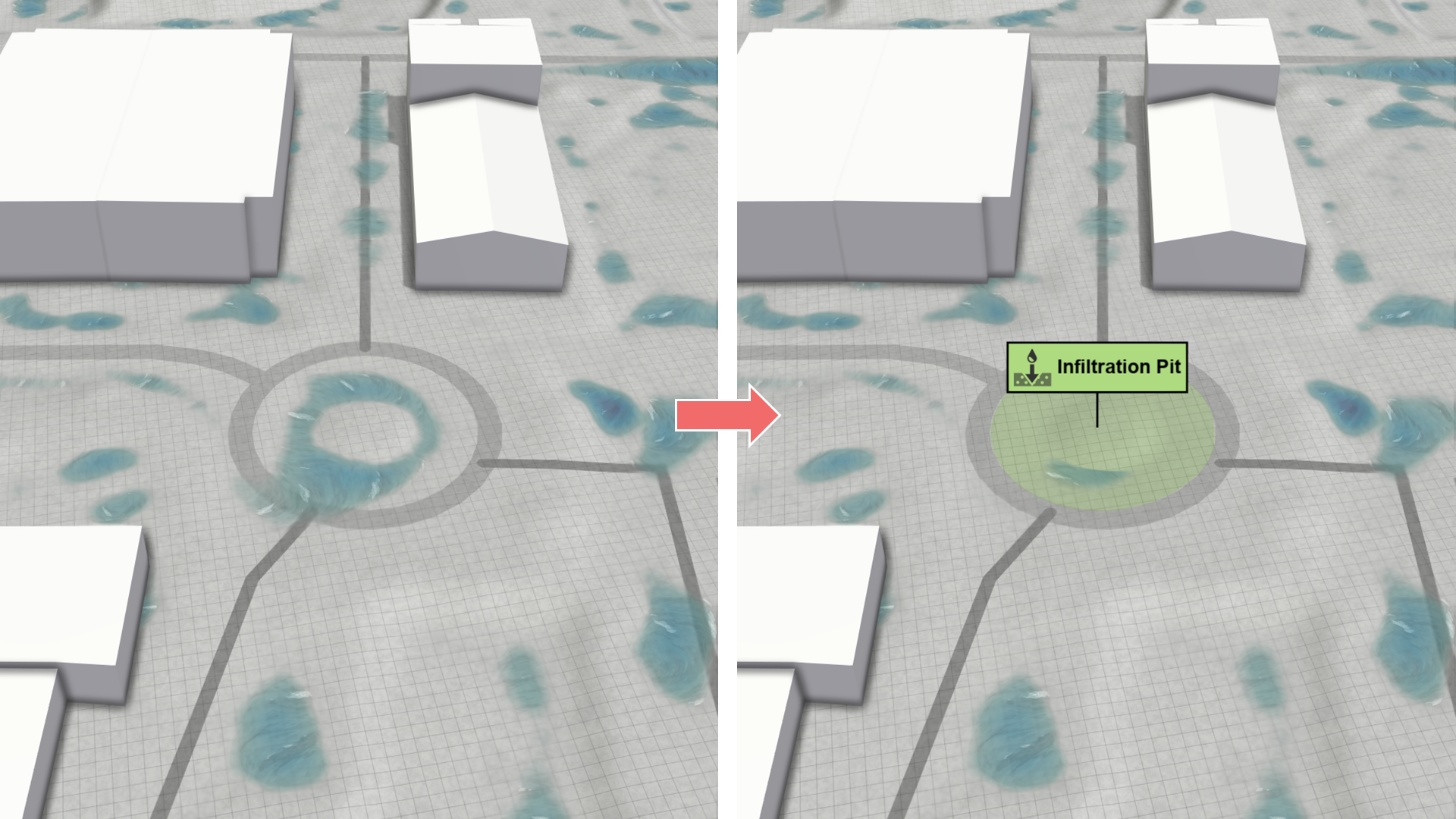
The primary difference from the generic nature-based solutions is that the default parameters are configured to reflect the infiltration properties of sand and gravel. These properties can be adjusted in the action settings. For a description of the multi-layer model, see nature-based solutions.
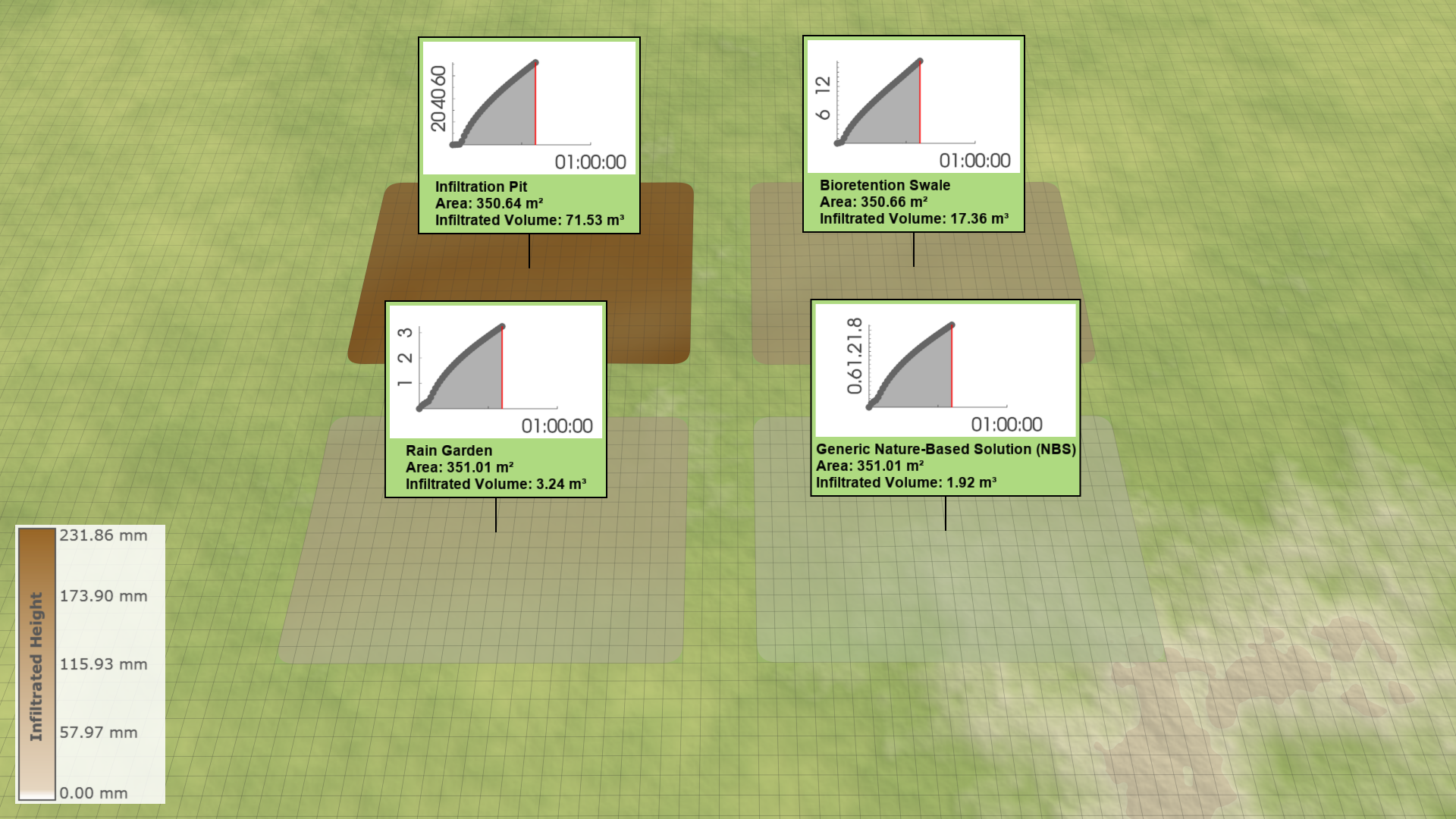
To study the effects of infiltration pits, users can switch between various visualizations in the Visualization Settings Panel, under the Layers: Visualization category. Begin by activating the terrain overlay and then color the terrain based on a soil property. Options include Infiltrated Height, Stored Height, Lost Height, and others.

Additionally, users can also display information as labels through the action tool panel. For a more detailed analysis, label plots are also accessible through the action tool panel. Keep in mind that the \(x\)-axis always shows the entire scenario duration. To complete the plot, simulate until the scenario concludes.