
Hill
Creation Mode: Draw Polygon on Terrain
Purpose and Effect: This action allows you to modify the terrain by defining a hill. The changes are taken into account in the simulation and you can test how a new hill alters the water flow. Draw a polygon to determine its outline. Configure the parameters for height and slope in the Action Settings Panel to customize its shape to your requirements.
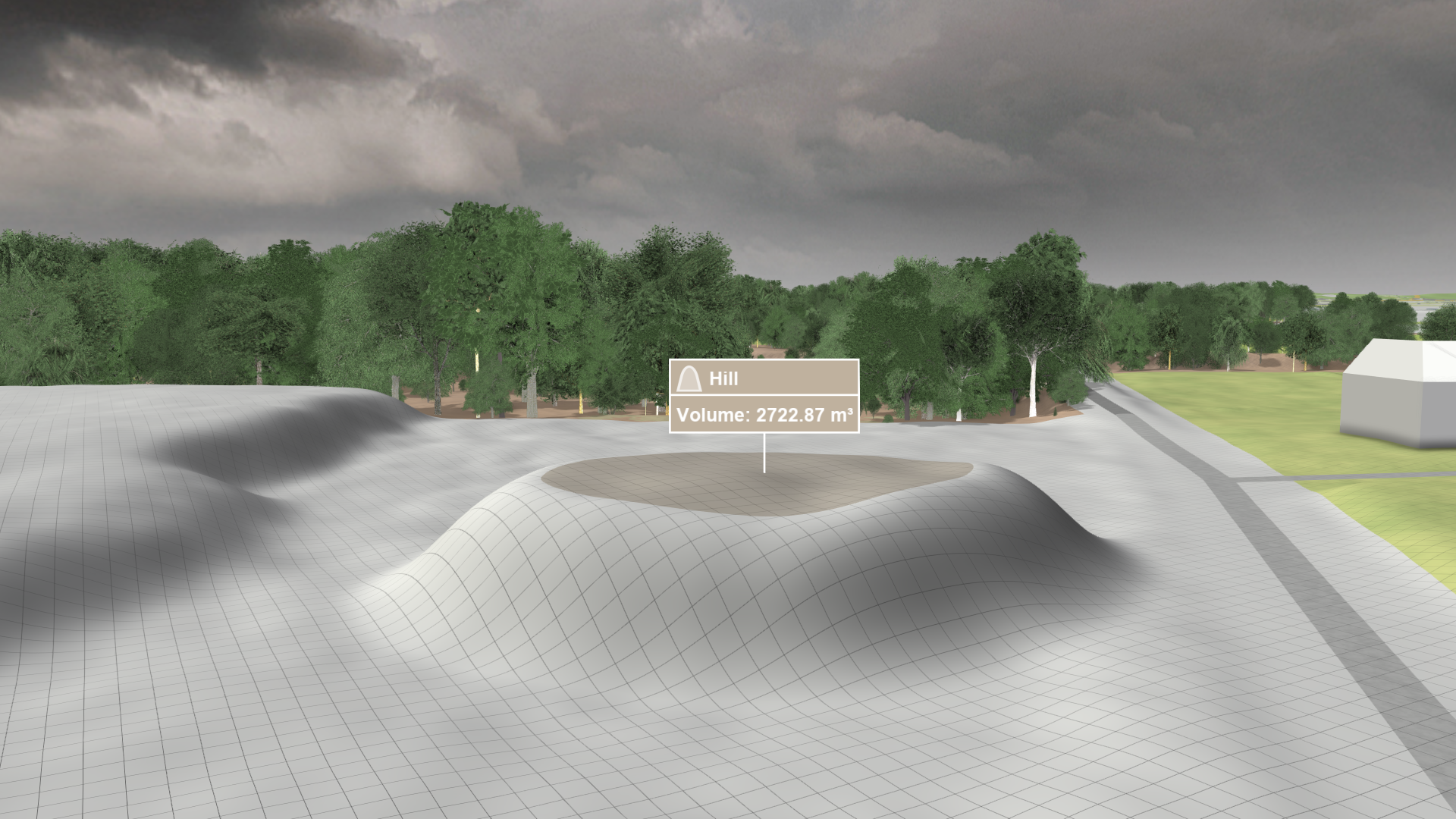
Action Settings
Angle of Slope
This setting can be used to modify the shape of the hill: the higher the value, the steeper the slope.
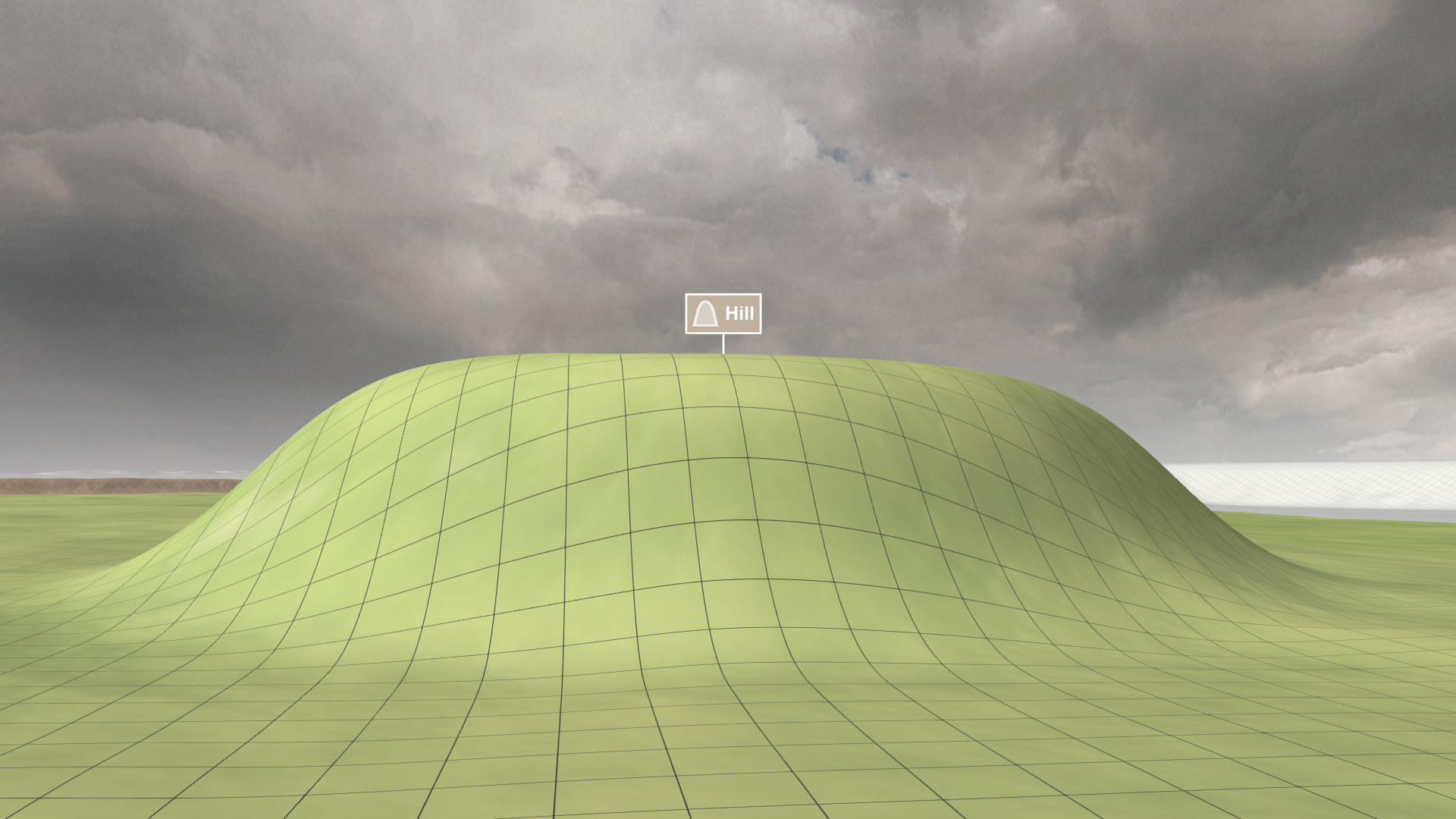
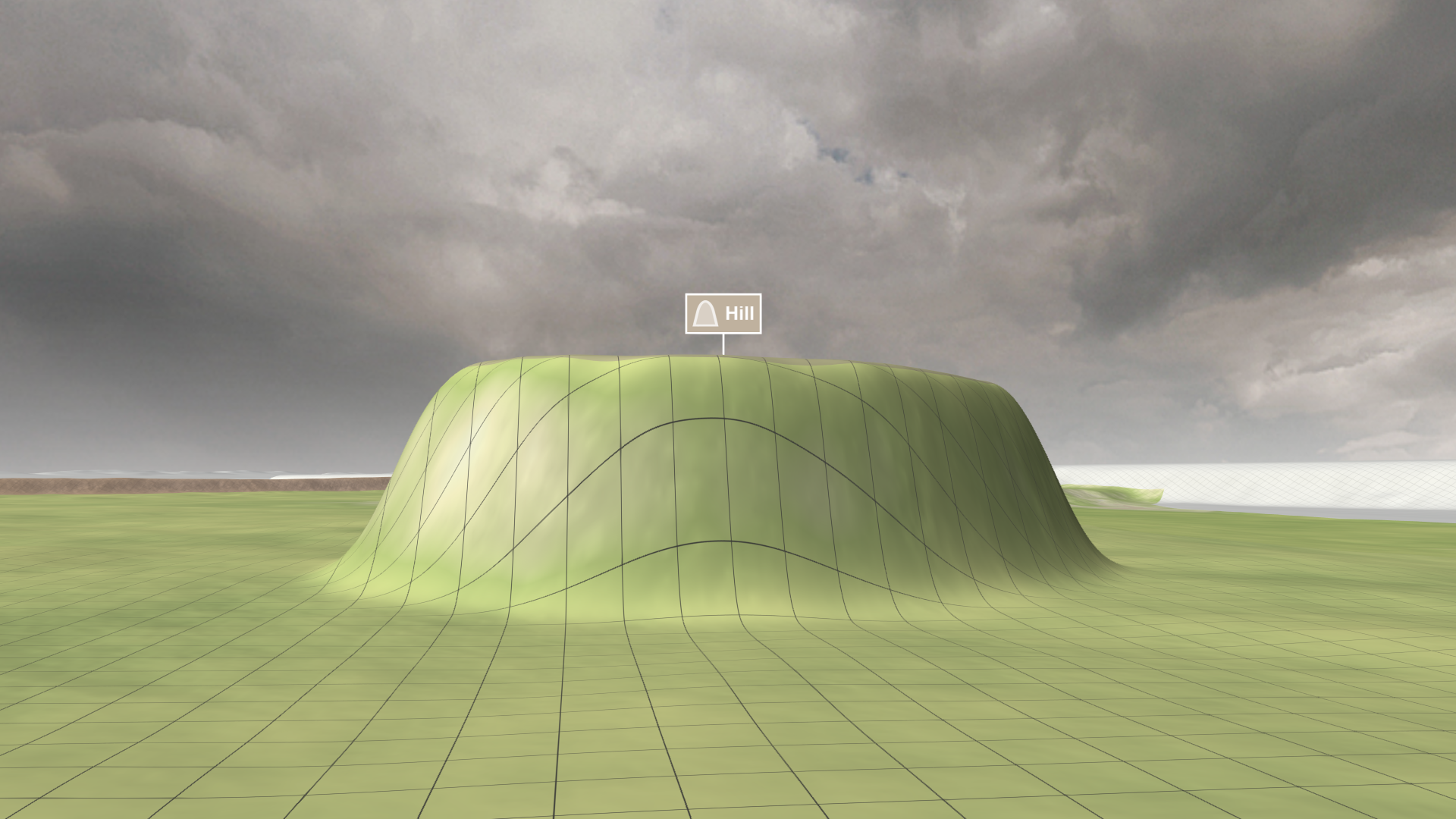
Slope Interpolation
The four interpolation types allow you to define how the height values of the hill and the base elevation are interpolated.
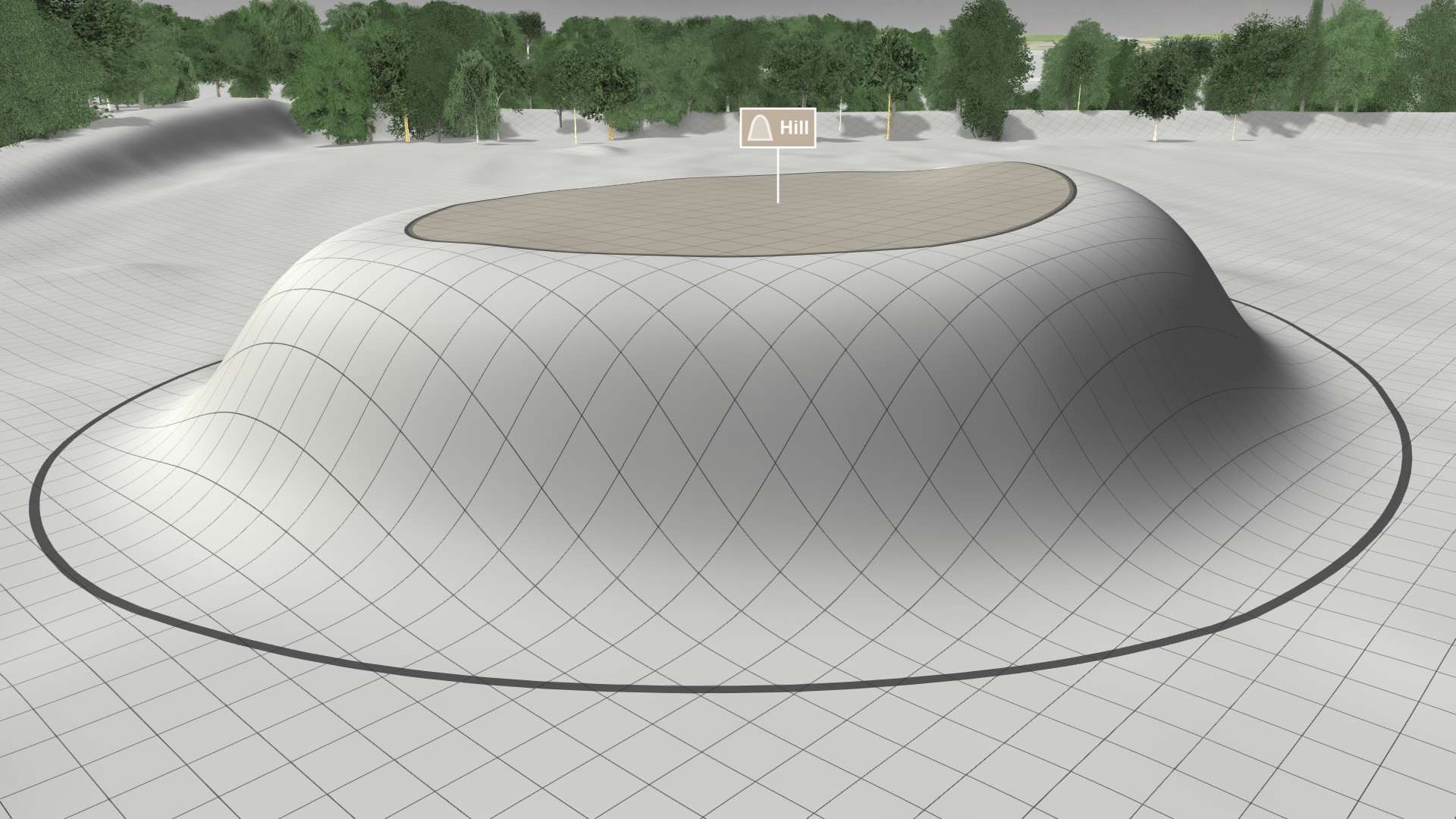
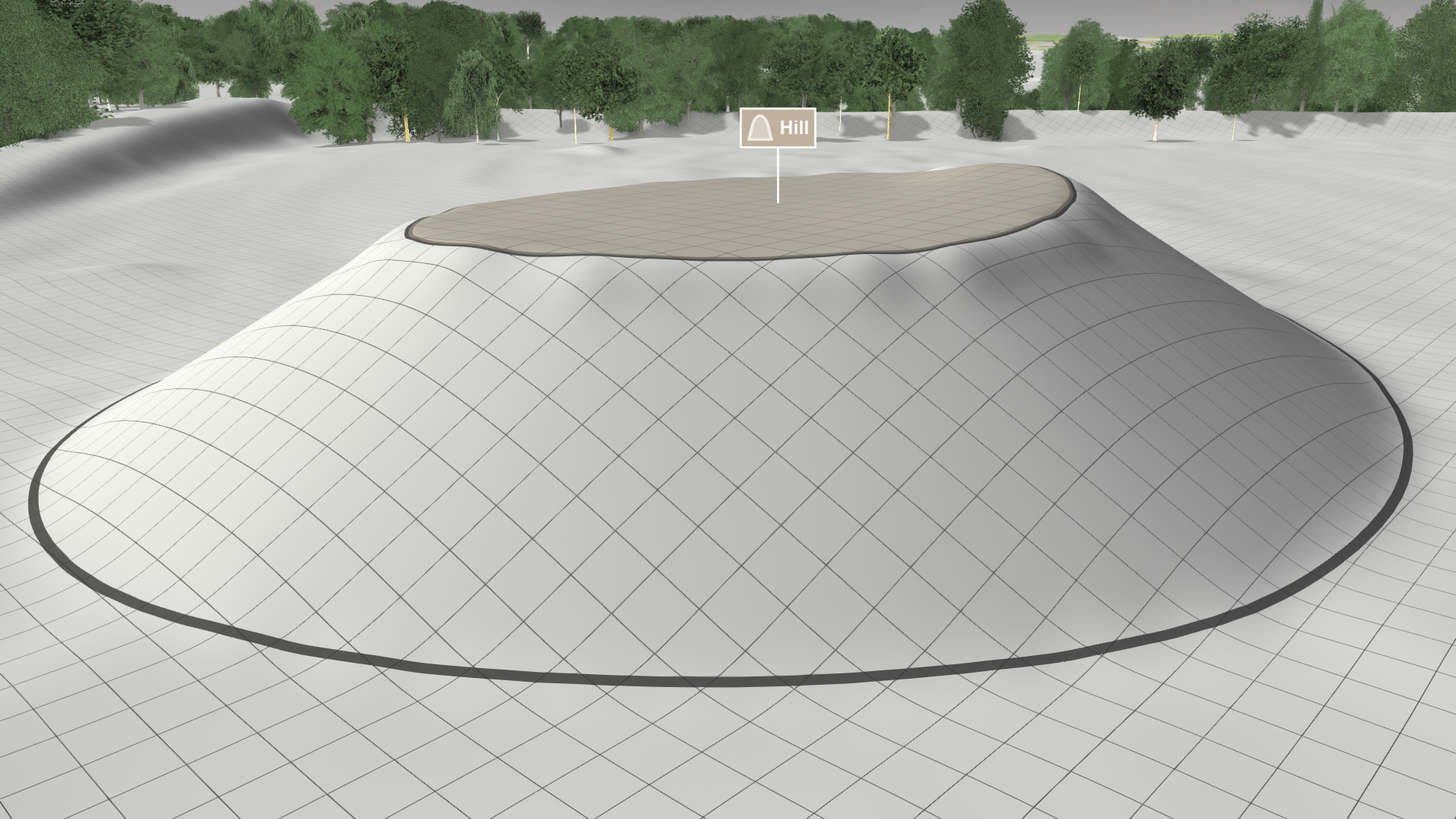
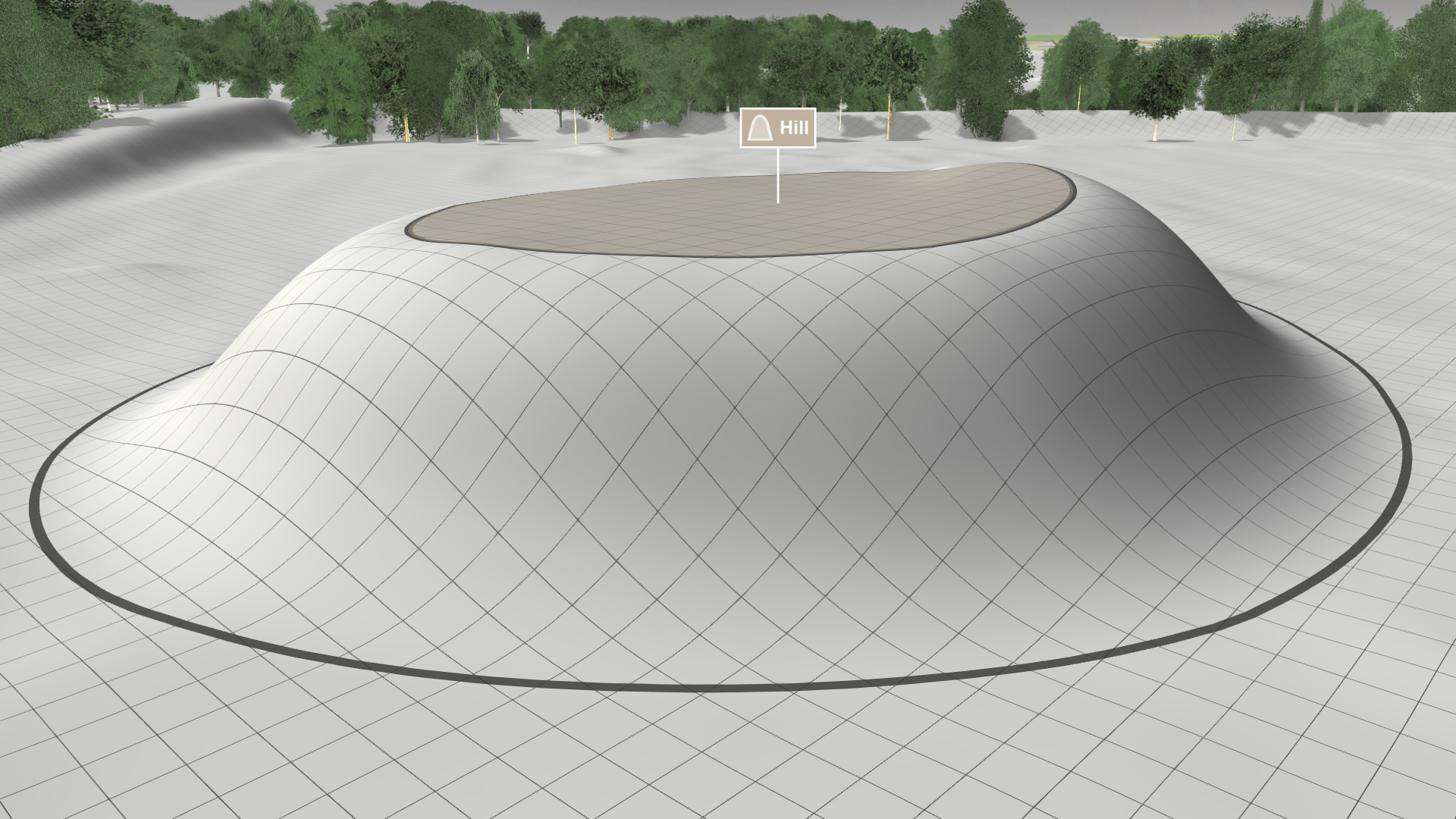
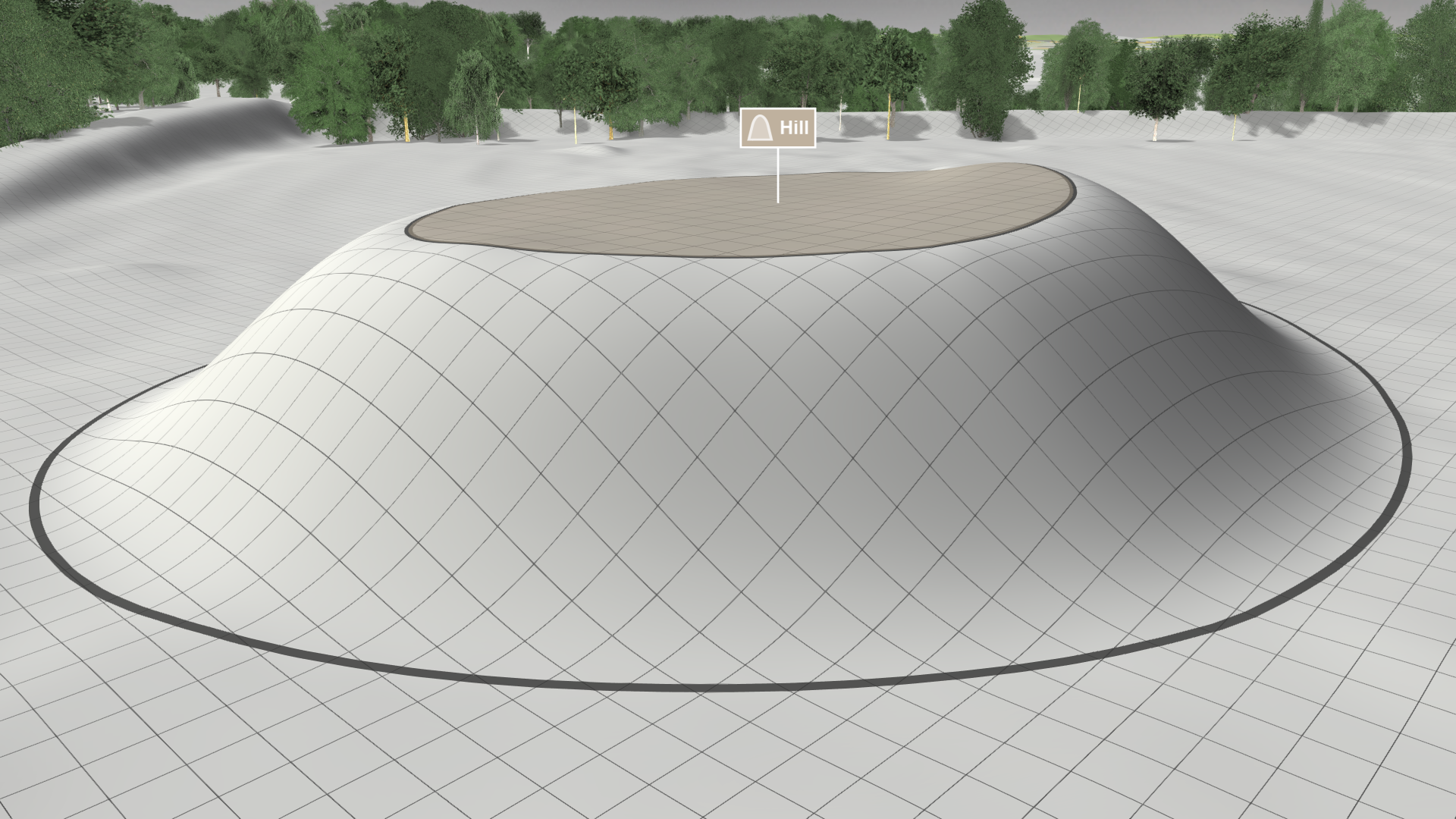
Hint: In the hill's Action Tool Panel you can enable the display of the interpolation area enclosed by two lines with Show Interpolation Lines, as shown in gray above.
Height Determination Mode
A hill's height is defined by a separate setting. The interpretation of this height is determined by one of three available modes:
| Relative to Terrain (default): The base elevation is determined by the underlying terrain, which is equally extended by the height of the hill. | 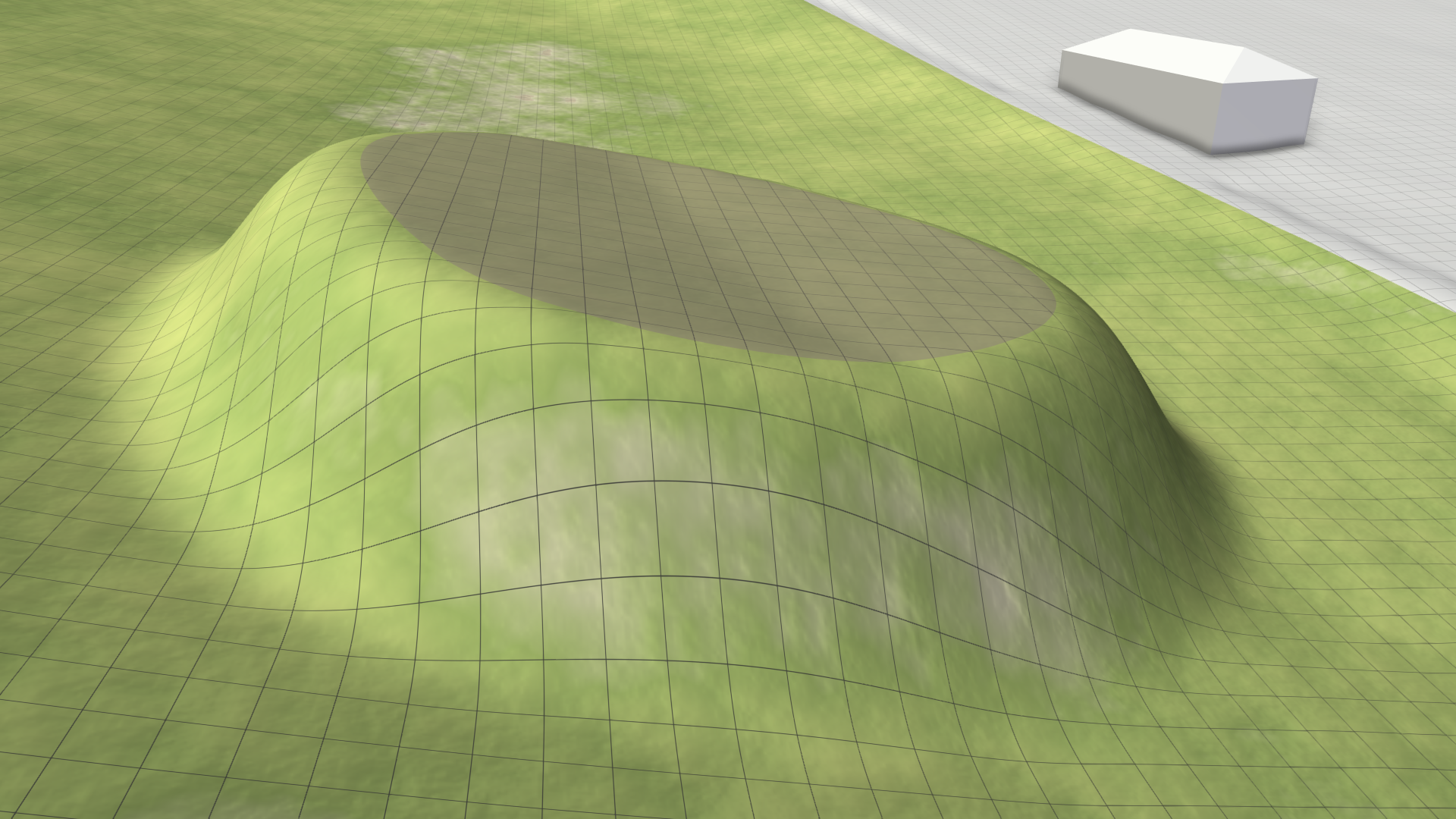 |
|---|---|
| Absolute Elevation: The base elevation is determined by the underlying coordinate system. The terrain is extended by applying the absolute height of the hill. | 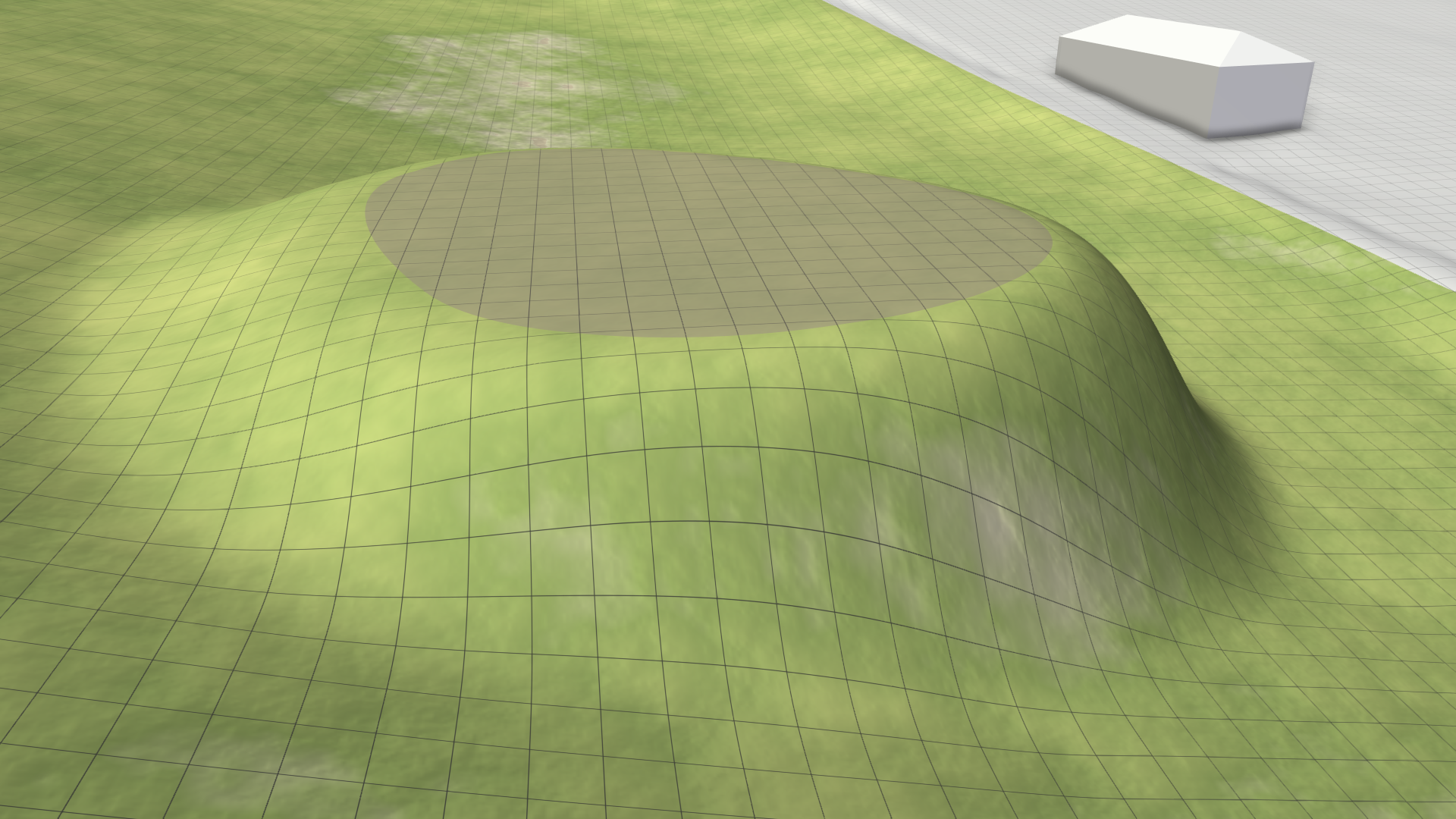 |
| Line Elevation: The height of the hill can be freely modified via blue handles at the control points of its outline in edit mode. | .png) |