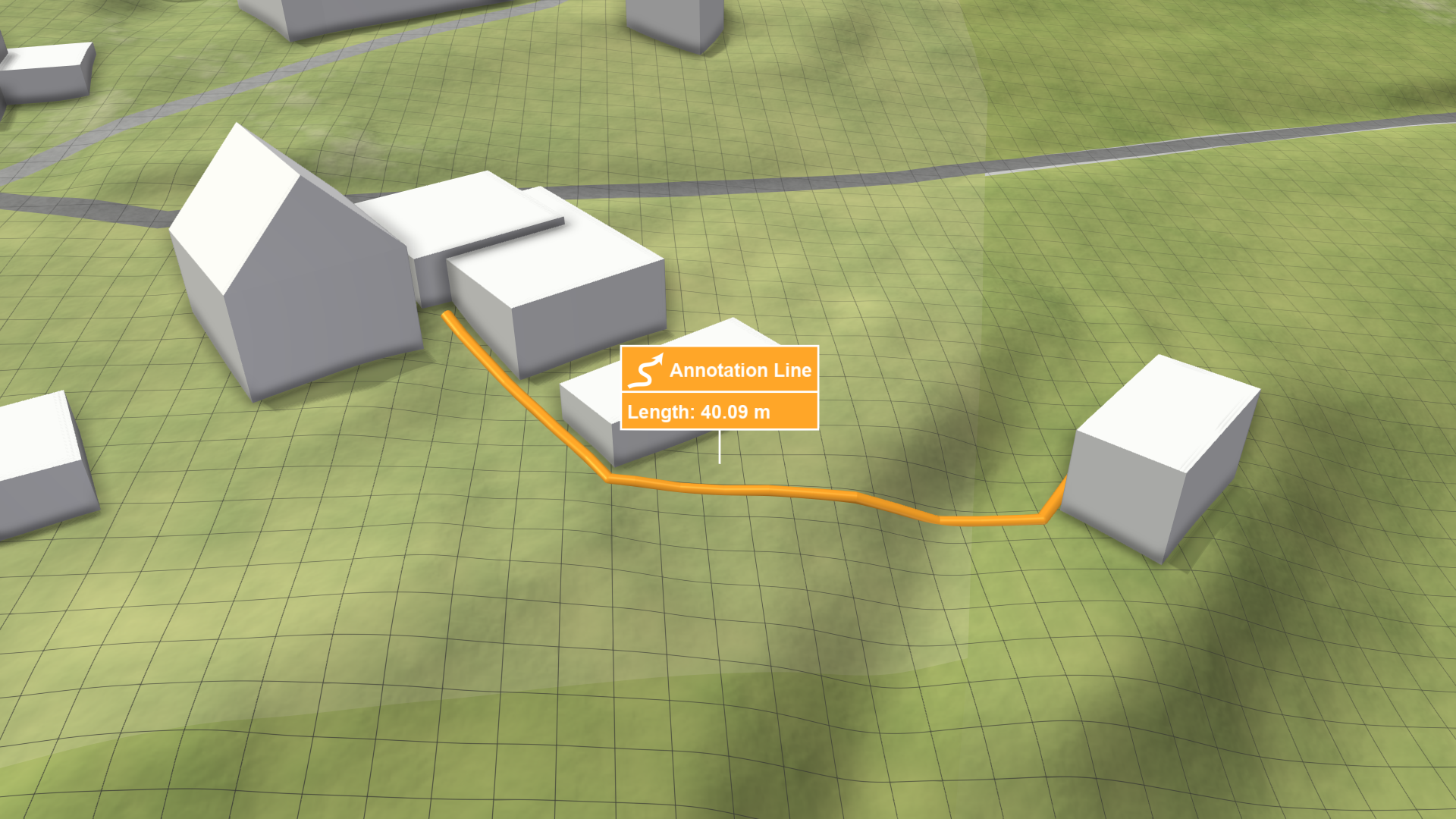
Annotation Line
Creation Mode: Draw Line on Terrain
Purpose and Effect: Allows users to highlight objects of interest within the visualization. In the Action Settings Panel, users can customize the annotation by assigning a name, icon, and visual style. These annotations are displayed with a label that includes the measured length of the line. Optionally, lines can be projected onto the water surface for visibility in flooded areas.