
Sewer Node Inflow
Creation Mode: Assign to Junction or Storage Node
Purpose and Effect: Allows users to create customized inflow discharges for individual storage or junction nodes within a sewer network. This enables the investigation of local effects of specific inflows. Users can set known or measured inflows as constant discharges or import them from CSV files.
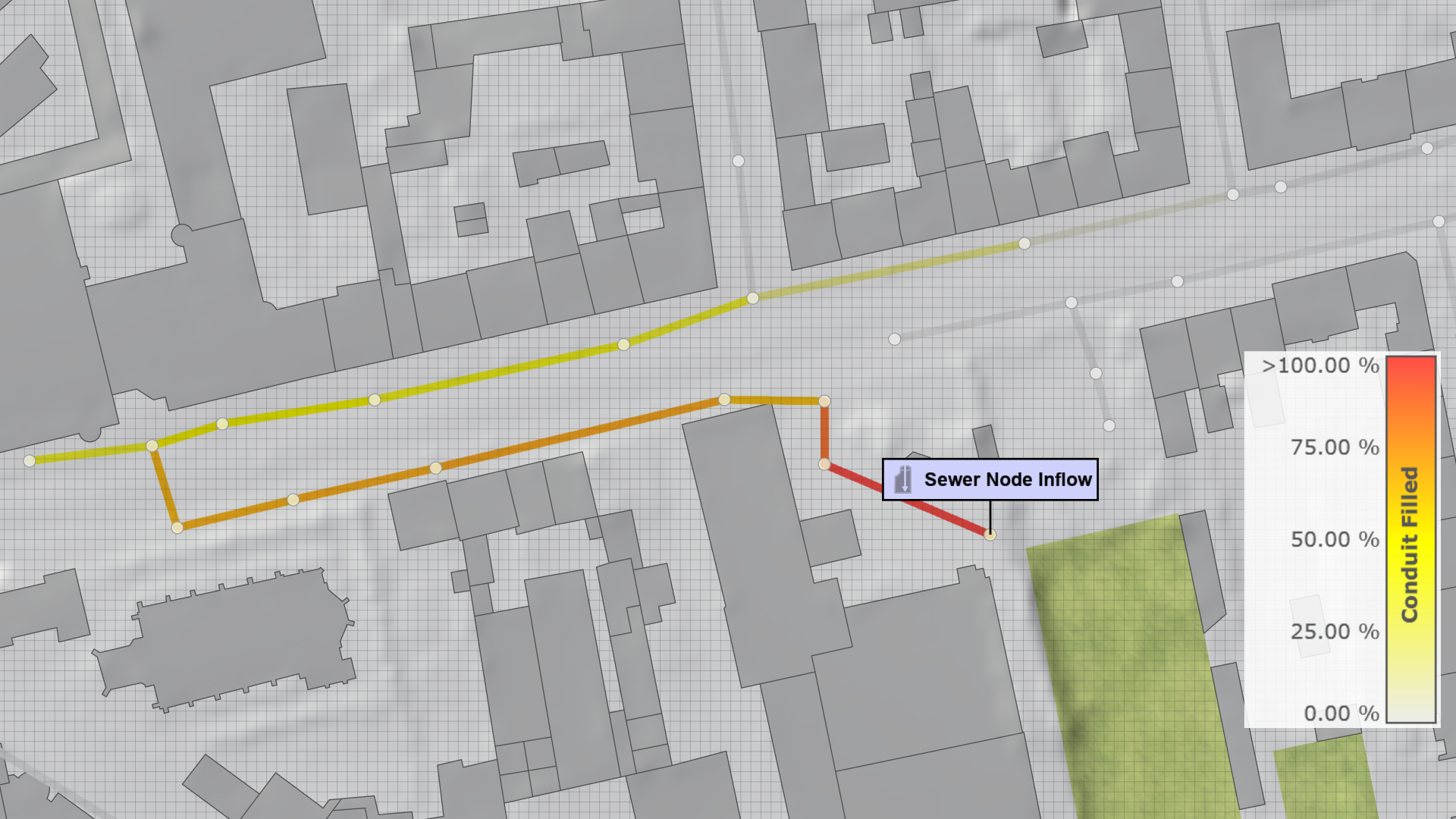
The Visual Preset 3D Meshes of the Sewers category can also be used to inspect the effects of this action on the sewer network from above and below the terrain.
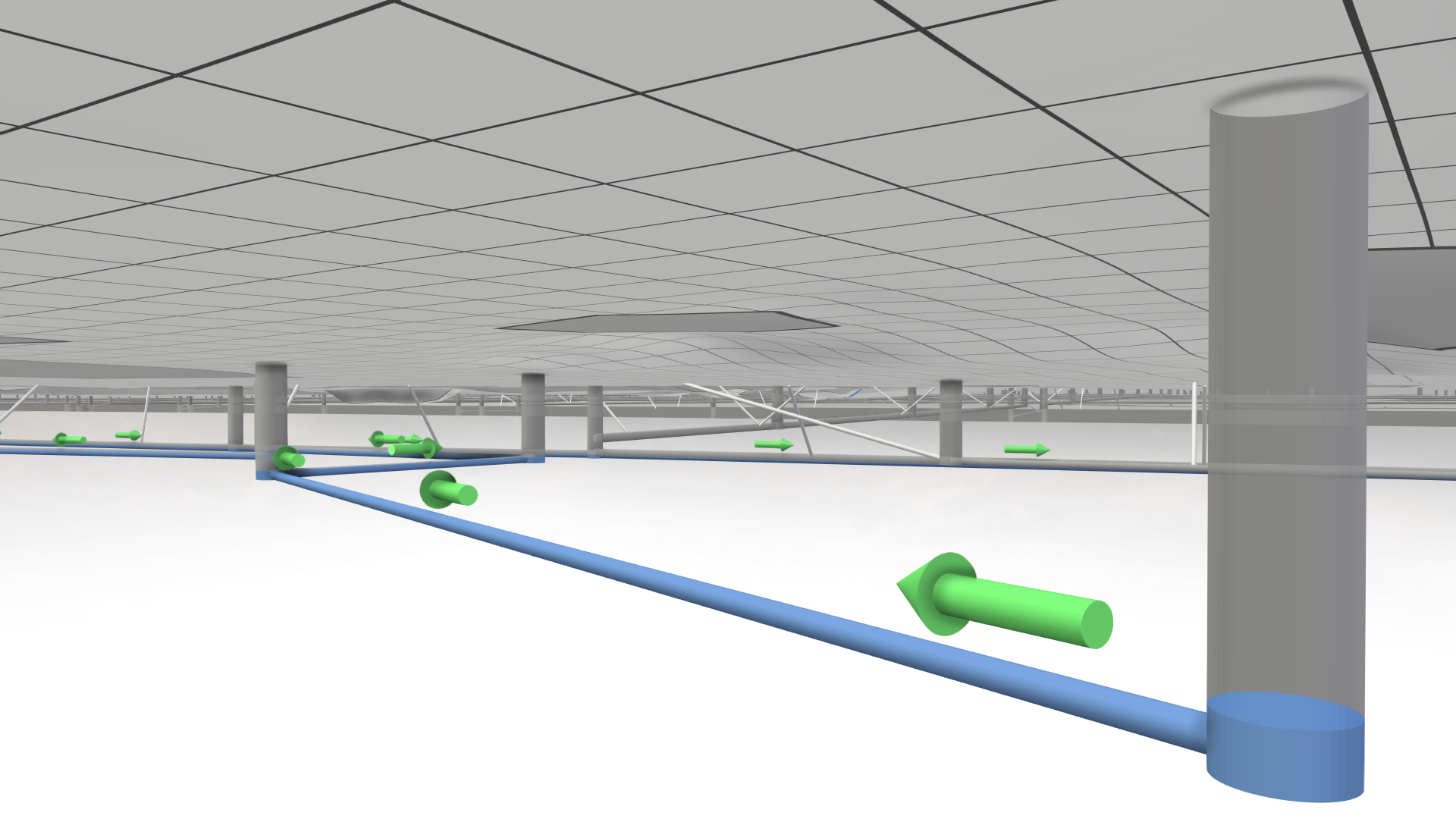
Hint To ensure proper functionality of this action, the sewer network simulation must be enabled, and the total node inflow capacity must be set sufficiently high to accommodate all specified inflows. Both settings can be found in the Sewers: Simulation Model category in the Simulation Settings Panel.
Action Settings
Mode
This action enables the specification of a constant discharge over a defined time interval or the import of a discharge curve as a time series from a CSV file. The CSV file must be formatted as follows:
Time<double>[s];Discharge<double>[l/s]
0;15
600;25
1800;10
...