Roof Inspection
Creation Mode: Assign to Roof
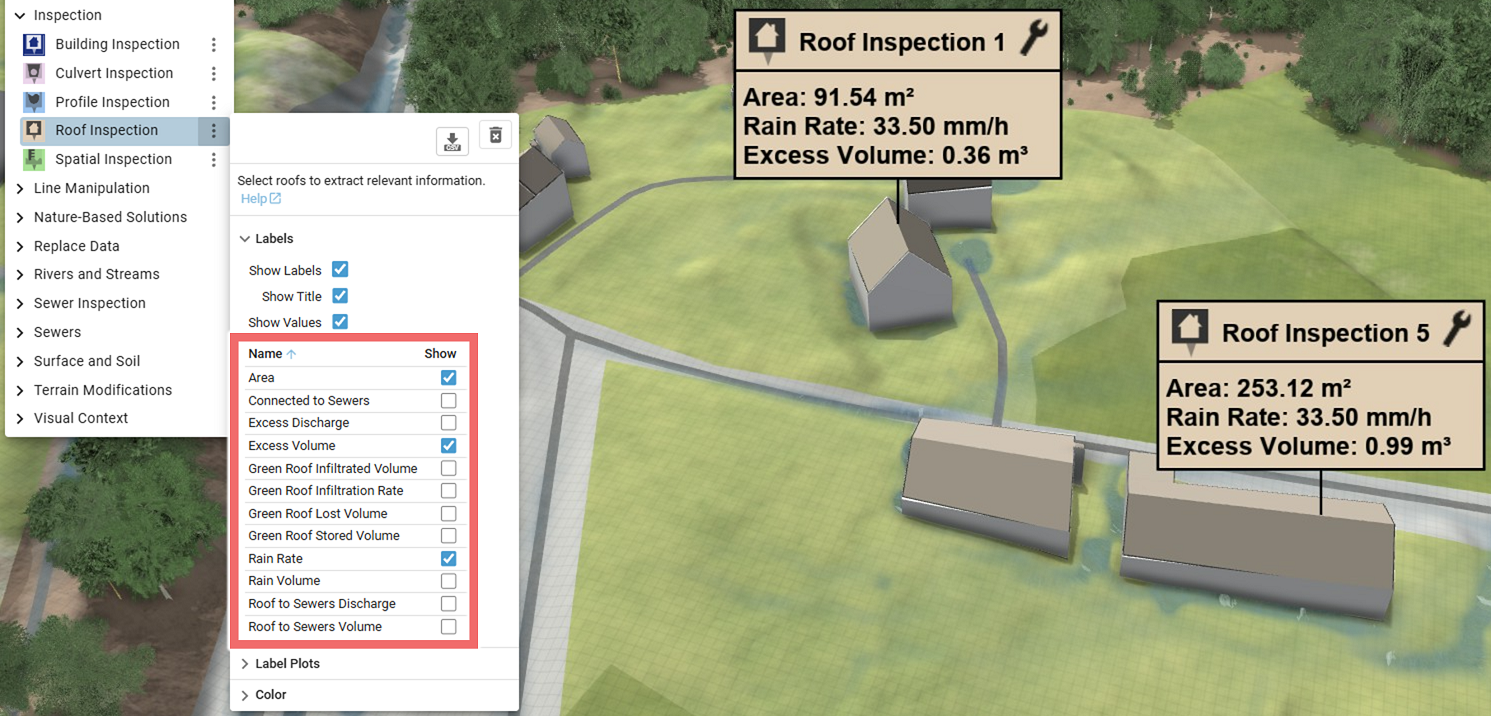
Purpose and Effect: This action can be used to extract information about roofs. The Action Tool Panel contains a table that lists all available display options, such as the excess volume, which is shown by default. Water volumes related to Green Roofs are available if the Green Roof action was previously applied to the roof.
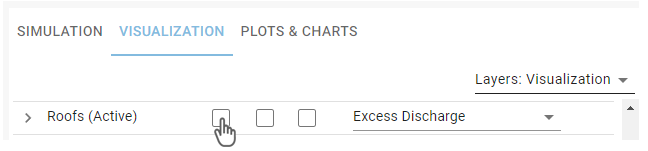
Activate Roofs
This action is not assignable to the default building roofs. The assignable roofs have to be activated in the Visualization Settings Panely where you can select the attribute to be mapped to the roof color. The displayed roofs can come from different sources, as described in the advanced setup of Roofs.
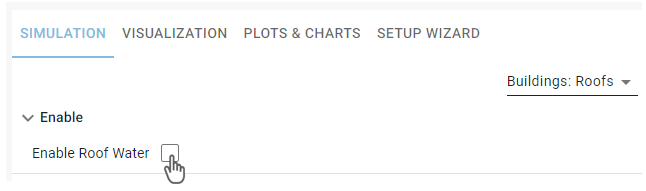
Activate Roof Water
In order to compute the roof's access volume and discharge, the roof water simulation has to be enabled in the Simulation Settings Panel under Buildings: Roofs.
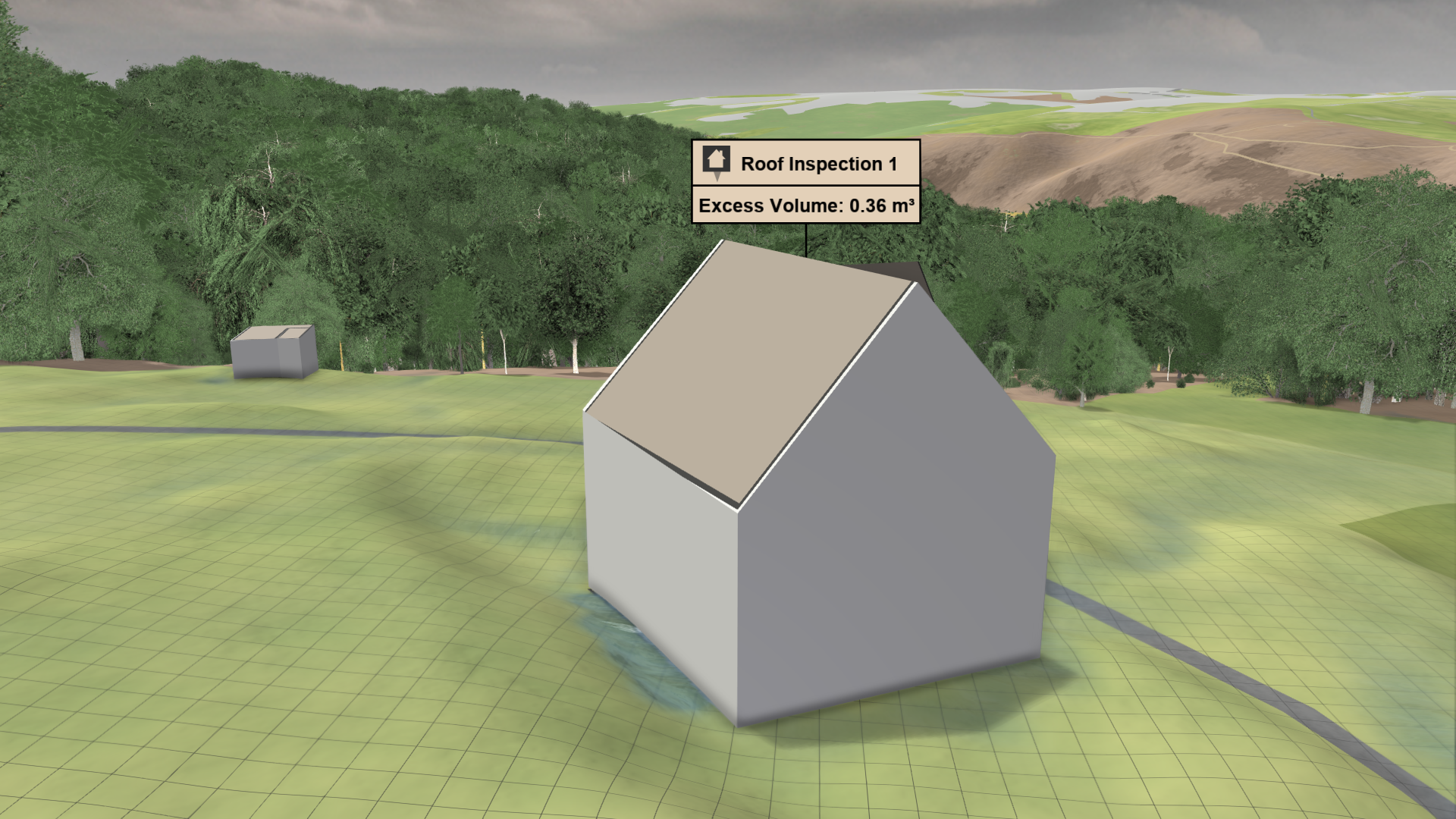
Inspection Label
A label displaying the inspected data values for the roof can be shown. The data to inspect can be selected in the Labels section of the Action Tool Panel.