
Water Filling
Creation Mode: Select Point on Terrain
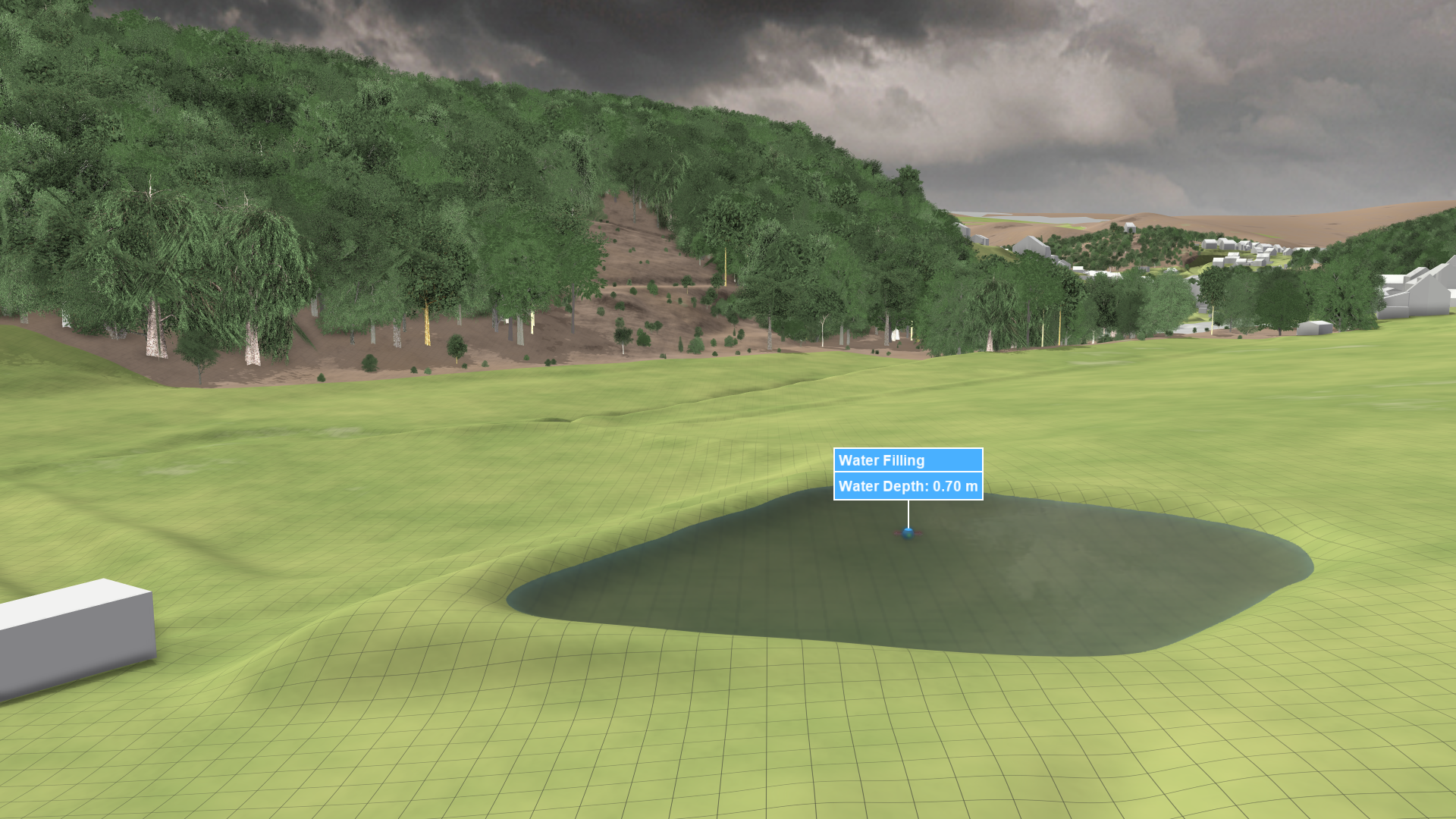
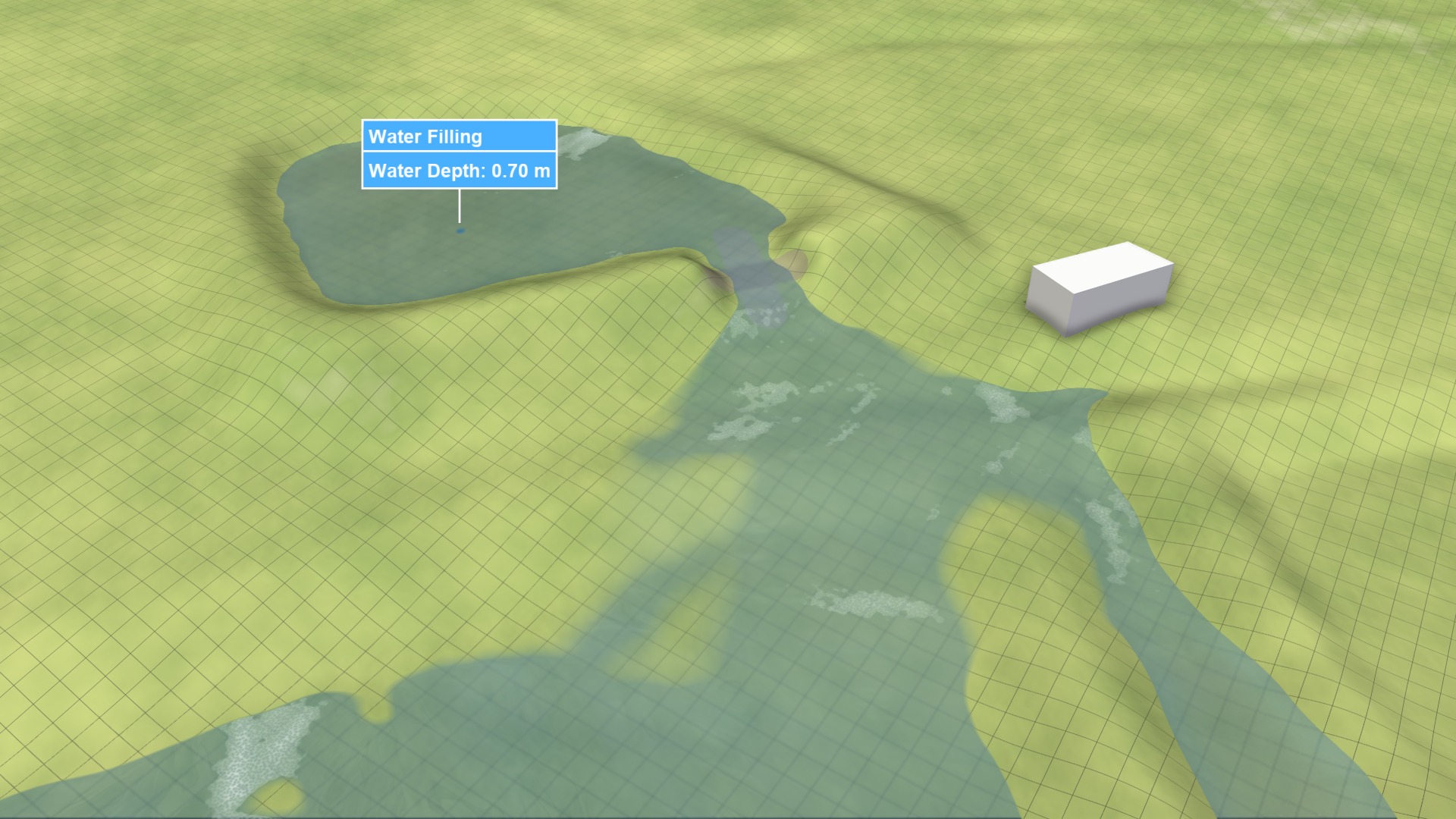
Purpose and Effect: The Water Filling action is designed to fill up basins with water, acting as the initial state for the simulation. It utilizes a water-filling algorithm to propagate user-defined water depth from the selected location to neighboring cells. The water-filling algorithm intelligently stops at walls, invalid cells, and higher terrain elevations, while also respecting any user-made modifications in this regard.
Usage for Dike Break Simulations
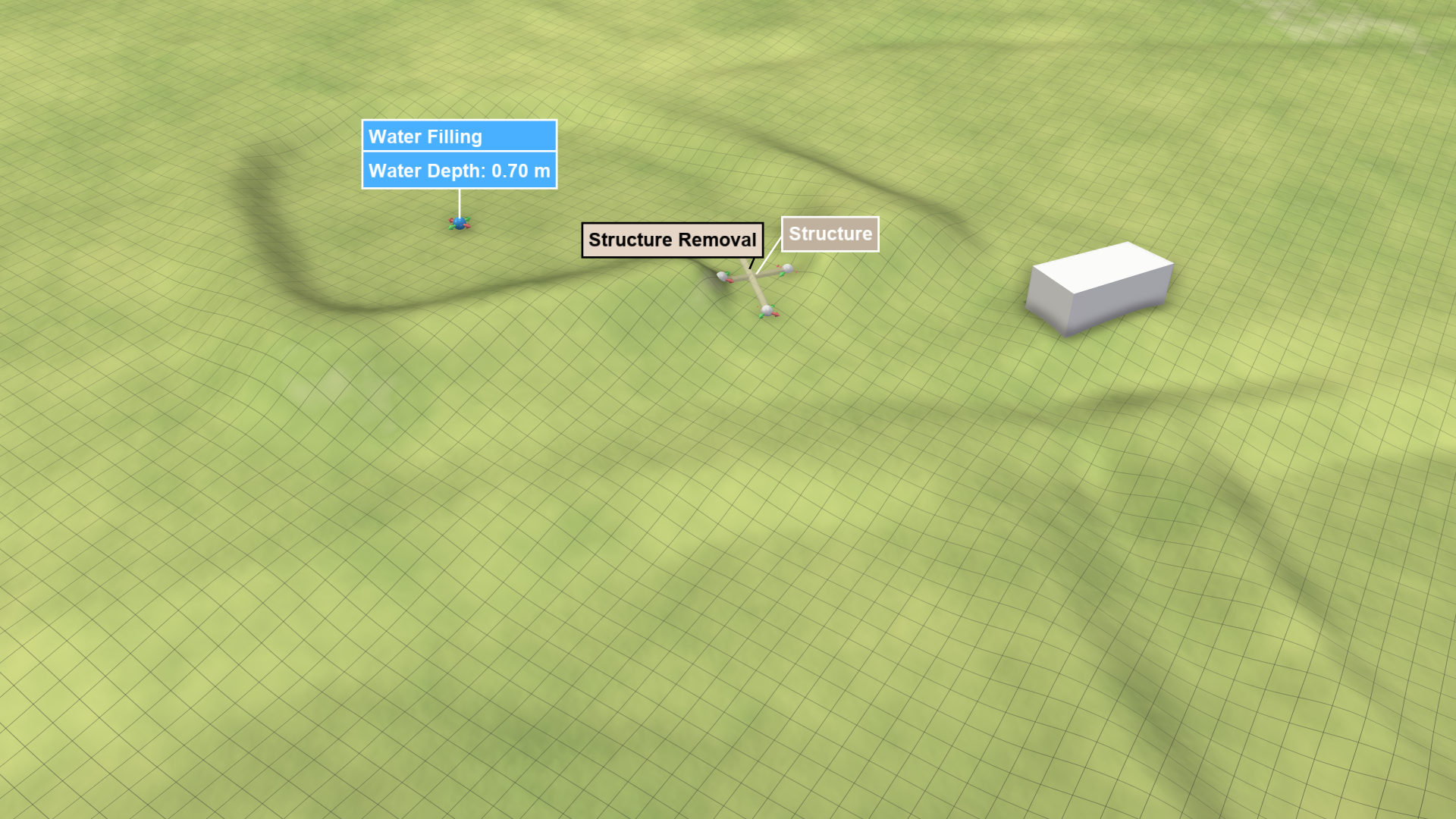
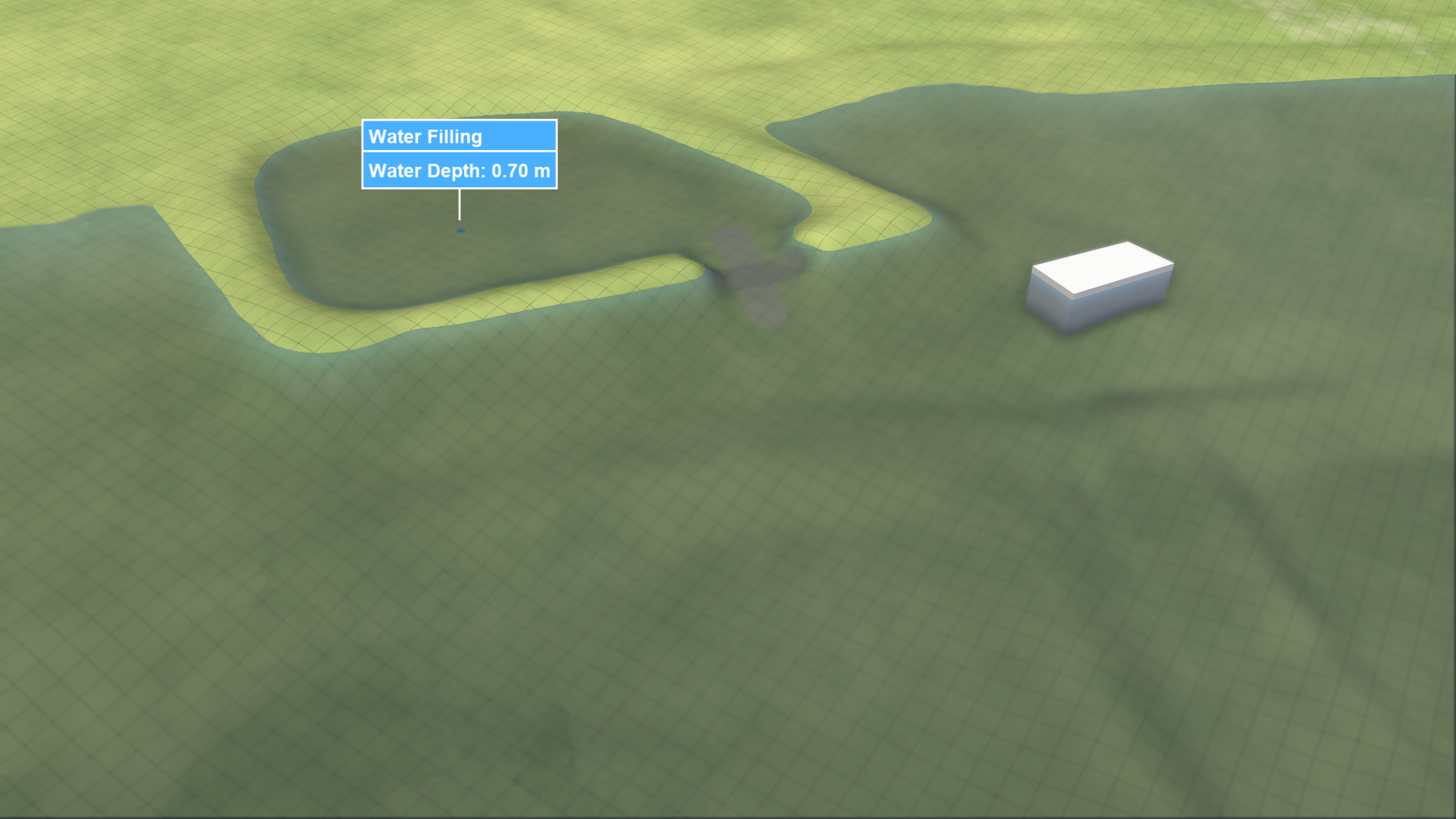
In dike break simulations, consider the following example where parts of the dike surrounding a pond are removed using a Structure Removal action. The water-filling algorithm adapts to terrain modifications, immediately generating water outside the pond.
| Structure Removal at Time 0 | Accounted for in Flood Fill |
|---|---|
 |
 |
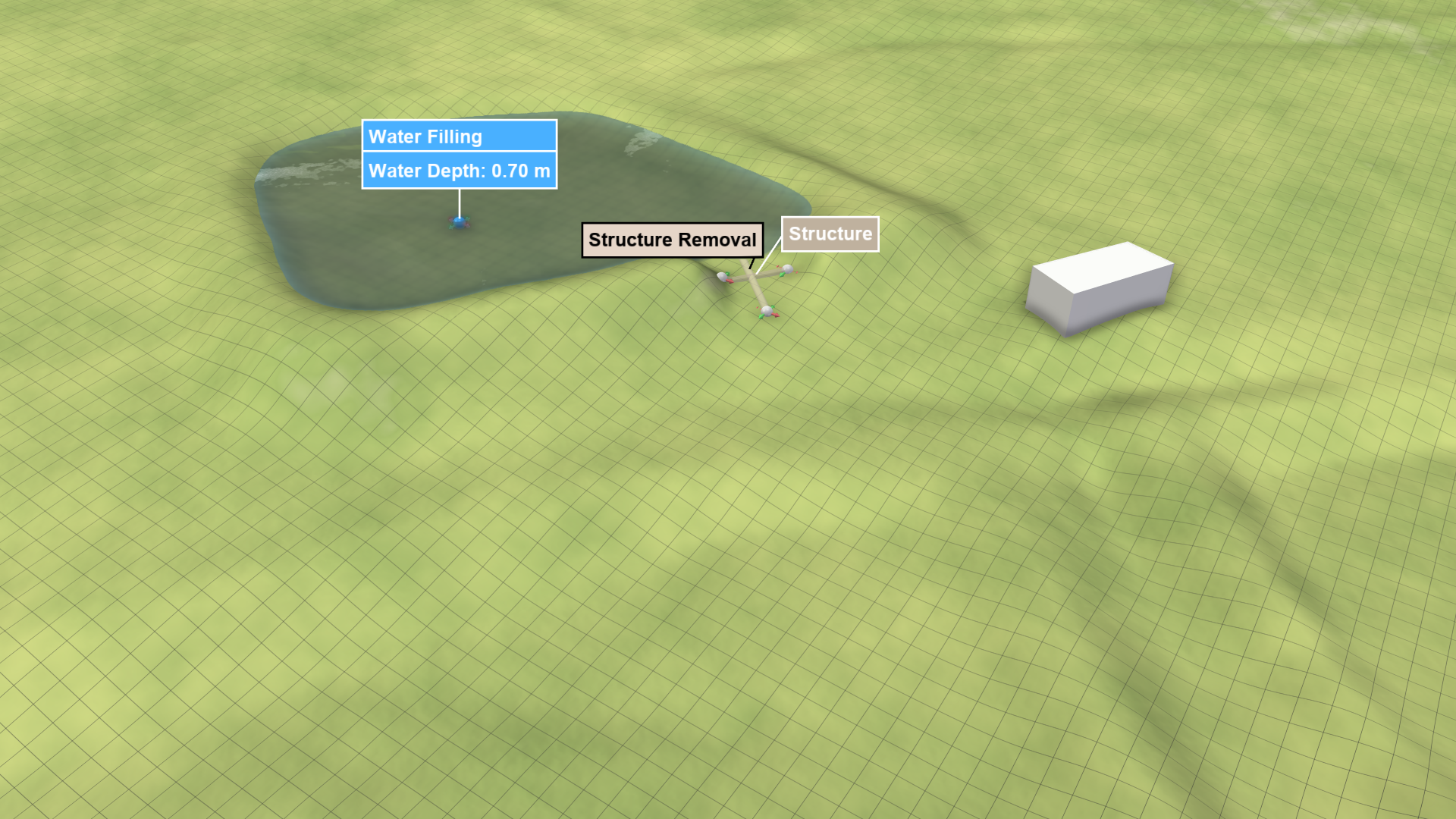
If you aim to model a dike break, introduce the terrain modification at a time step other than 0. Create a new scenario branching from the scenario that introduces the water filling action. The start time of the new scenario must be greater than 0, and the terrain modification actions should be applied accordingly.
| Structure Removal at Time > 0 | Not accounted for in Flood Fill but in Simulation |
|---|---|
 |
 |