
Sewer Orifice Inspection
Creation Mode: Assign to Sewer Orifice (not allowed on scenarios with start time > 0)
Purpose and Effect: This action allows you to extract discharge information of a sewer orifice. An orifice regulates the flow of water between two points in a sewer network. It is an opening through which water can pass from one Node to another, or from a Storage facility to a Conduit.
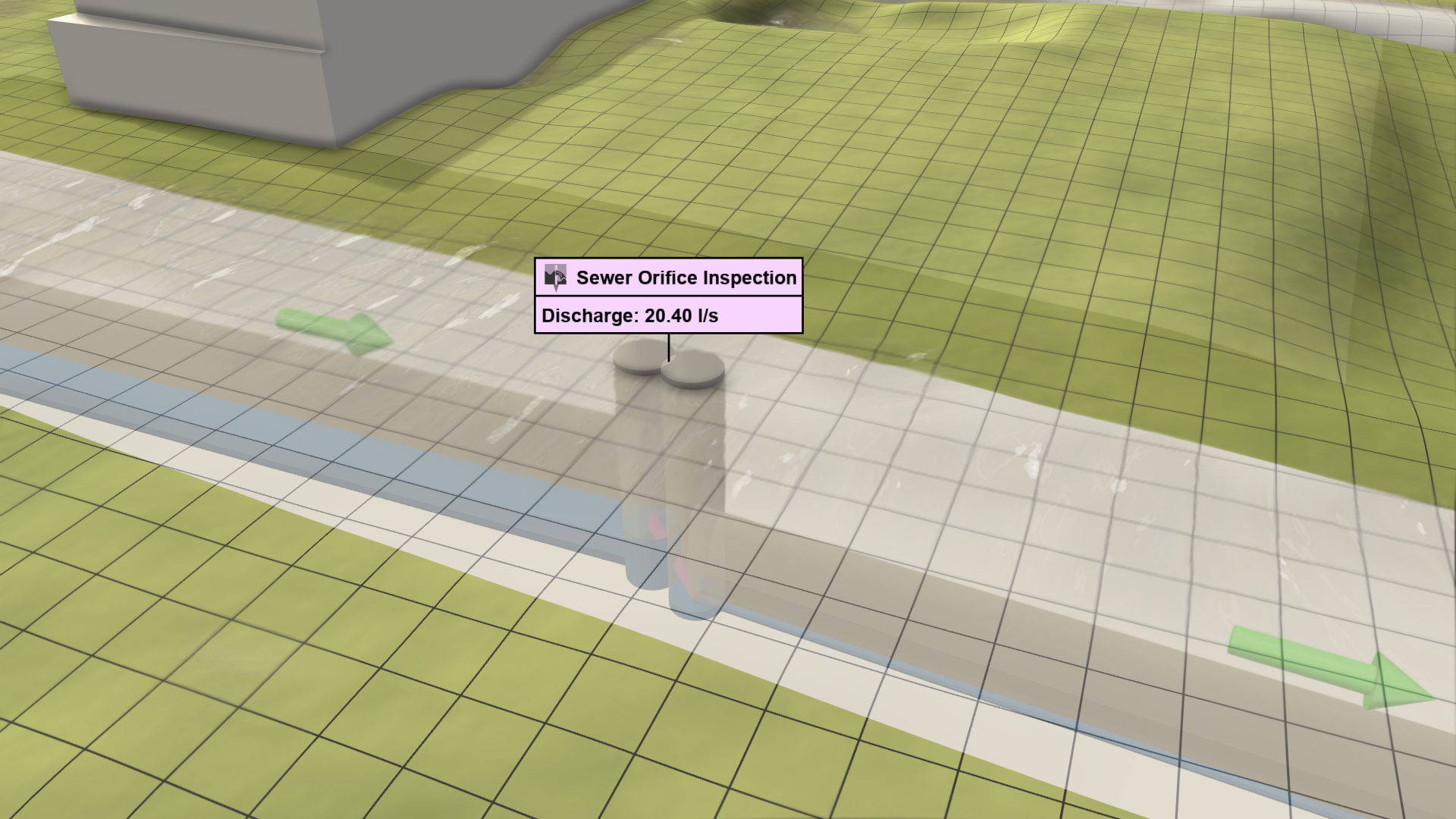
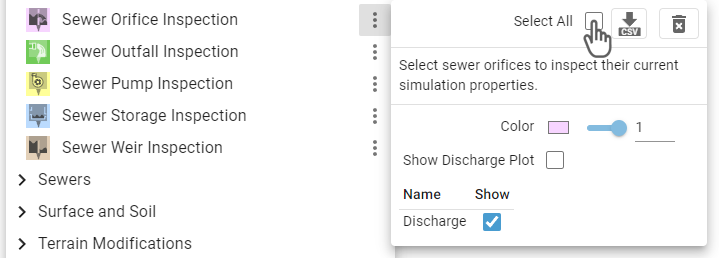
Hint: The Action Tool Panel provides the option to select all orifices for inspection, which can be used for finding their locations in a large sewer network.
Effect of an Orifice
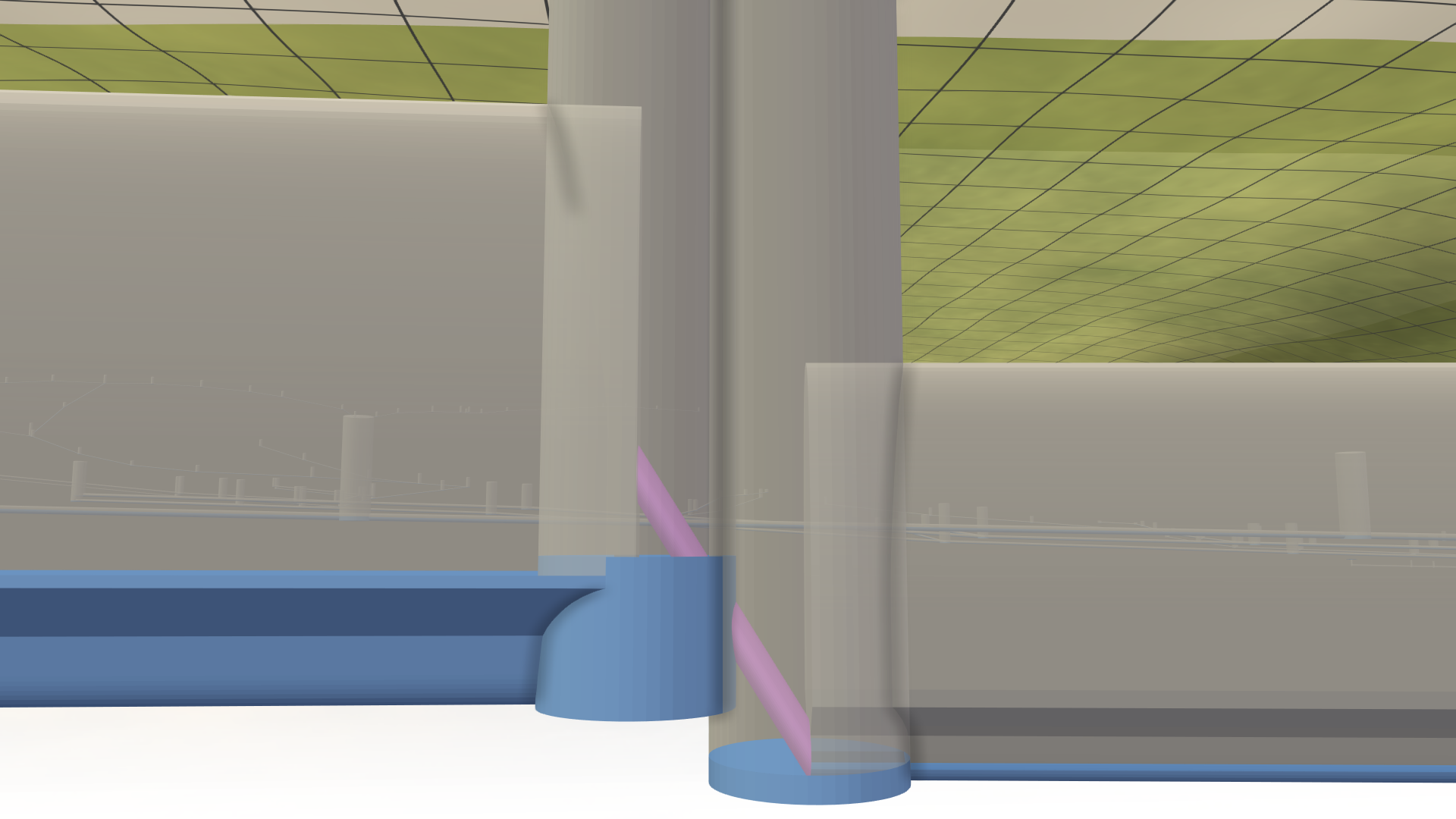 The water does not reach the higher opening of the sewer orifice (purple pipe).
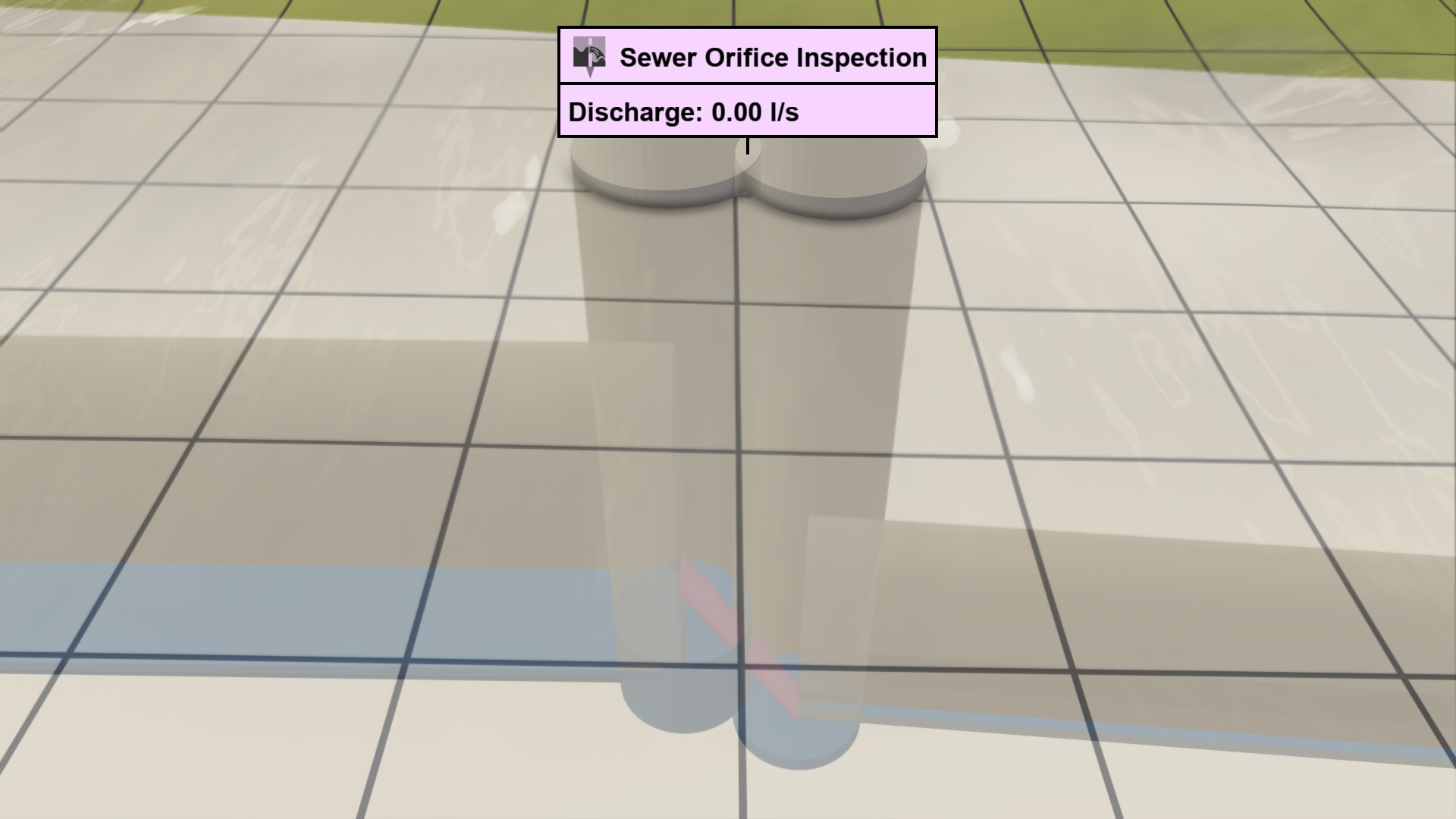 There is no discharge through the sewer orifice, which is shown by the inspection label.
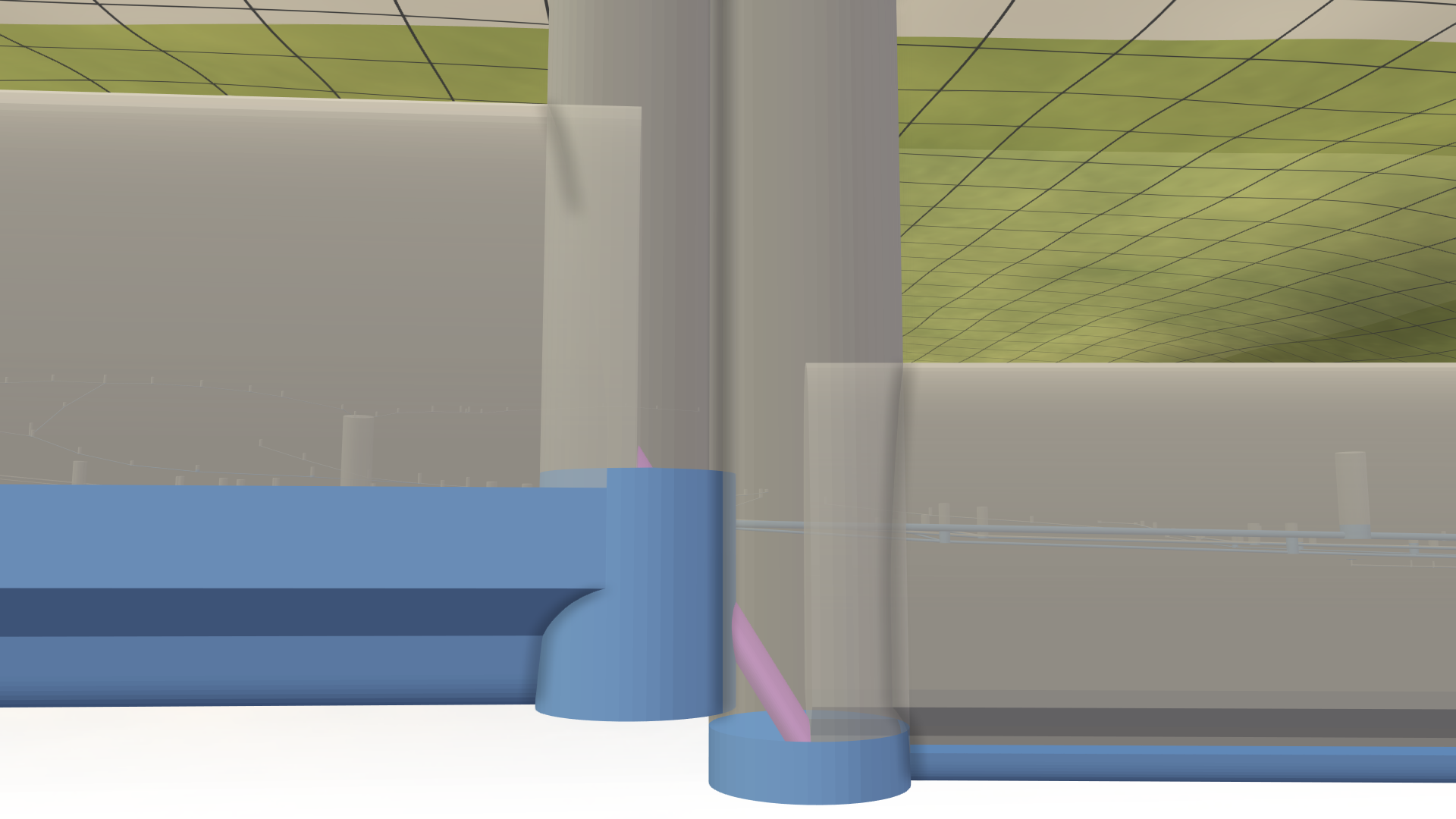 The water reaches the higher opening of the sewer orifice (purple pipe).
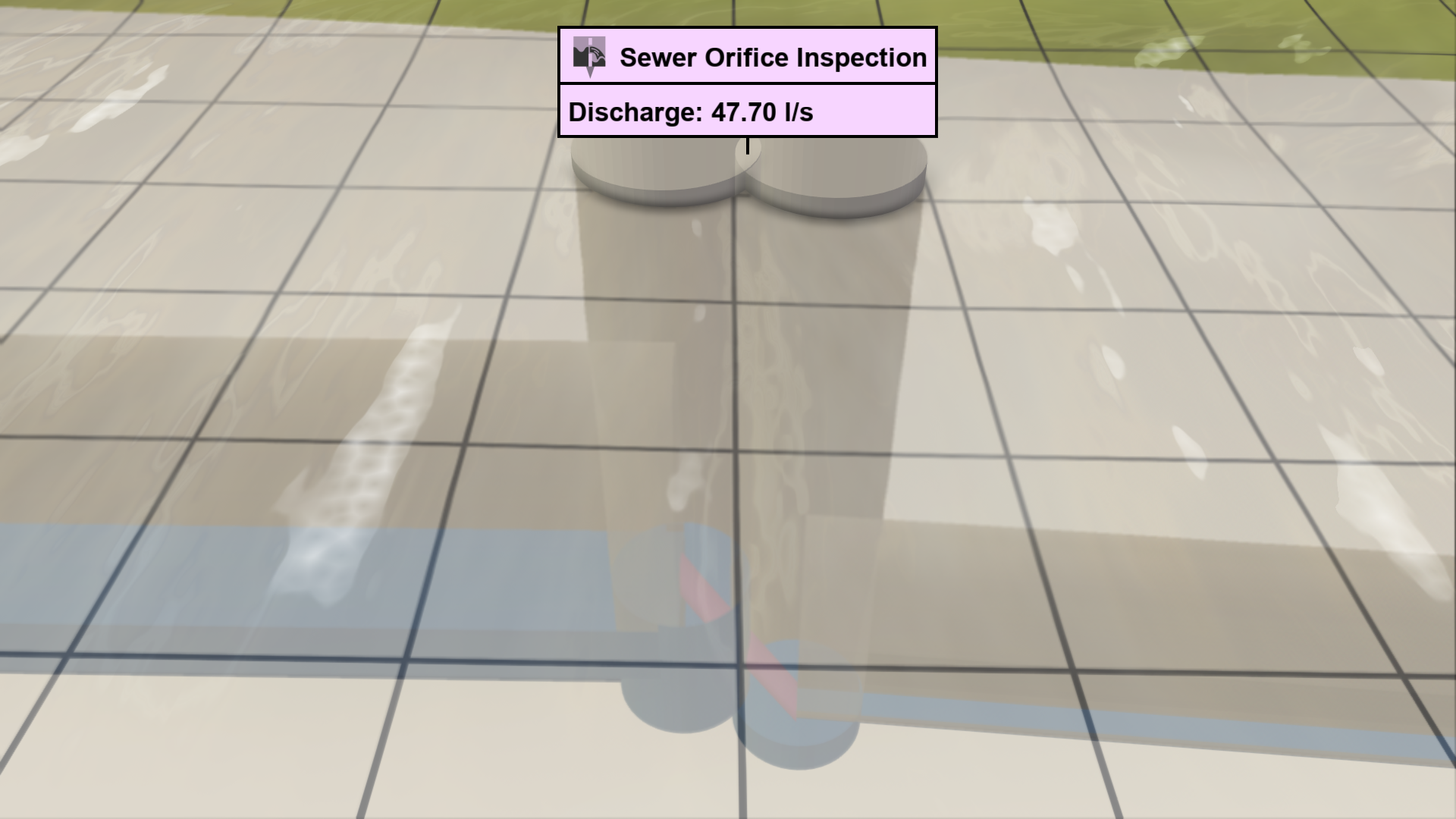 There is now discharge through the sewer orifice, which is shown by the inspection label.
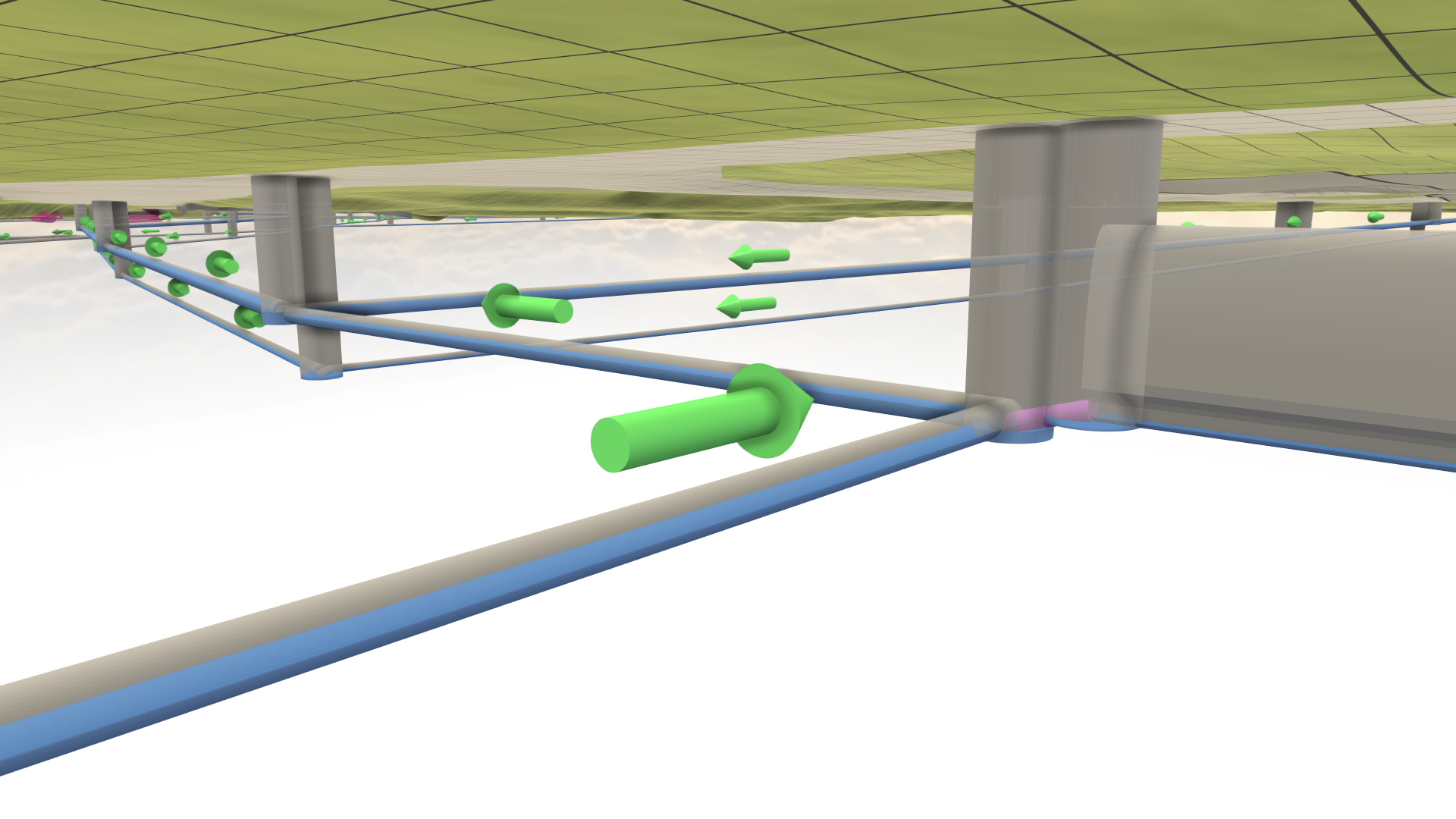
Hint: There are different Visual Presets available in the Sewers category for the display of the sewer network. The visual preset Sewers: 3D Meshes allows you to navigate under the terrain to get a clear view of the network.